


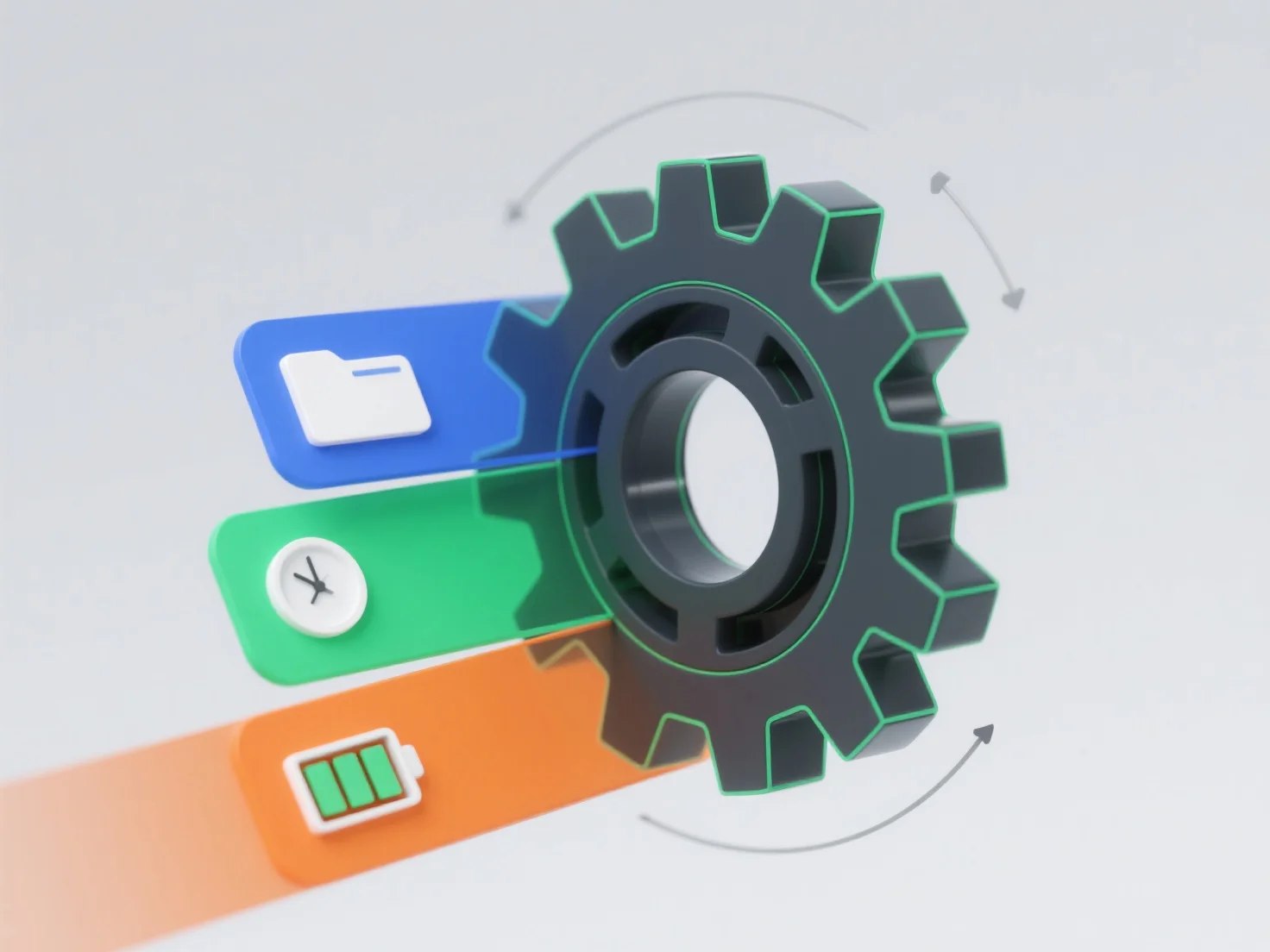
Le choix du format de fichier 3D a un impact direct sur l'efficacité du flux de travail en influençant la compatibilité des données, la vitesse de traitement et la flexibilité d'édition entre les outils.
- **Compatibilité des données** : Les formats incompatibles nécessitent souvent des conversions fastidieuses, ce qui retarde la progression du projet. - **Vitesse de traitement** : Les formats légers tels que STL/OBJ accélèrent le stockage/le transfert, mais manquent de données complexes (textures, animations), tandis que les formats plus riches (FBX/USD) préservent les détails, mais peuvent ralentir le chargement. - **Flexibilité d'édition** : Les formats denses ou propriétaires peuvent restreindre les ajustements en temps réel, réduisant la productivité dans la modélisation, le rendu ou l'impression 3D.
Globalement, aligner le format sur les priorités du flux de travail - vitesse, richesse des données ou compatibilité des outils - minimise les perturbations et augmente l'efficacité.