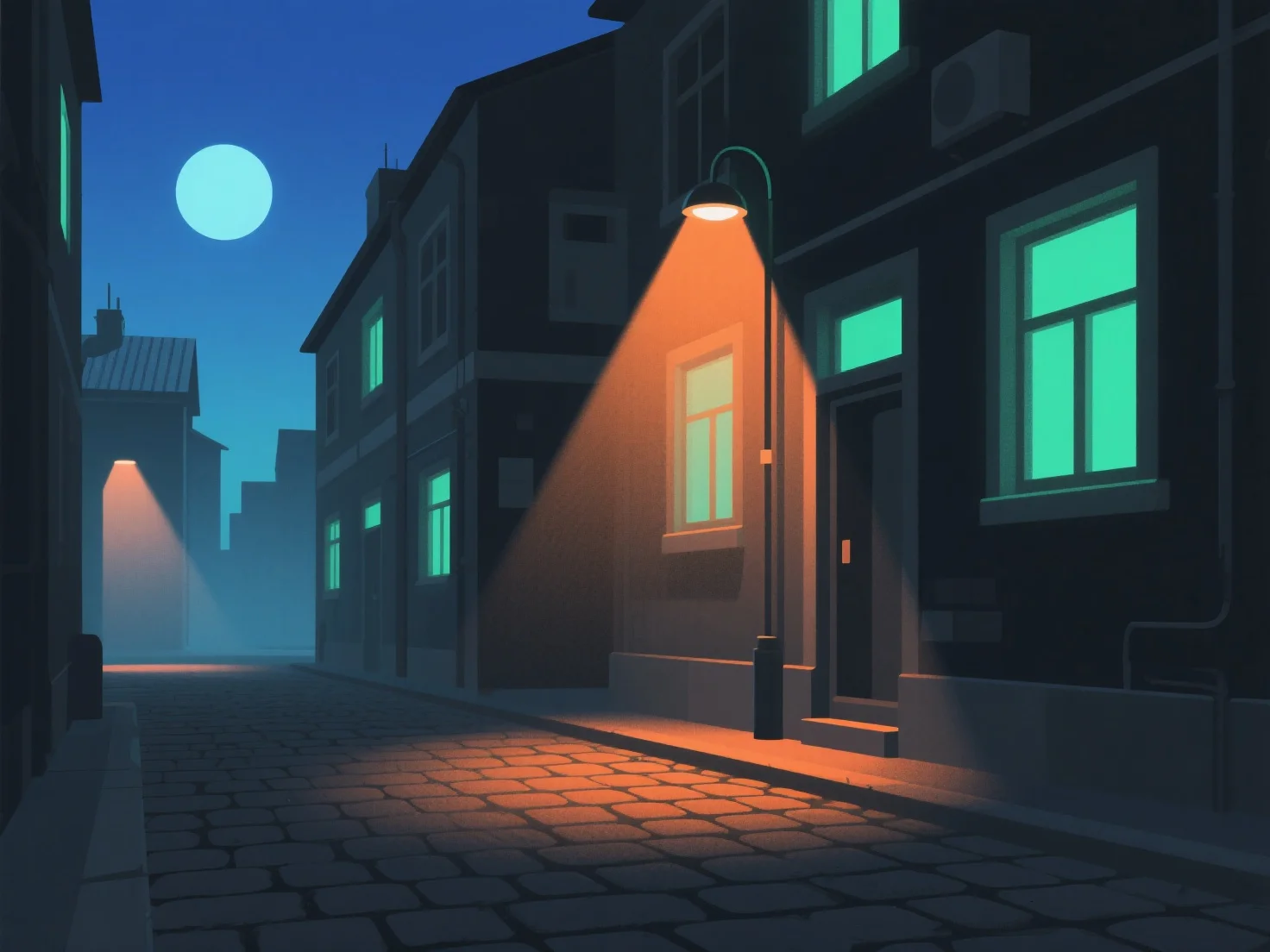
Pour créer un éclairage réaliste pour les scènes nocturnes dans les modèles 3D, simulez les sources de lumière nocturne naturelles et artificielles en ajustant l'intensité, la température des couleurs et la douceur des ombres, en reflétant le comportement de la lumière dans le monde réel. Utilisez une lumière ambiante de faible intensité pour établir l'obscurité générale, en évitant la platitude. Les lumières clés (par exemple, la lumière de la lune, les lampadaires) fournissent l'éclairage principal. Atténuez la lumière de la lune et rendez les sources artificielles légèrement plus brillantes. Ajoutez des lumières de remplissage subtiles pour éviter les zones trop sombres, tout en maintenant la profondeur sans effacer les ombres. Ajustez les températures des couleurs : des bleus froids pour la lumière de la lune, des jaunes/oranges chauds pour les lampes intérieures ou les lampadaires afin d'améliorer le réalisme. Assurez-vous que les ombres sont douces et diffuses, en évitant les contrastes brutaux qui rompent l'immersion. Référencez de vraies photos nocturnes pour observer la direction de la lumière et son atténuation (comment la lumière s'efface avec la distance), et utilisez l'occlusion ambiante dans le logiciel 3D pour ajouter de la profondeur, rendant la scène authentique.


Comment créer un éclairage réaliste pour les scènes nocturnes dans les modèles 3D ?
Simulez la lumière nocturne naturelle/artificielle avec son intensité, sa température de couleur, la douceur des ombres, la lumière ambiante, les lumières clés/de remplissage, et des références du monde réel pour un réalisme des scènes nocturnes en 3D.