


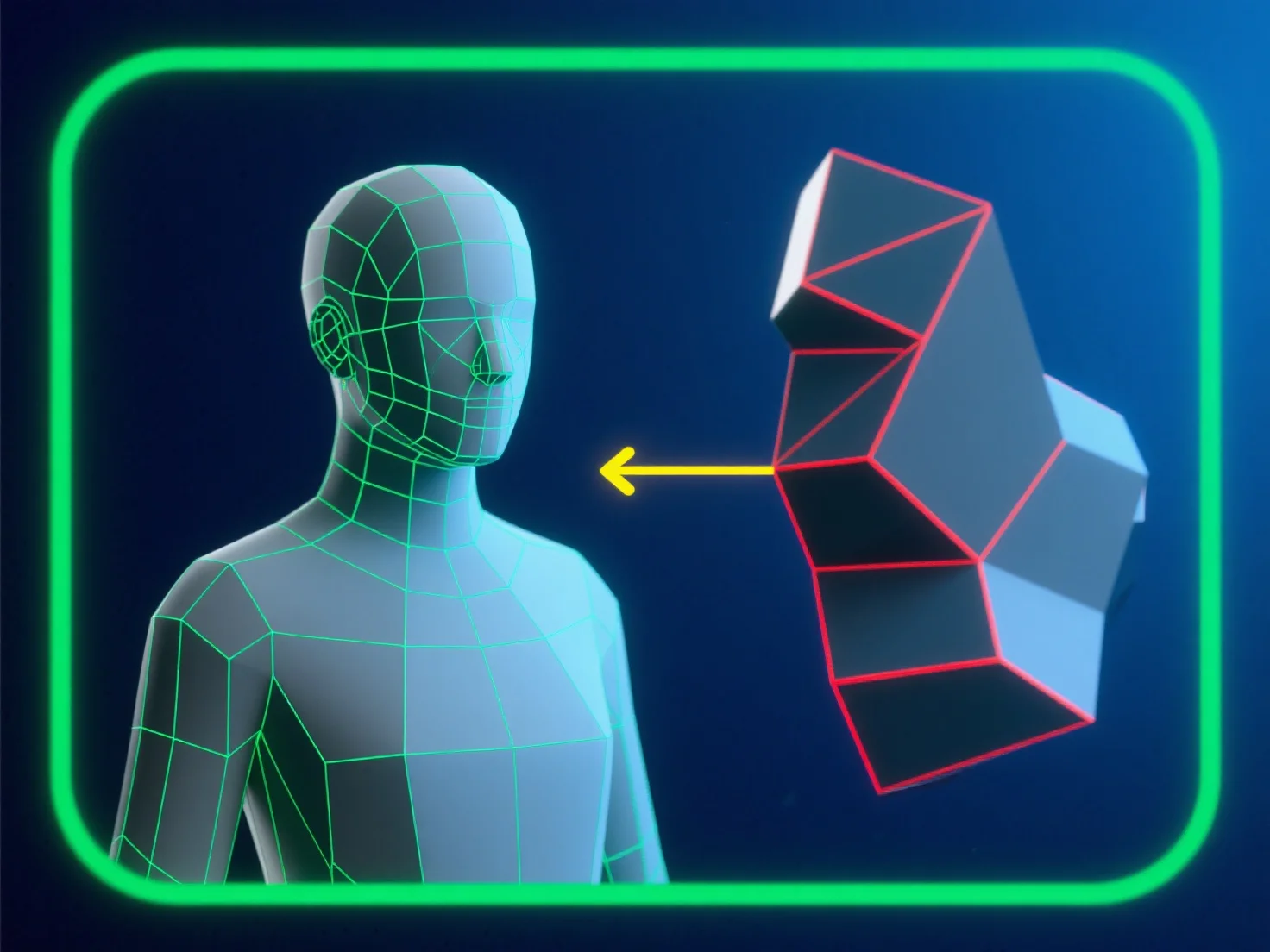
Pour éviter les erreurs de topologie lors de la modélisation pour l'animation, concentrez-vous sur un flux de maillage propre, dominé par les quadrilatères, aligné sur les trajectoires de mouvement du personnage. Cela garantit que les arêtes se déforment de manière prévisible, réduisant ainsi les risques de pincement ou d'étirement.
- **Évitez les polygones problématiques** : Évitez les triangles et les ngons dans les zones de forte déformation (par exemple, les articulations, les traits du visage), car ils perturbent le mouvement fluide. - **Optimisez les boucles d'arêtes** : Placez des boucles d'arêtes uniformément espacées autour des points de flexion (coudes, genoux) pour soutenir une déformation naturelle et sans distorsion. - **Testez et validez** : Utilisez régulièrement des outils d'intégrité de maillage.
En combinant ces étapes, vous maintenez la qualité du maillage et assurez une performance fiable pendant l'animation.