


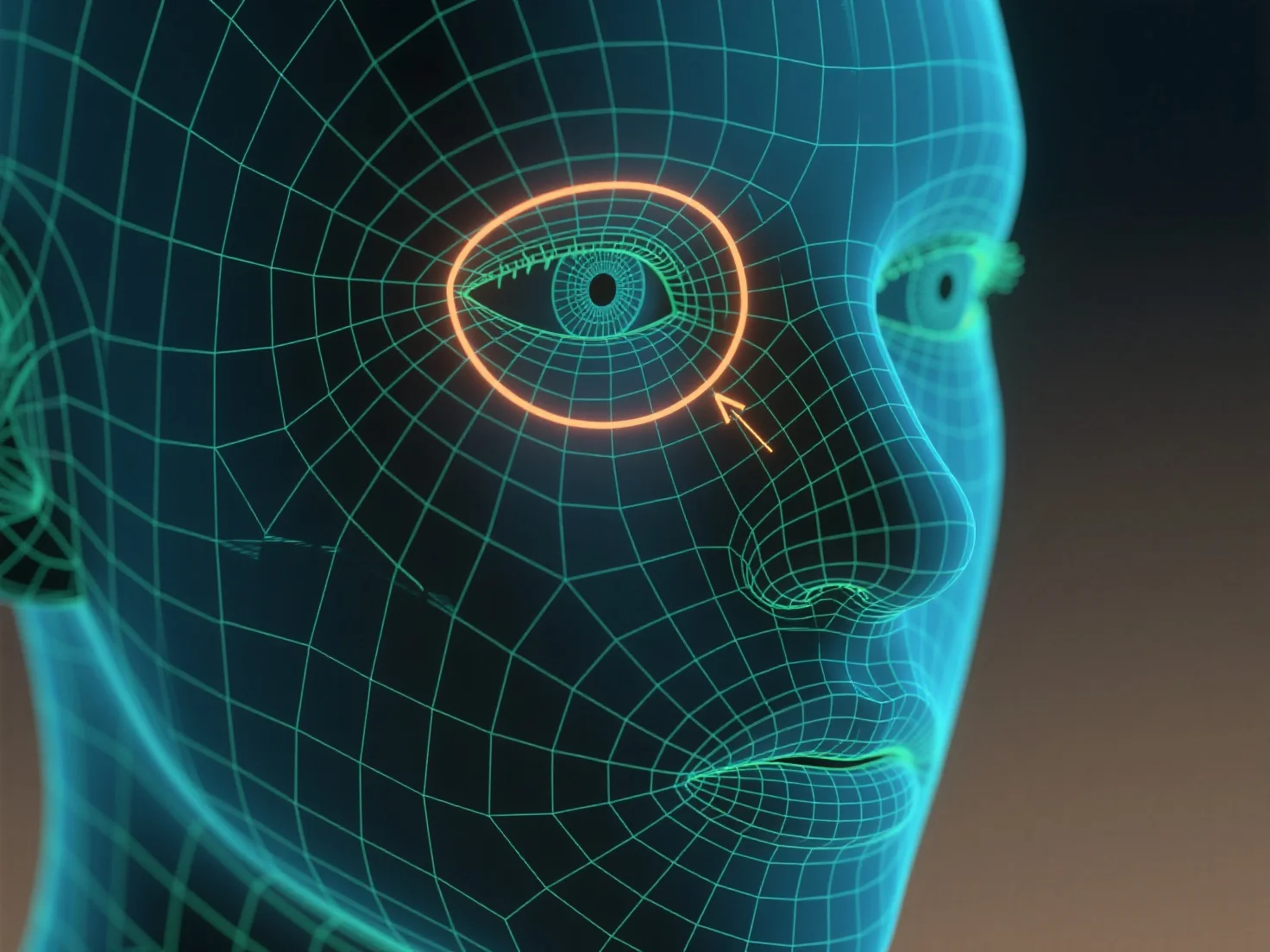
Les boucles d'arêtes sont utilisées pour tracer les contours et contrôler la déformation du maillage lors de la définition des traits du personnage, tels que les yeux et la bouche.
Les boucles d'arêtes, des anneaux d'arêtes continus autour d'un modèle 3D, suivent les courbes naturelles des caractéristiques, telles que la forme circulaire des yeux ou le contour incurvé d'une bouche, afin de façonner leur géométrie. Cette structure assure que le maillage se déforme en douceur pendant les mouvements du personnage.
Pour les débutants, commencez par de simples boucles de bord autour de l'orbite oculaire et de la ligne des lèvres, puis ajustez la densité des boucles pour correspondre aux détails des traits, ce qui aidera à créer des traits du visage clairs et animables.