


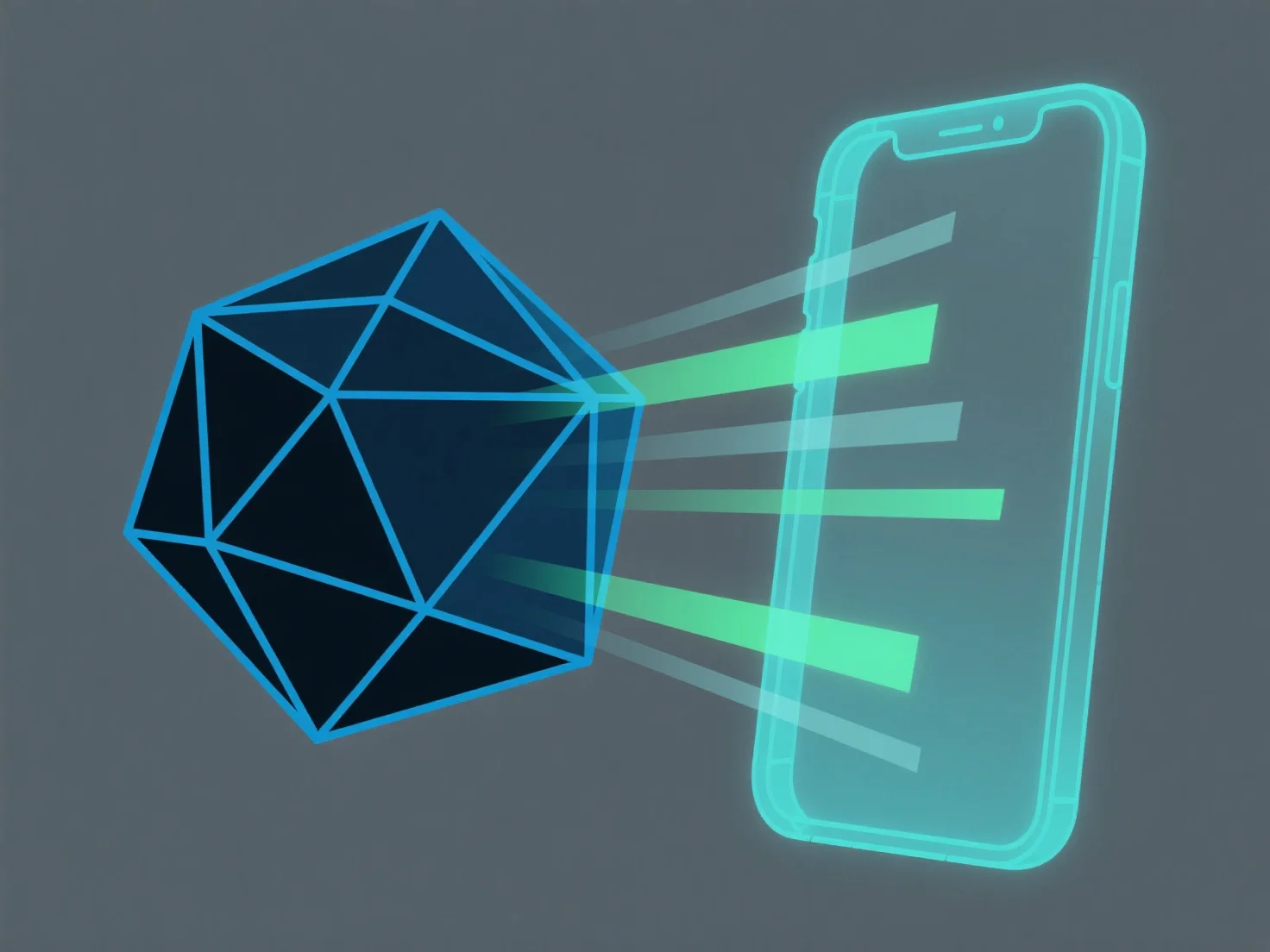
L'adaptation de modèles 3D pour les systèmes de réalité augmentée implique d'optimiser la complexité du modèle, d'assurer la compatibilité du format de fichier et de calibrer l'échelle du monde réel afin de permettre un chargement efficace et un rendu stable dans les environnements de réalité augmentée avec une puissance de traitement limitée.
Les étapes clés incluent : - Simplifier la géométrie : Réduire le nombre de polygones en utilisant des outils tels que le modificateur de décimation de Blender pour réduire les exigences de rendu. - Utiliser des formats natifs pour la réalité augmentée : Convertir les modèles en GLB ou USDZ, largement pris en charge par les plateformes de réalité augmentée (par exemple, ARKit, ARCore). - Calibrer l'échelle : Aligner les dimensions du modèle avec les mesures du monde réel pour assurer une superposition précise en réalité augmentée.
Pour les débutants, commencez par simplifier les modèles existants et tester dans des outils de réalité augmentée afin d'ajuster le format et l'échelle si nécessaire.