


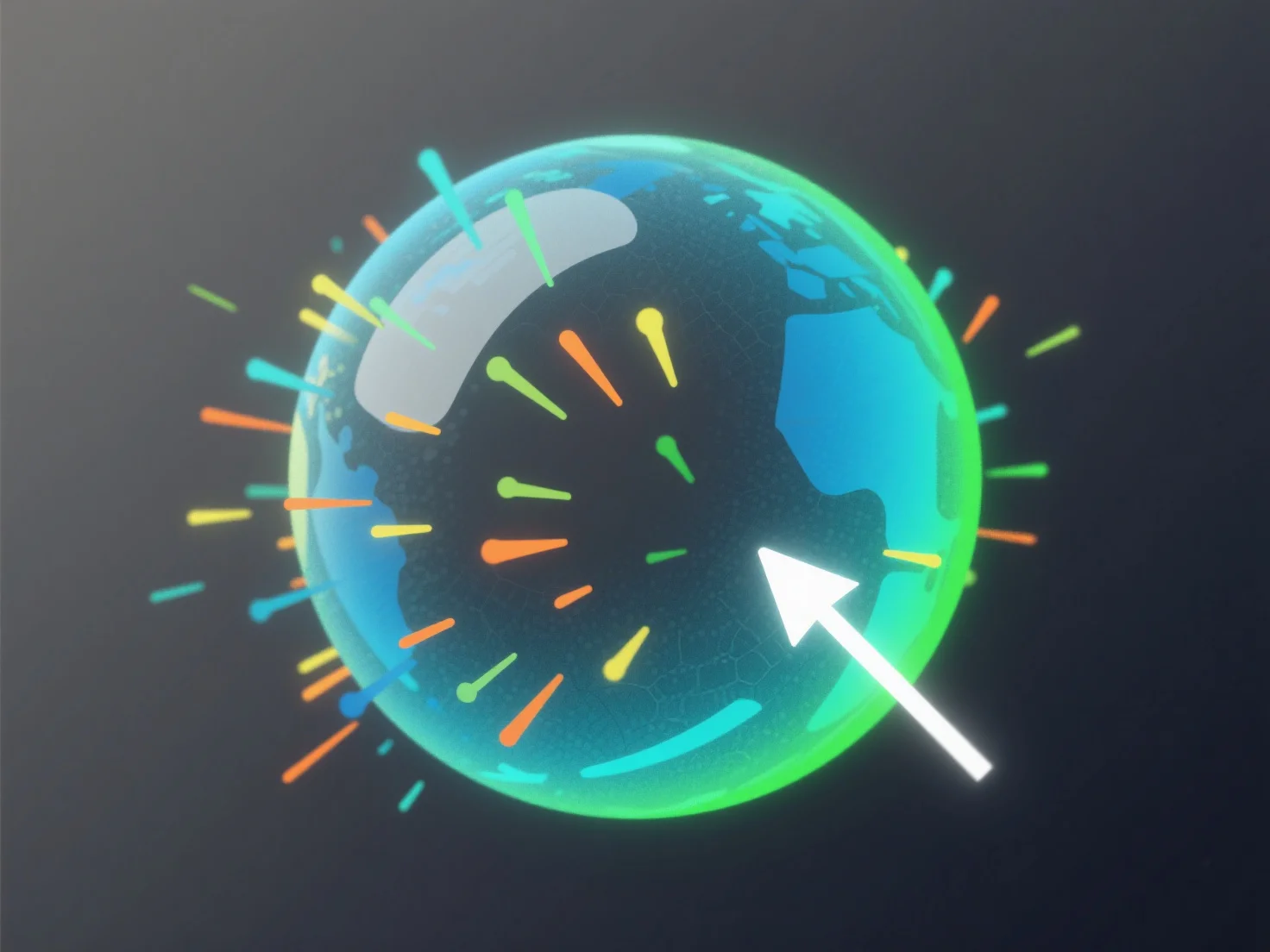
Les effets de particules s'intègrent aux principaux composants du modèle 3D (éclairage, moteurs physiques, systèmes d'animation) via des canaux de données partagés et des pipelines de rendu, alignant leurs comportements sur l'environnement du modèle pour améliorer le réalisme et la cohérence visuelle.
- **Éclairage** : Les particules interagissent avec les sources de lumière, en ajustant la luminosité, la couleur ou le rendu des ombres pour correspondre à l'éclairage du modèle, évitant ainsi toute dissonance visuelle. - **Moteurs physiques** : Utilisez les mêmes règles de physique que le modèle pour simuler le mouvement des particules (par exemple, la gravité, les collisions), en assurant que des effets tels que la fumée ou les débris se comportent naturellement dans la scène. - **Systèmes d'animation** : Synchronisez l'émission, le timing ou l'intensité avec les images clés du modèle.
Cette intégration unifie les particules en tant que parties intégrantes du modèle 3D, renforçant ainsi l'harmonie visuelle globale.