


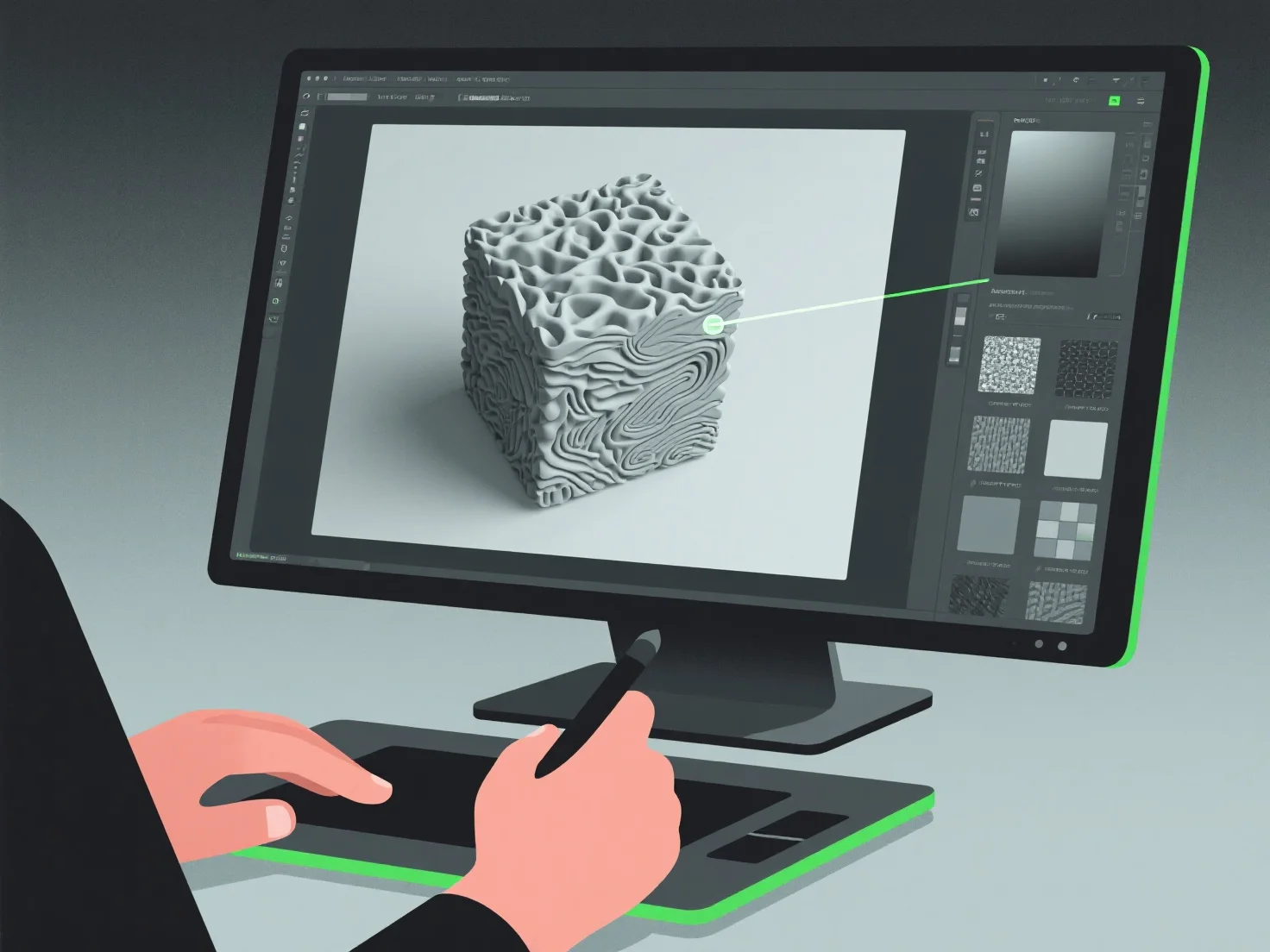
Les modélisateurs 3D créent des textures réalistes en intégrant la peinture numérique, la cartographie de textures et la simulation de matériaux, en se concentrant sur la reproduction des détails de surface tels que la couleur, la rugosité et la réflectivité, afin d'imiter les matériaux du monde réel.
Ils utilisent souvent des flux de travail de rendu physique (PBR), qui simulent les interactions lumière-matière pour améliorer le réalisme. Ils se réfèrent à des photos ou des scans du monde réel pour capturer des textures spécifiques, telles que le grain du bois, les rayures sur le métal ou les tissages de tissu. Ils appliquent ces textures via la cartographie UV, un processus qui « enveloppe » les images de texture 2D sur des surfaces 3D pour un alignement précis des détails.
Pour plus d'efficacité, les débutants peuvent commencer par des bibliothèques de textures, puis affiner en ajustant des paramètres tels que l'albedo (couleur de base) ou les cartes normales (profondeur de surface) afin d'acquérir des compétences fondamentales dans la création de textures réalistes.