


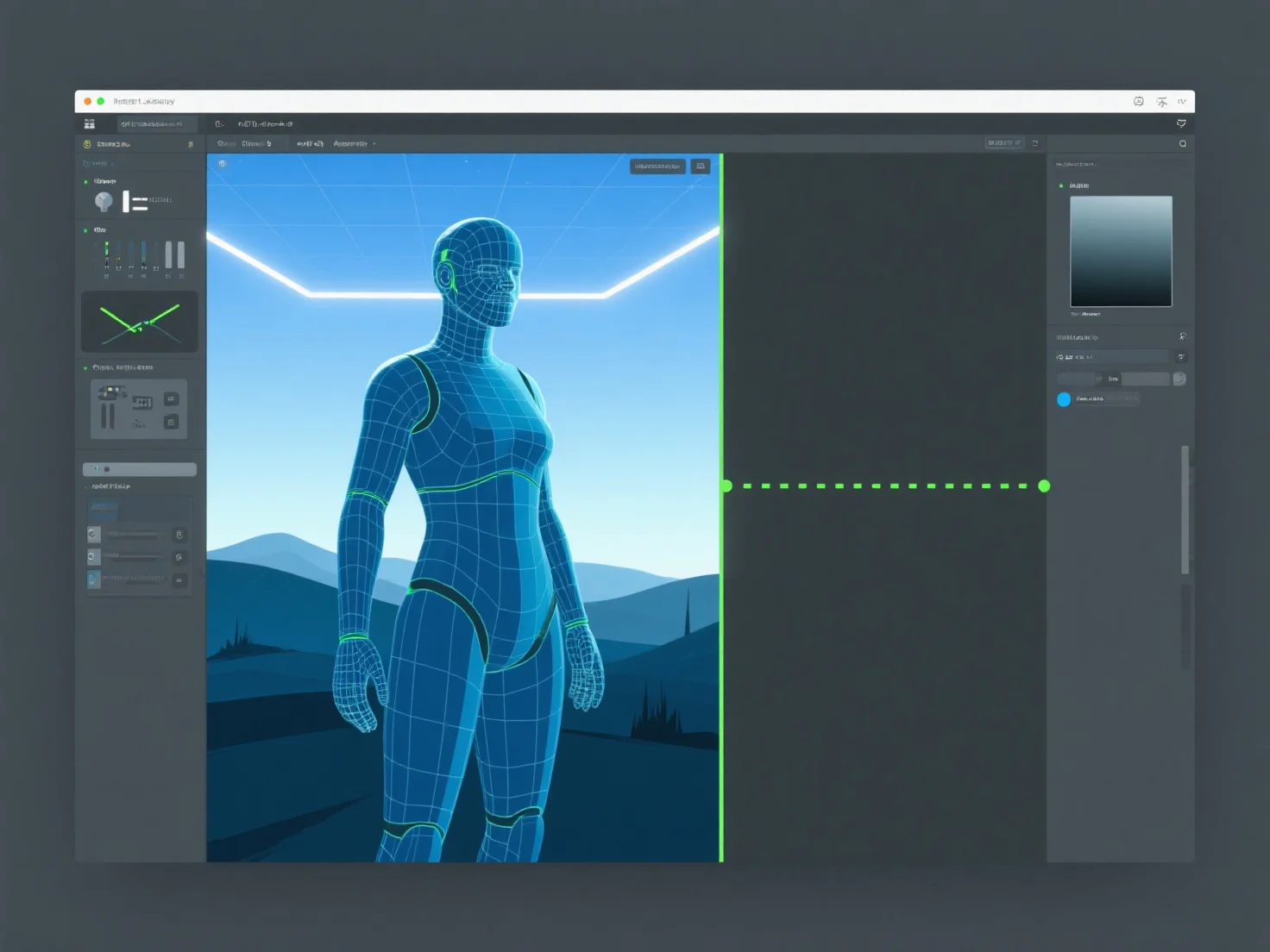
Les ressources 3D passent de la conception à l'implémentation dans le moteur de jeu en cinq étapes clés : la création, l'optimisation, l'exportation, l'importation et la configuration dans le moteur.
1. Création : Les actifs sont modélisés et texturés dans des outils tels que Blender ou Maya, définissant leur forme, leurs détails et leur apparence visuelle. 2. Optimisation : Le nombre de polygones est réduit, les textures (par exemple, les cartes normales) sont cuites et les données sont rationalisées pour assurer les performances du moteur. 3. Exportation : Enregistrées dans des formats compatibles avec le moteur (FBX, GLB) pour préserver la géométrie, les textures et les animations. 4. Importation : Chargées dans le moteur de jeu (par exemple, Unity, Unreal), avec des vérifications de l'intégrité des actifs. 5. Configuration : Configurées avec des animations, des maillages de collision ou des scripts pour permettre l'interaction et la fonctionnalité dans le jeu.
Ce flux de travail garantit que les ressources 3D s'intègrent harmonieusement dans le moteur, en équilibrant la qualité et les performances.