


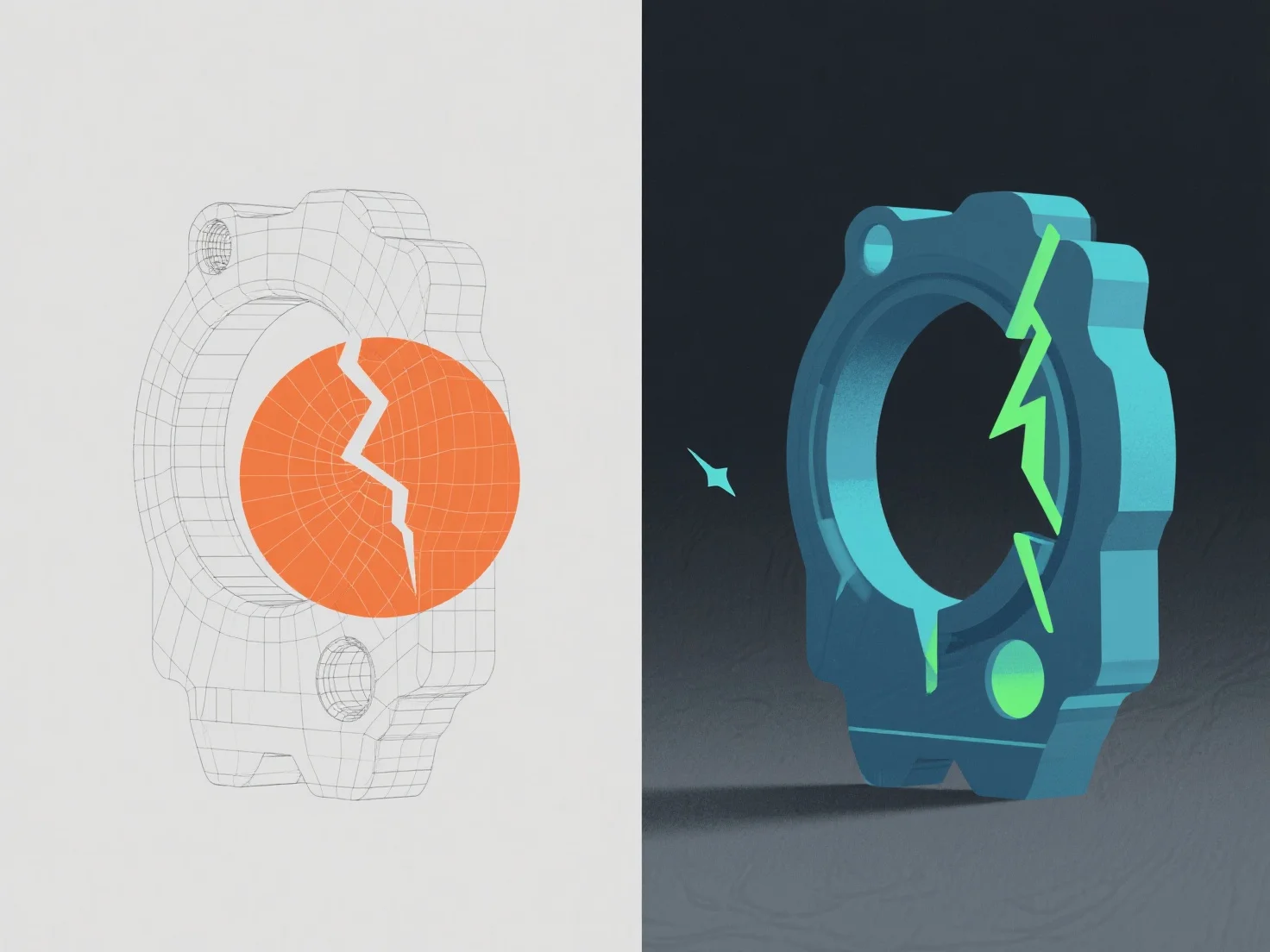
Les erreurs dans un modèle 3D sont identifiées à l'aide d'outils de validation logicielle et d'inspection manuelle, puis corrigées en ajustant la géométrie, la topologie ou les données de texture.
Les problèmes courants incluent des arêtes non-manifold (signalées par des outils tels que l'analyse de maillage de Blender, résolues en fusionnant ou en supprimant les sommets excédentaires), des normales inversées (détectées via des lacunes d'ombrage, corrigées en recalculant les normales) et un étirement de texture (repéré dans les outils de dépliage UV, ajusté en affinant les cartes UV).
Les contrôles automatisés dans Maya ou ZBrush détectent d'abord les erreurs de base, tandis que la révision manuelle assure la cohérence visuelle et technique, en veillant à ce que le modèle réponde aux normes du projet, telles que l'intégrité du maillage et la préparation au rendu.