


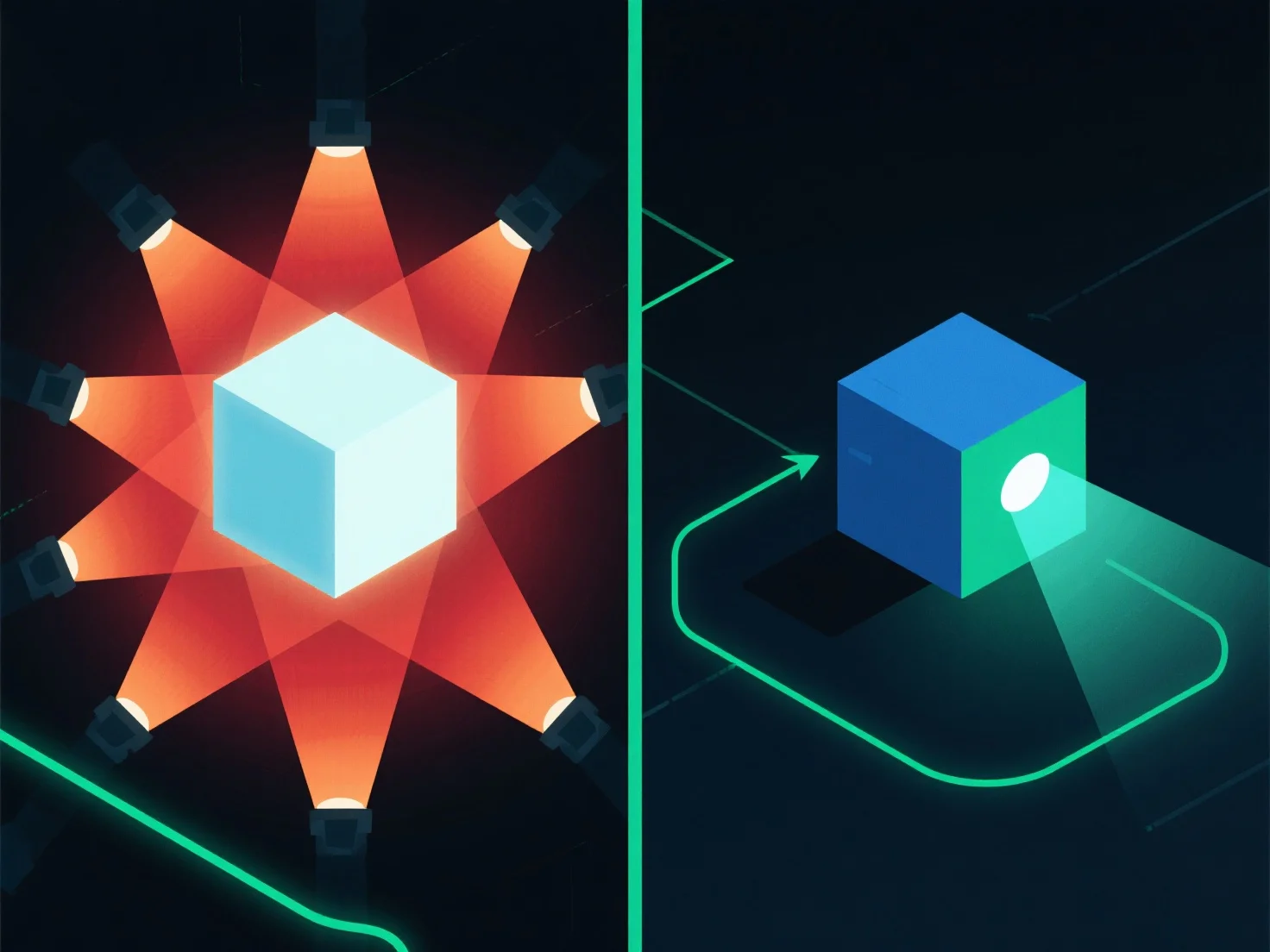
Pour optimiser l'éclairage afin d'améliorer les performances de rendu, concentrez-vous sur la réduction de la complexité des sources de lumière et l'utilisation de techniques efficaces. Cela réduit la charge de calcul en simplifiant la façon dont le moteur de rendu traite les interactions de lumière.
- **Réduire le nombre de lumières** : Auditez la scène pour supprimer les sources de lumière redondantes ou non essentielles, car chaque lumière supplémentaire augmente les exigences de traitement. - **Simplifier les types de lumière** : Remplacez les lumières de zone gourmandes en ressources par des options plus simples telles que des lumières ponctuelles ou directionnelles, qui nécessitent moins de calculs. - **Utiliser l'éclairage précalculé** : Précalculez les effets d'éclairage statiques.
En combinant ces étapes, vous pouvez équilibrer la qualité visuelle avec des performances de rendu plus fluides.