


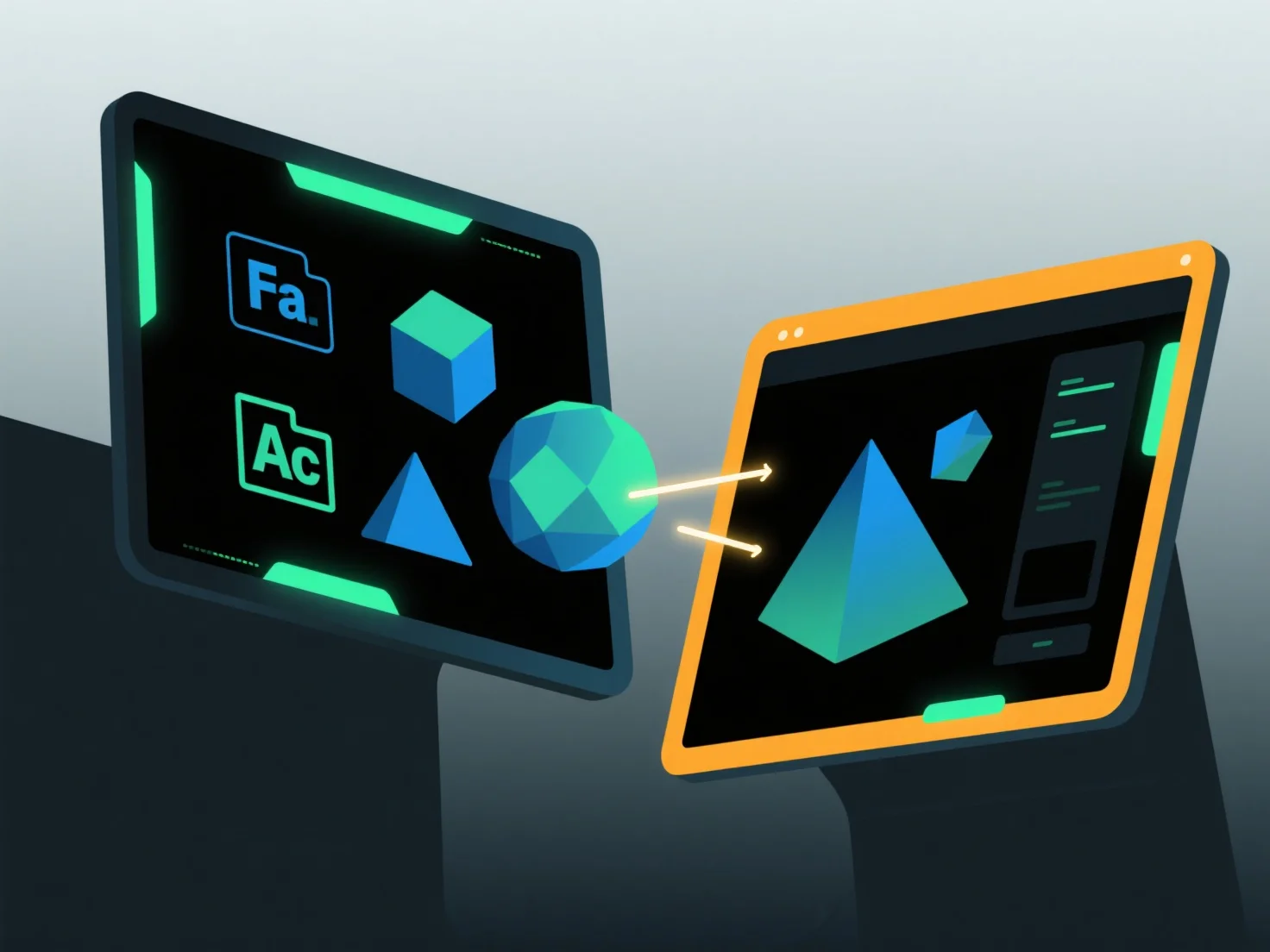
Pour importer et exporter des modèles entre des applications logicielles, utilisez des formats d'échange courants pris en charge par les deux outils, associés à des fonctions d'importation/exportation intégrées et à des ajustements de compatibilité.
Tout d'abord, sélectionnez des formats partagés : choisissez des types largement pris en charge tels que OBJ (qui préserve la géométrie et les textures), FBX (qui gère les animations) ou STL (idéal pour l'impression 3D), car ceux-ci conservent les données clés entre les applications.
Ensuite, utilisez des outils logiciels : Accédez à la fonction "Importer" ou "Exporter" dans le menu de l'application, sélectionnez le format cible et suivez les instructions pour charger ou enregistrer des fichiers.
Enfin, ajustez les paramètres : Assurez-vous que l'intégration des textures, le rééchelonnement des unités ou l'alignement des coordonnées correspondent aux deux logiciels pour éviter la perte de données.
Cette méthode assure un transfert de modèle fluide entre différentes applications.