


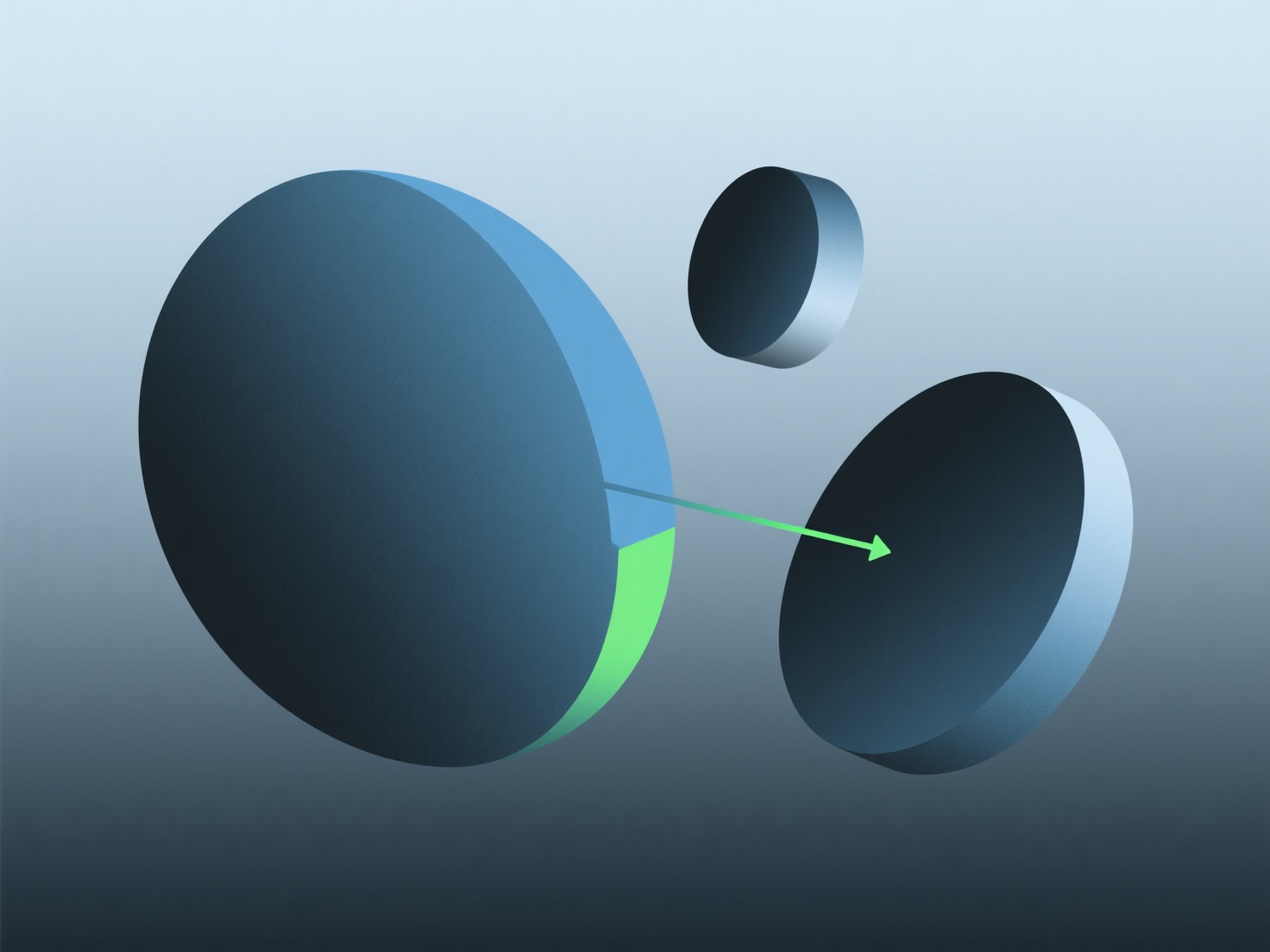
Para corregir las partes faltantes en los modelos 3D de mapas de profundidad, rellene los huecos utilizando extrapolación automática o herramientas de edición manual.
- **Extrapolación**: Utiliza los datos de profundidad válidos circundantes para adivinar pequeñas brechas. Comienza con el relleno automático en editores básicos. - **Edición manual**: Ajusta directamente la profundidad para brechas más grandes/complejas.
Para principiantes, use el autocompletado para problemas pequeños; un pincel para áreas más grandes mantiene la consistencia.