


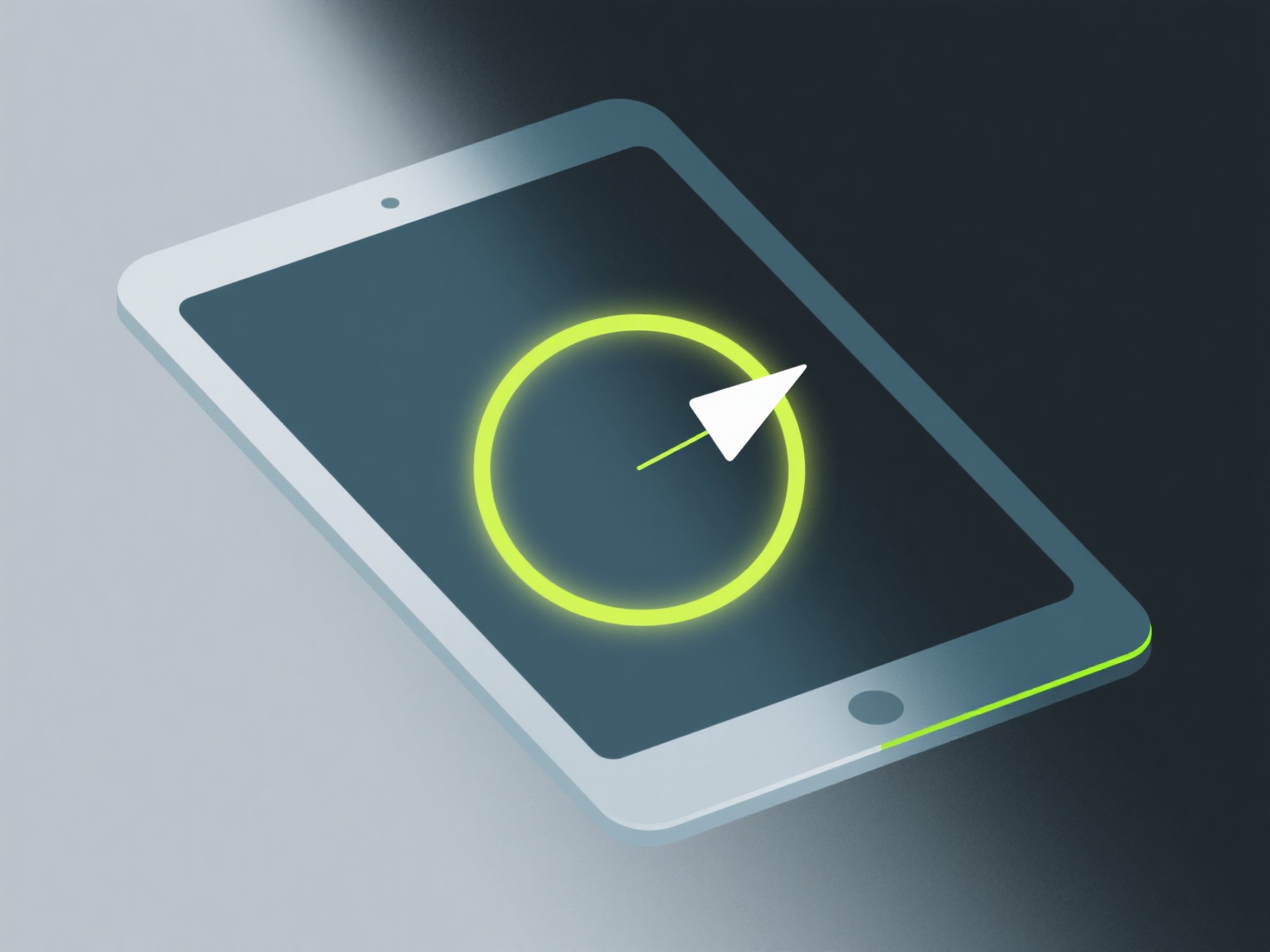
Los desarrolladores independientes pueden colorear modelos 3D isométricos utilizando herramientas como Blender (para texturización 3D) o Aseprite (para pixel art) para aplicar colores planos y llamativos y un sutil sombreado de bordes que complementa las vistas en ángulo de la perspectiva isométrica.
Manténgase fiel a una paleta de colores limitada (4-6 tonos) para mantener el estilo coherente. Los colores planos funcionan mejor para los modelos isométricos, ya que mantienen la claridad en tamaños pequeños, lo cual es común en los juegos independientes. Añada sombreado a lo largo de los bordes isométricos (como caras superiores más claras y caras laterales más oscuras) para definir la profundidad sin complicar demasiado el aspecto.
Si eres nuevo, comienza con un solo color base por objeto, luego agrega 1-2 variaciones de tono. Este sencillo flujo de trabajo te ayuda a practicar la profundidad sin quedarte atascado en detalles innecesarios.