


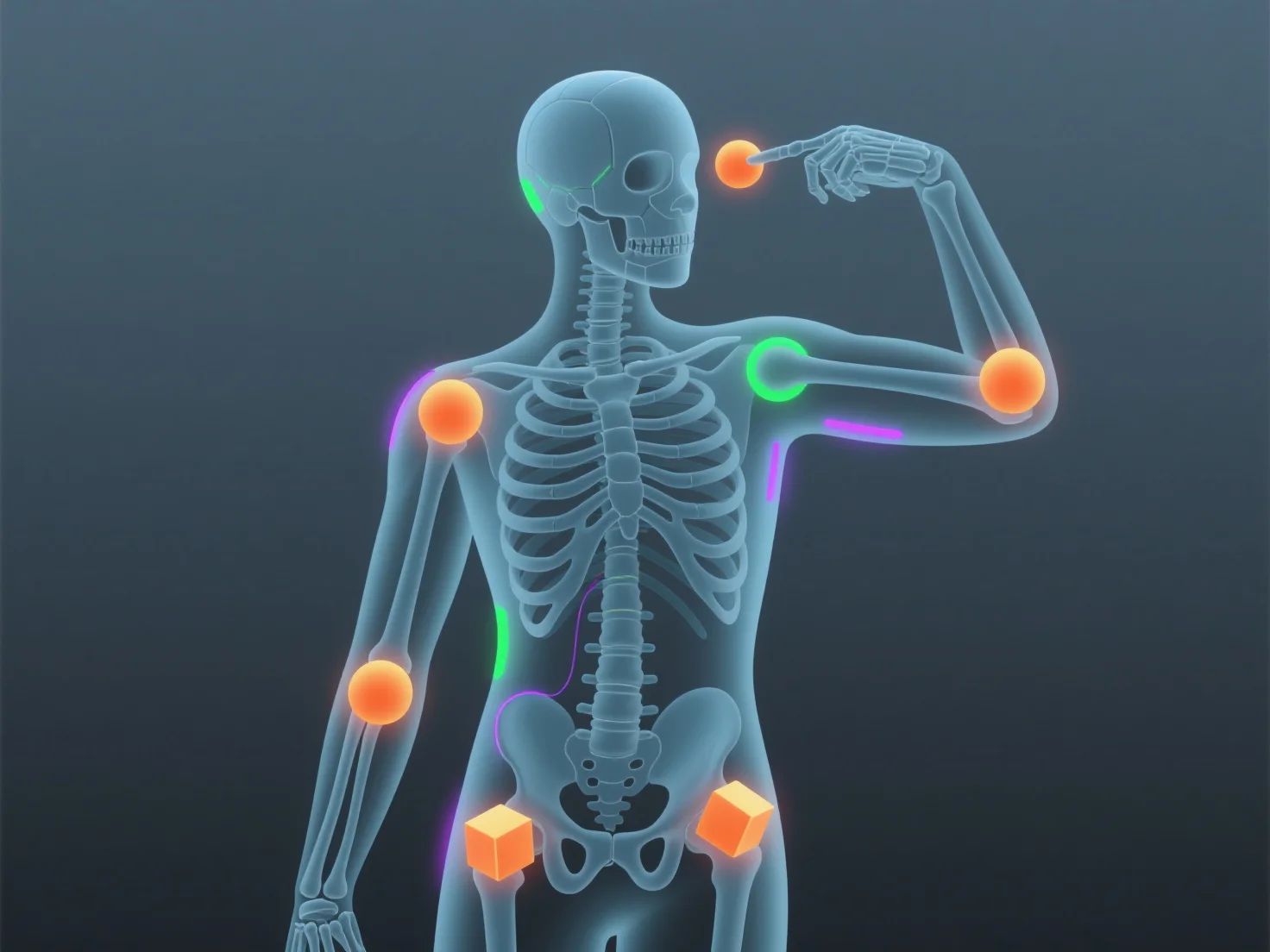
El rigging anima modelos 3D mediante la construcción de un esqueleto digital (armadura) con huesos y articulaciones, que controla los movimientos del modelo cuando se asigna a su malla.
- **Diseño del esqueleto**: Los animadores crean huesos (por ejemplo, columna vertebral, extremidades) y articulaciones para imitar la anatomía real, formando la estructura central del rig. - **Unión de mallas**: El esqueleto está vinculado a la malla del modelo 3D, por lo que mover los huesos (por ejemplo, doblar un brazo) deforma la malla de forma natural. - **Control de animación**: Ajustar las posiciones de los huesos (fotogramas clave) permite a los animadores crear movimientos como caminar o expresiones faciales, ya que el rig garantiza un movimiento suave y realista.
Esto une el modelado 3D y la animación, haciendo que los modelos sean interactivos y fáciles de animar, incluso para principiantes que utilizan rigs simples.