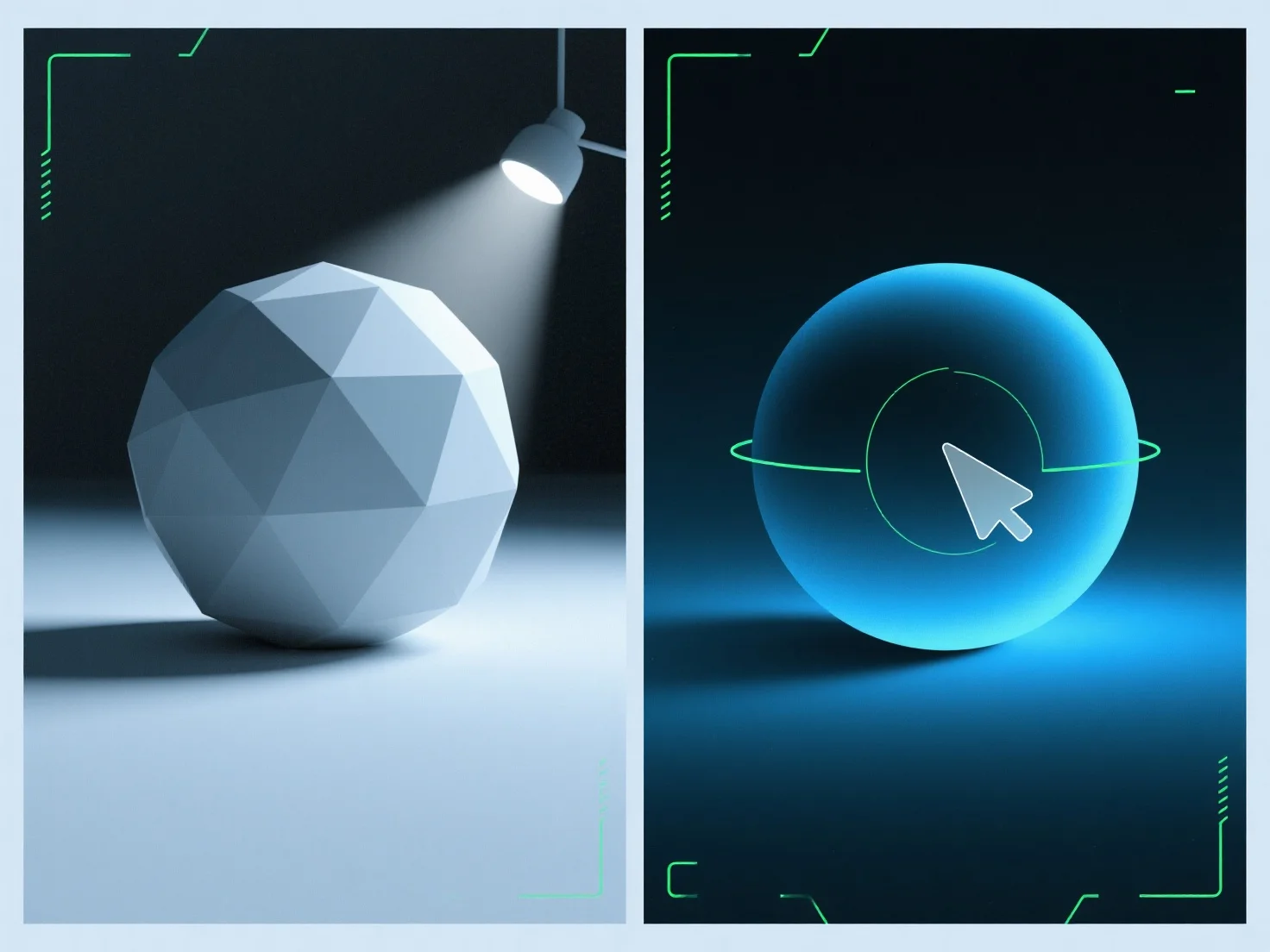
La luz ambiente llena las sombras en los renderizados 3D al agregar una iluminación uniforme y no direccional para suavizar los bordes de las sombras y reducir su profundidad, equilibrando la iluminación general de la escena. Como fuente difusa y no direccional, ilumina las áreas de sombra que de otro modo podrían parecer demasiado oscuras o planas, evitando nuevas sombras a diferencia de las luces direccionales (por ejemplo, sol, focos). Ajuste su intensidad para refinar: valores más bajos preservan la profundidad de la sombra para crear drama, mientras que valores más altos crean una escena más suave y uniformemente iluminada. Esto garantiza que las sombras se mantengan naturales pero equilibradas, mejorando el realismo del renderizado.


¿Cómo se utiliza la luz ambiente para rellenar las sombras en los renders 3D?
La luz ambiente suaviza las sombras de los renders 3D con una iluminación uniforme y no direccional, equilibrando la iluminación mediante una intensidad ajustable.