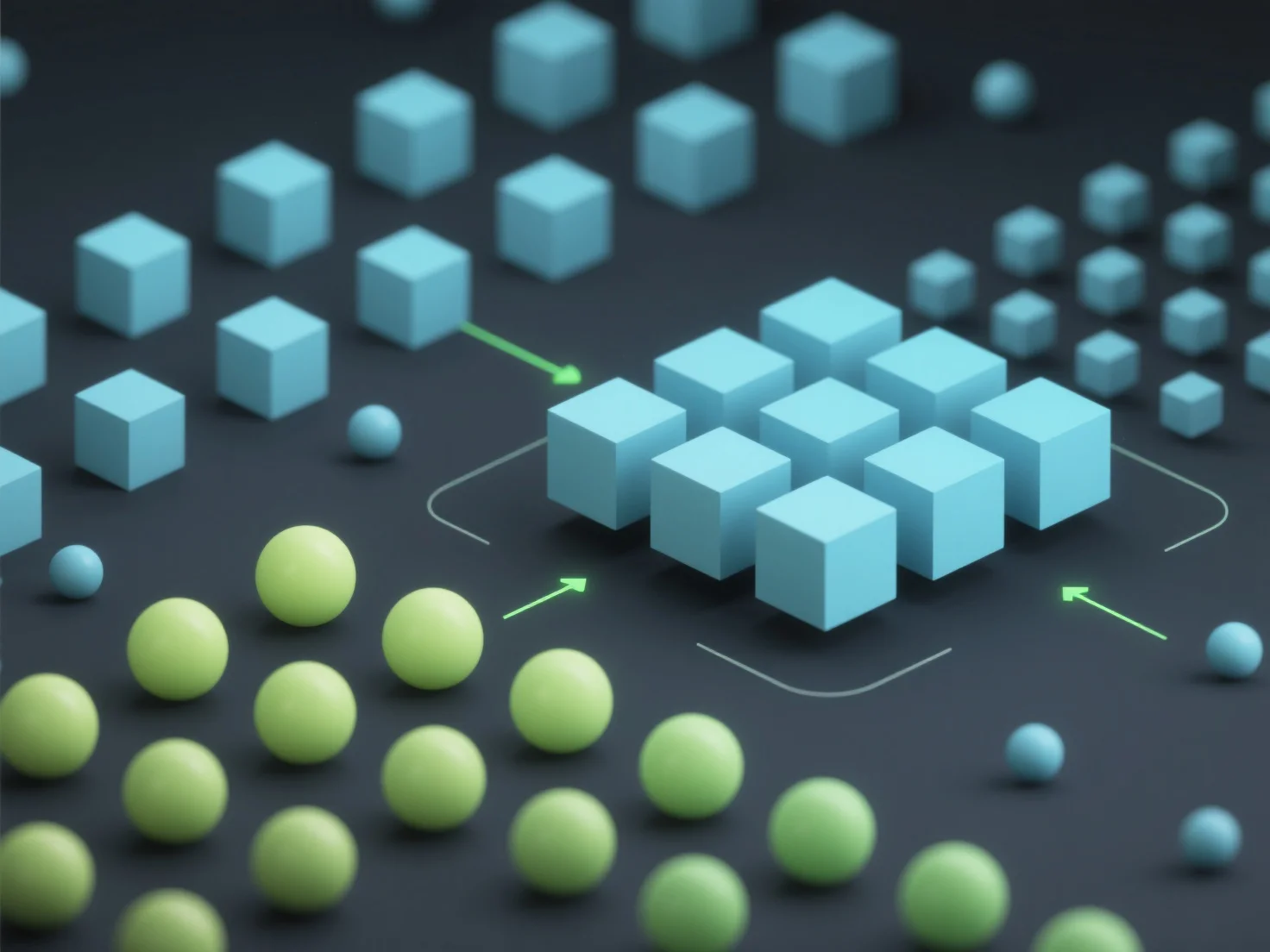
Para reducir las llamadas de dibujo en el renderizado 3D y mejorar el rendimiento, los métodos clave incluyen la combinación de mallas, la instanciación y los atlas de texturas. Las llamadas de dibujo son comandos de la CPU al GPU; menos llamadas reducen la sobrecarga de comunicación, mejorando directamente el rendimiento. La combinación de mallas fusiona mallas pequeñas y separadas en otras más grandes, reduciendo el número de comandos de renderizado individuales. La instanciación dibuja múltiples objetos idénticos (por ejemplo, árboles, partículas) con una sola llamada, reutilizando los mismos datos de la malla. Los atlas de texturas empaquetan múltiples texturas pequeñas en una gran textura, minimizando los cambios de estado entre los dibujos. Para escenas con elementos repetidos


¿Cómo reduces las llamadas de dibujo en el renderizado 3D para mejorar el rendimiento?
Los métodos clave para reducir las llamadas de dibujo de renderizado 3D para un mejor rendimiento incluyen la combinación de mallas, la instanciación y los atlas de texturas.