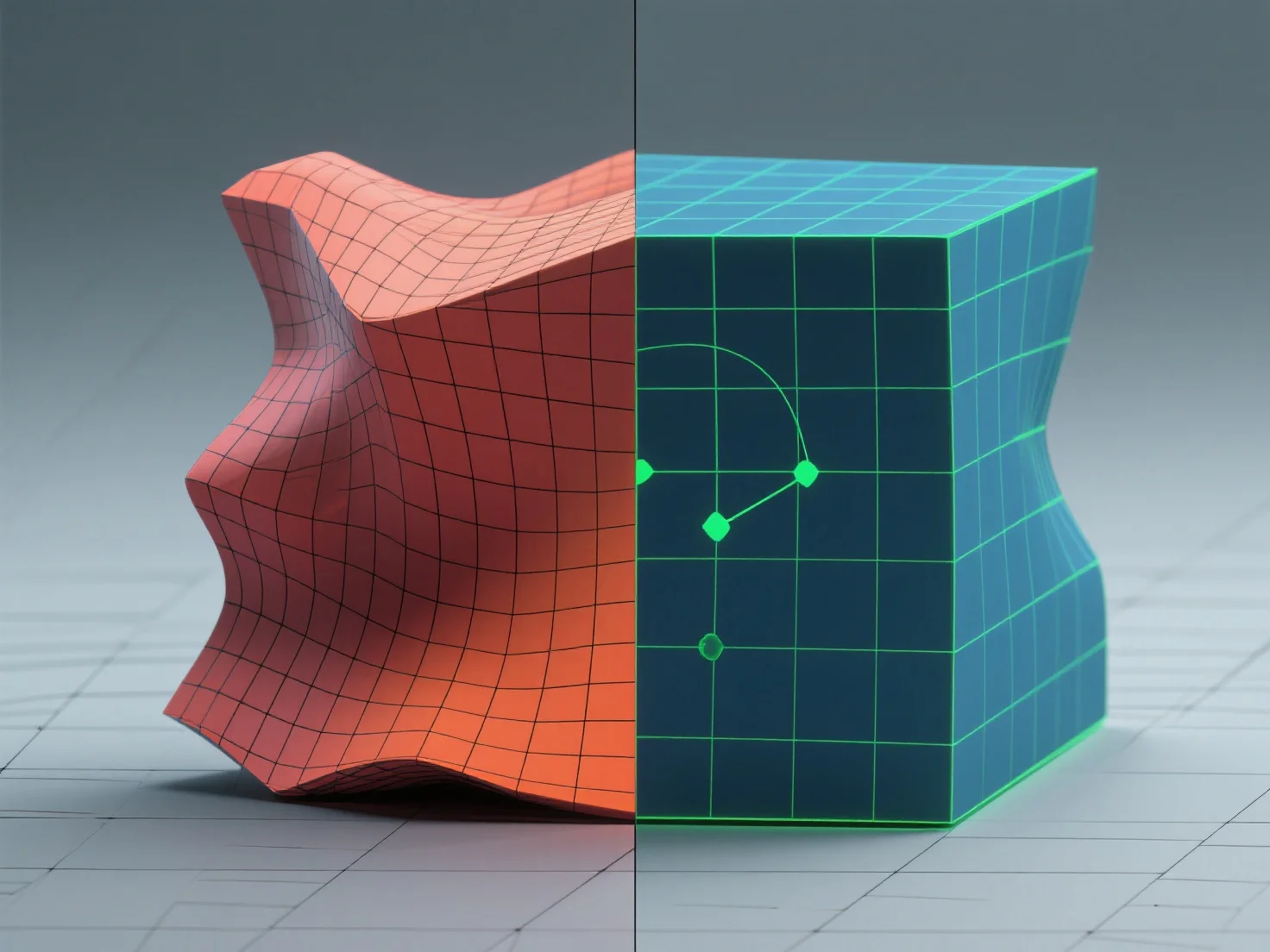
Una buena topología evita que las texturas se estiren al garantizar una distribución uniforme de los polígonos y relaciones equilibradas entre los aspectos de las caras, lo que permite que los mapas UV alineen las texturas de manera uniforme. - Utilice mallas dominadas por cuadriláteros con un tamaño de polígono consistente; esto garantiza que los UV se desenvuelvan de manera predecible para una distribución uniforme de las texturas. - Evite las relaciones extremas entre los aspectos de las caras (por ejemplo, polígonos largos y delgados), ya que causan un espaciado desigual de los UV y estiramiento. - Alinee las costuras UV con los bordes naturales del modelo (por ejemplo, articulaciones, arrugas) para localizar la distorsión y minimizar la visibilidad. Estos pasos aseguran que las texturas se mapeen sin problemas, eliminando el estiramiento y mejorando el realismo del modelo.


¿Cómo evitas que la textura se estire con una buena topología?
Una buena topología con mallas dominantes de cuatro lados, caras equilibradas y costuras alineadas con los bordes evita que la textura se estire.