


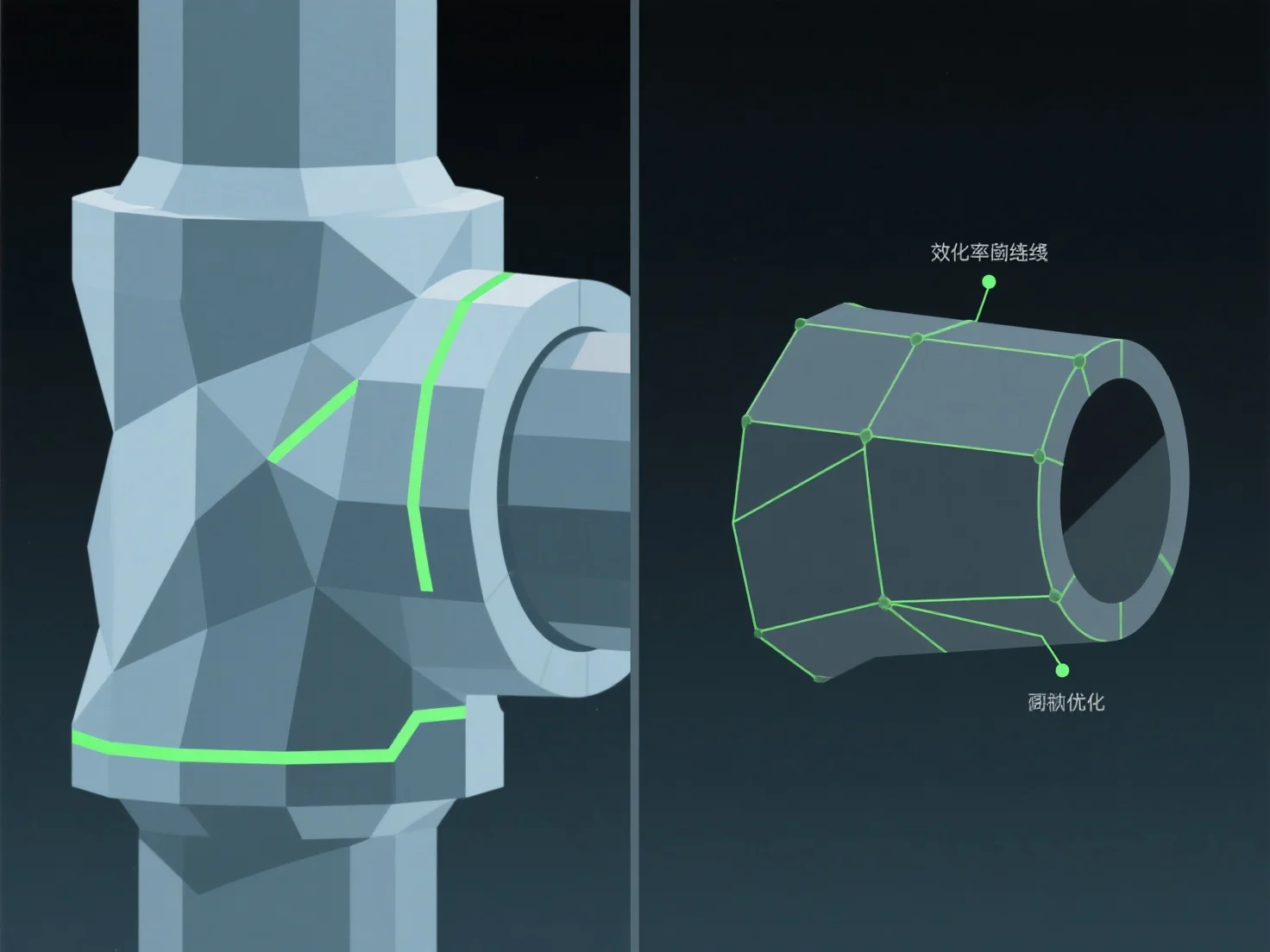
Para optimizar la topología de un modelo 3D para animación, enfóquese en un flujo de bordes limpio alineado con las trayectorias de movimiento naturales y utilice polígonos dominados por cuadrados. Esto garantiza una deformación suave durante el rigging y la animación, evitando problemas como el estiramiento o pellizco de la malla en las articulaciones.
Las prácticas clave incluyen: - Alinear los bucles de bordes con los puntos de articulación (por ejemplo, codos, rodillas) para apoyar la flexión y torsión naturales. - Mantener una densidad uniforme de polígonos para distribuir el estrés del movimiento de manera uniforme a través de la malla.
Para áreas complejas y de alto movimiento, agregue bucles de bordes específicos para mejorar la flexibilidad sin complicar demasiado la malla, haciendo que el rigging y la animación sean más eficientes.