


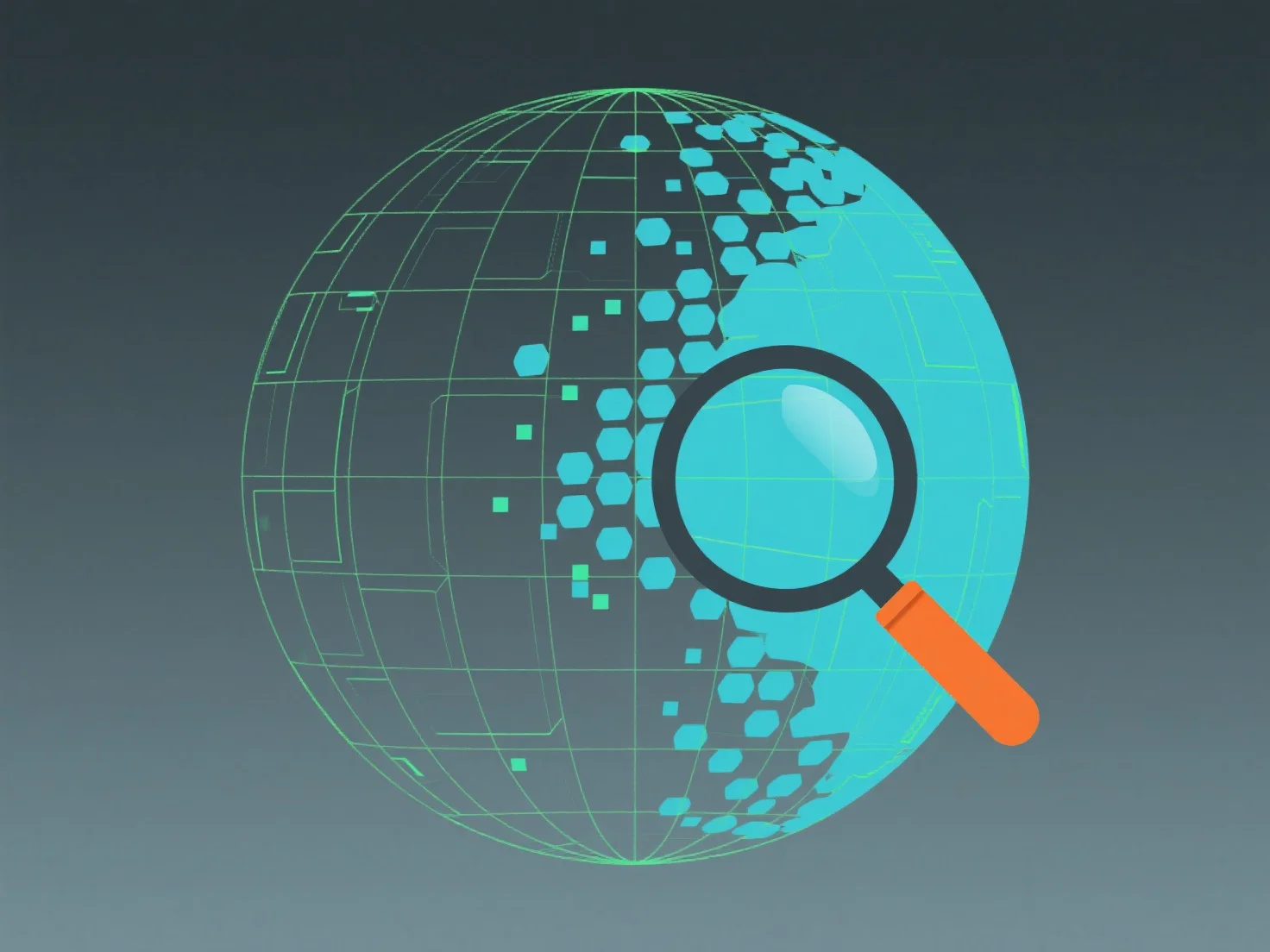
Mantener una distribución uniforme de polígonos en modelos 3D implica equilibrar la densidad de polígonos en las superficies en función de sus requisitos de detalle, asegurando que ninguna área tenga un número excesivamente alto o bajo de polígonos para evitar ineficiencias de renderizado o pérdida de detalle visual.
Los métodos clave incluyen: - **Bucle de bordes**: Crea un flujo de polígonos consistente, ideal para formas orgánicas (por ejemplo, personajes), asegurando una densidad uniforme a lo largo de las curvas y admitiendo una deformación suave. - **Superficies de subdivisión**: Herramientas como Catmull-Clark subdividen los bordes para suavizar la densidad, útiles para modelos de alta poligonización que necesitan superficies uniformes y refinadas. - **Retopología**: Rediseña las mallas para redistribuir los polígonos, asignando más a las áreas visualmente críticas.
Al combinar estas técnicas, logras una distribución equilibrada de los polígonos, optimizando la eficiencia de renderizado y preservando la calidad visual en los modelos 3D.