


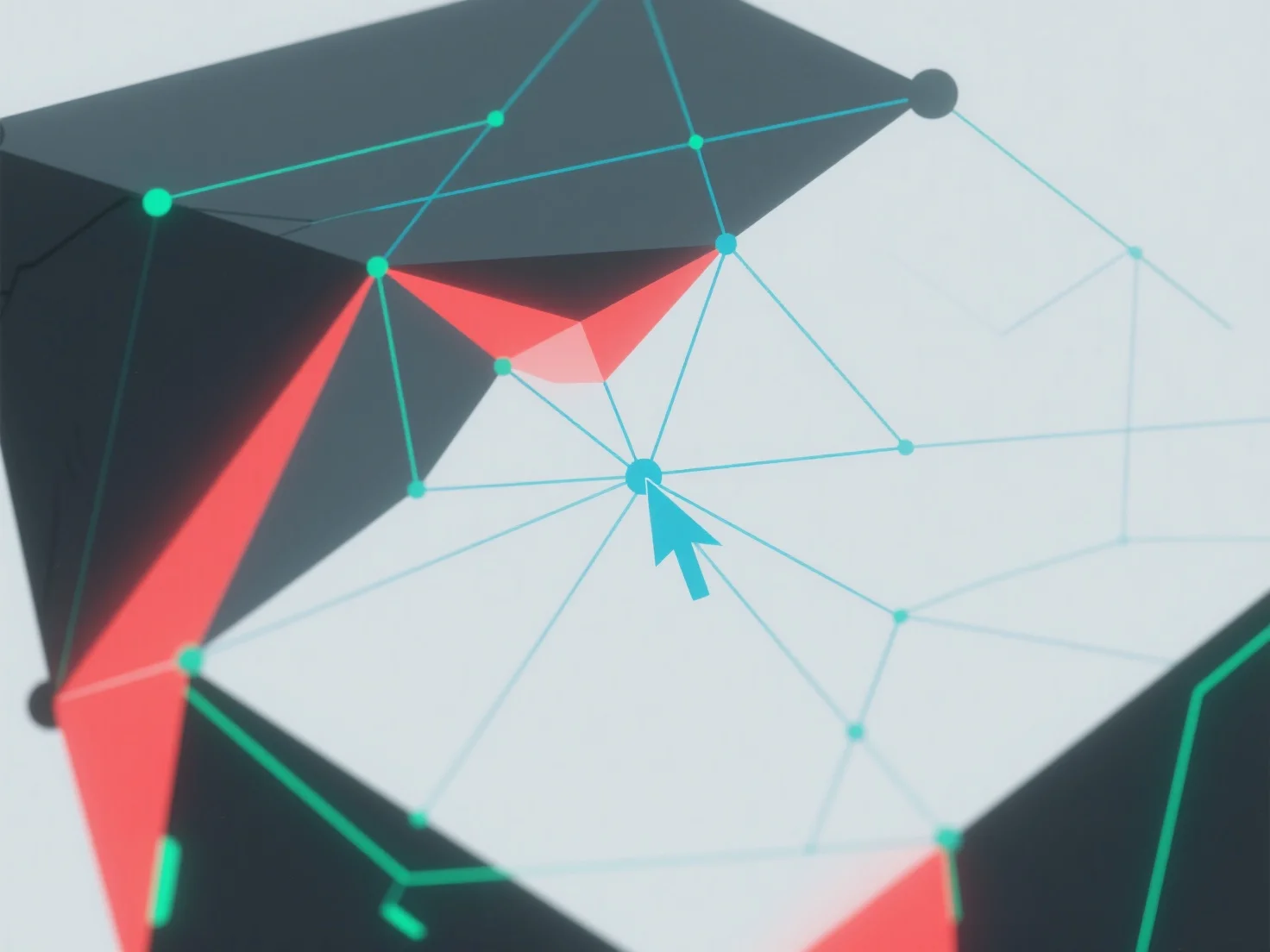
La geometría no manifiesta en el modelado 3D se maneja identificando y resolviendo errores topológicos utilizando herramientas de software 3D.
Primero, use características integradas como "comprobación de malla" o "reparación de malla" para detectar problemas: los problemas comunes incluyen caras que se intersectan, bordes duplicados o vértices con más de dos caras adyacentes.
A continuación, corrija los errores fusionando vértices superpuestos, eliminando geometría redundante o ajustando las conexiones de las caras para garantizar que cada borde conecte exactamente dos caras.
Si persisten los problemas, simplifique el modelo reduciendo la complejidad o utilice plugins de reparación automatizados para agilizar el proceso.