


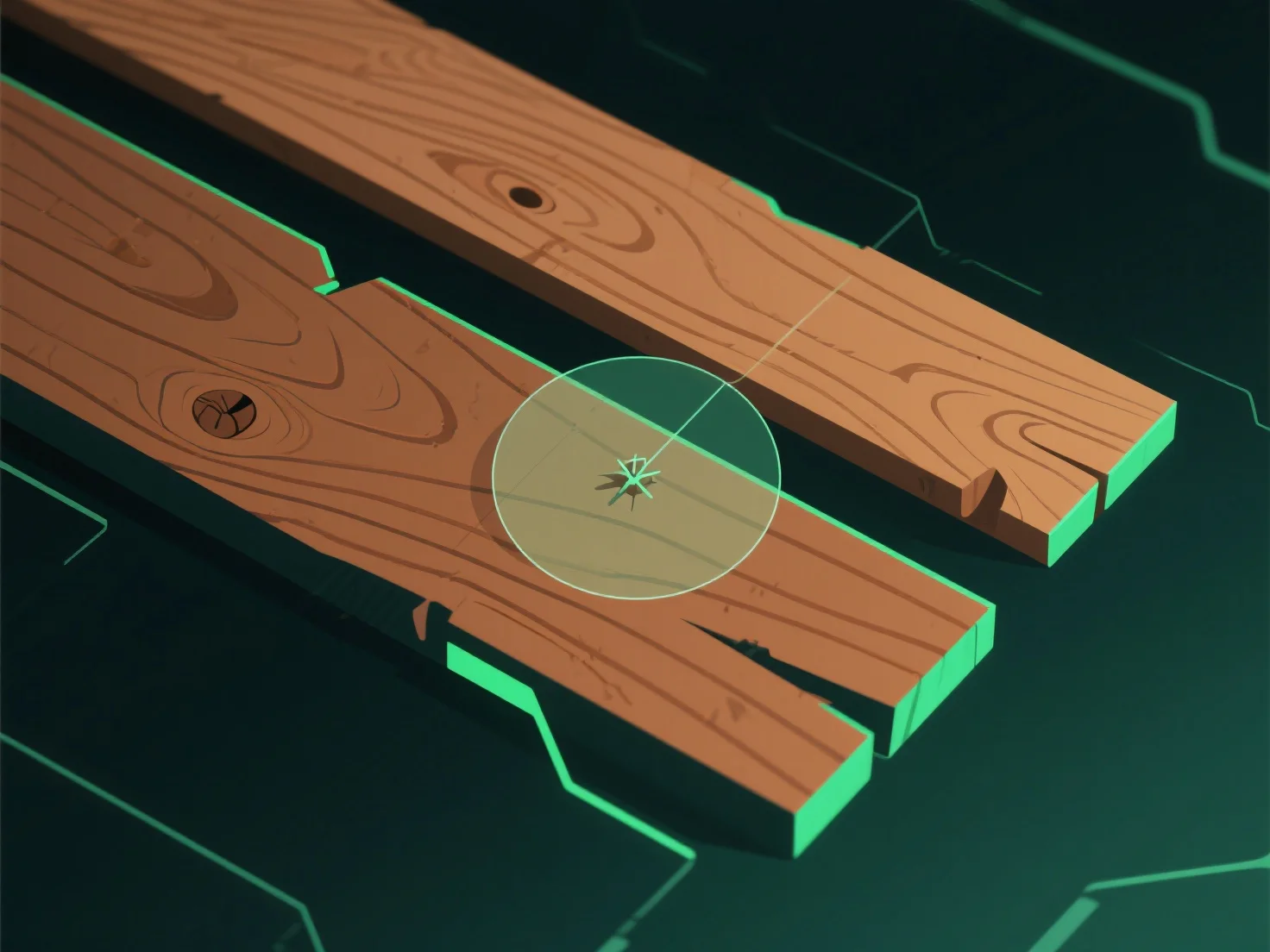
Para crear texturas de madera realistas en el modelado 3D, comience por analizar muestras de madera reales o fotos de referencia de alta resolución para capturar patrones de vetas, gradientes de color e imperfecciones naturales.
1. **Análisis de referencia**: Estudie la madera real o las fotos para observar la dirección de las vetas, las variaciones de color (madera clara/madera oscura) y los defectos como nudos o hendiduras. 2. **Uso de herramientas de textura**: Utilice software (por ejemplo, Substance Painter, Blender) para generar mapas clave: difuso (color), bulto/normal (profundidad de las vetas) y desplazamiento (altura sutil). 3. **Refinamiento de detalles**: Ajuste el contraste de color, agregue desgaste (arañazos) y alinee las vetas con los patrones de crecimiento naturales para lograr autenticidad.