


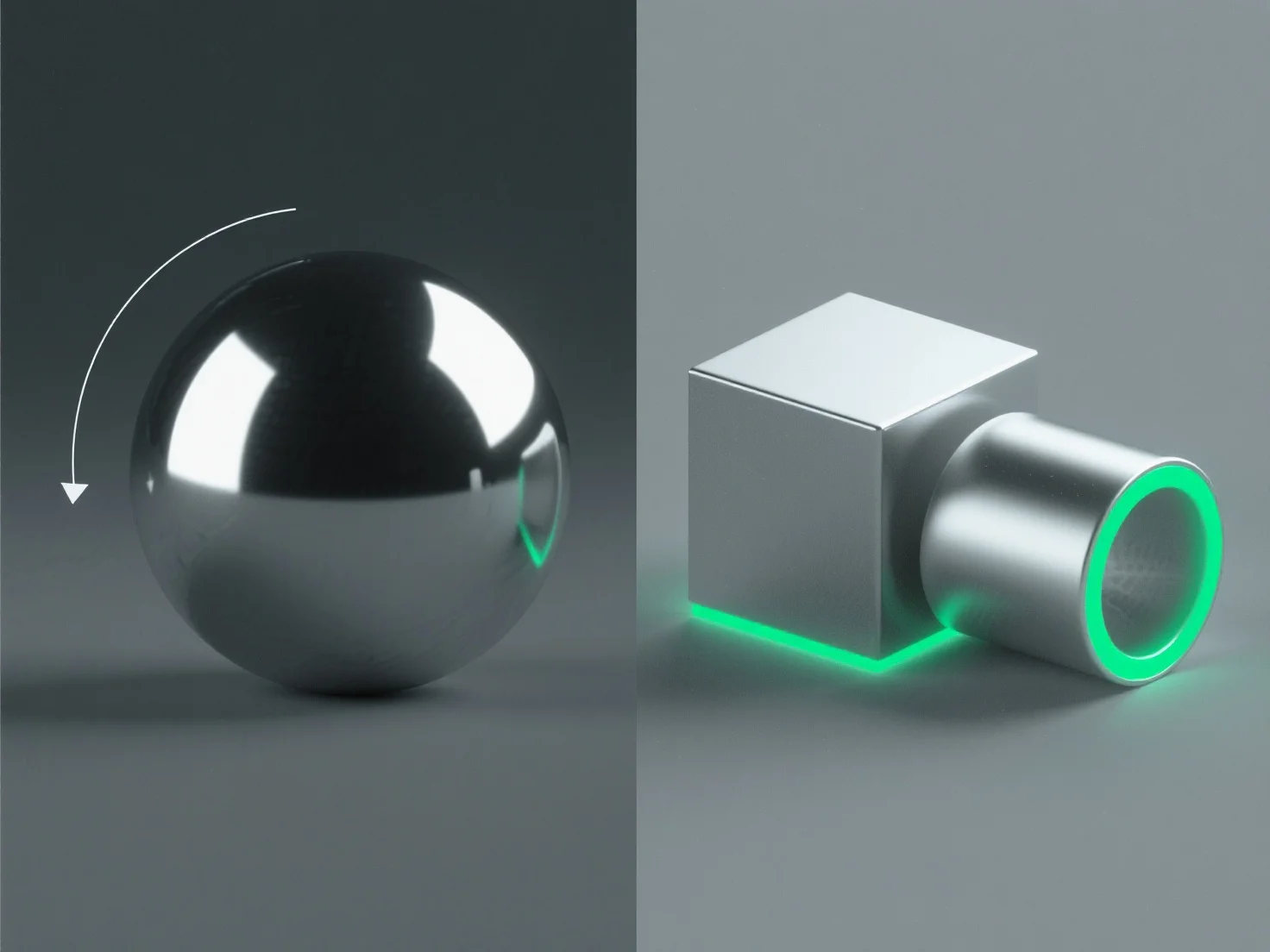
Para crear superficies metálicas realistas en el diseño 3D, concéntrate en ajustar las propiedades del material y optimizar la iluminación para replicar las características básicas de interacción de la luz con el metal.
Los pasos clave incluyen: - **Alta reflectividad**: Establezca la reflectividad del material entre el 80-100% para capturar los entornos circundantes, imitando la calidad similar a un espejo del metal. - **Rugosidad controlada**: Añada una micro-rugosidad sutil (0,05-0,3 en PBR) para evitar un brillo uniforme; valores más bajos para metales pulidos, más altos para acabados cepillados/desgastados. - **Resaltados especulares**: Utilice resaltados nítidos e intensos para simular el rebote de la luz directa, ajustando el tamaño en función de la suavidad de la superficie. - **Iluminación ambiental**: Integre mapas HDRI para reflejos conscientes del contexto, fundamentales para una apariencia auténtica del metal.
Estos métodos, especialmente en los flujos de trabajo de renderizado basados en física (PBR), replican las interacciones reales entre el metal y la luz, lo que resulta en superficies realistas.