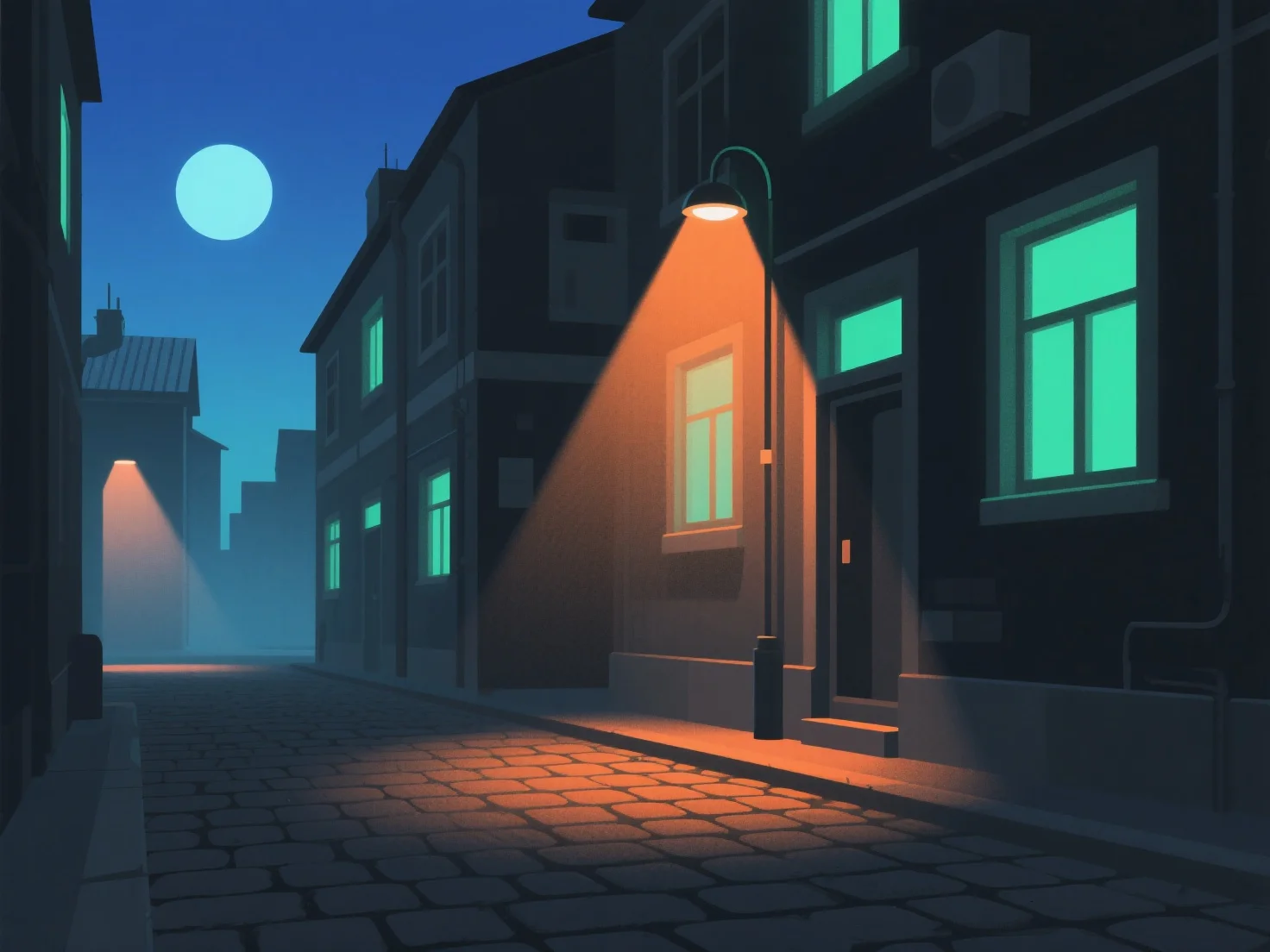
Para crear una iluminación realista para escenas nocturnas en modelos 3D, simule las fuentes de luz nocturna naturales y artificiales ajustando la intensidad, la temperatura del color y la suavidad de las sombras, imitando el comportamiento de la luz en el mundo real. Utilice luz ambiente de baja intensidad para establecer la oscuridad general, evitando la monotonía. Las luces clave (por ejemplo, la luz de la luna, las farolas) proporcionan la iluminación principal. Atenúe la luz de la luna y haga que las fuentes artificiales sean un poco más brillantes. Añada luces de relleno sutiles para evitar áreas demasiado oscuras, manteniendo la profundidad sin desvanecer las sombras. Ajuste las temperaturas de color: azules fríos para la luz de la luna, amarillos/naranja cálidos para las lámparas de interior o las farolas, para mejorar el realismo. Asegúrese de que las sombras sean suaves y difusas, evitando contrastes bruscos que rompan la inmersión. Haga referencia a fotos nocturnas reales para observar la dirección de la luz y la caída (cómo la luz se atenúa con la distancia), y utilice la oclusión ambiental en el software 3D para agregar profundidad, haciendo que la escena se sienta auténtica.


¿Cómo creas una iluminación realista para escenas nocturnas en modelos 3D?
Simular luz nocturna natural/artificial con intensidad, temperatura de color, suavidad de sombras, luz ambiente, luces clave/de relleno y referencias del mundo real para lograr un realismo en las escenas nocturnas en 3D.