


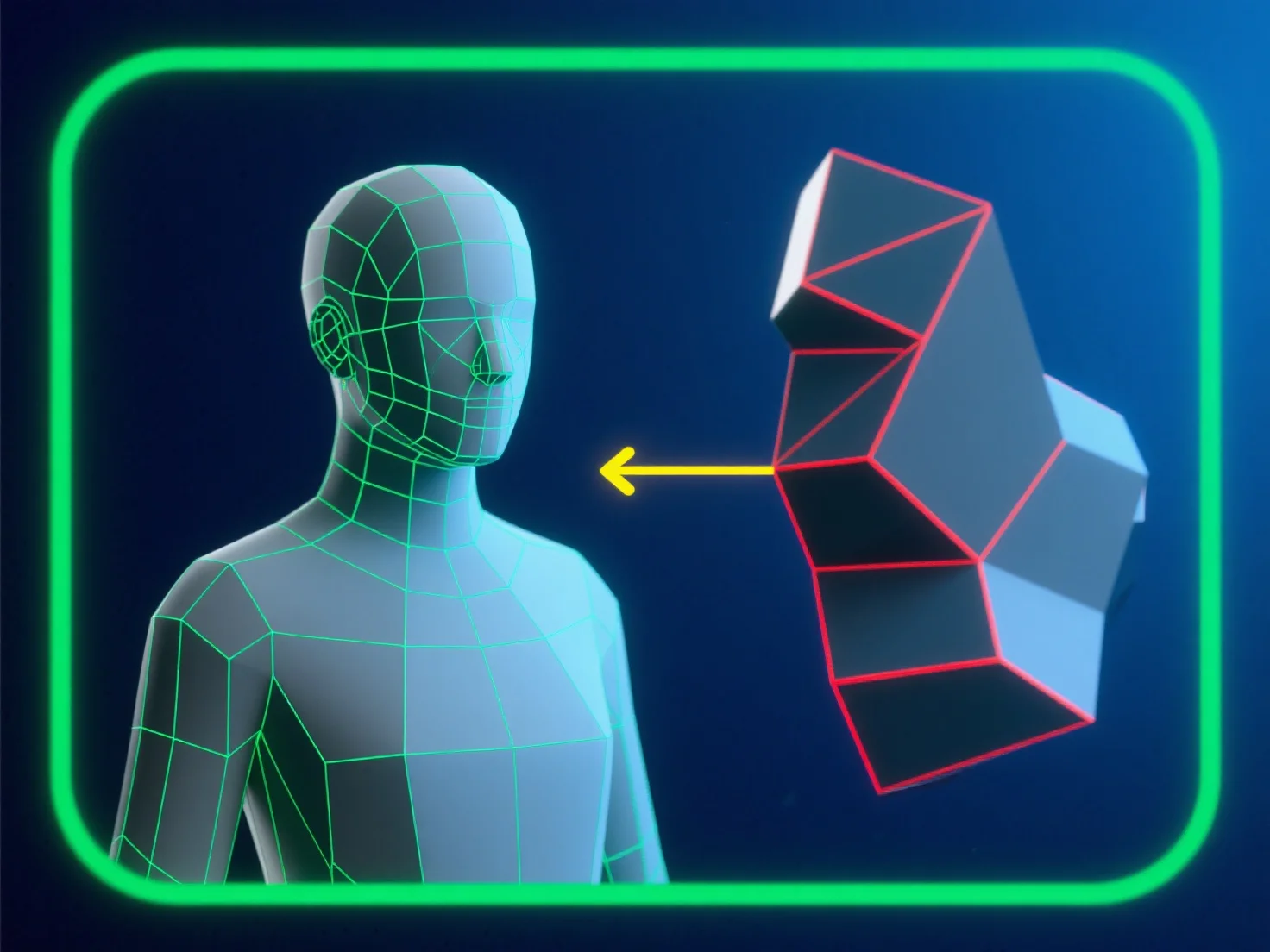
Para evitar errores de topología al modelar para animación, céntrate en un flujo de malla limpio, dominado por cuadriláteros, alineado con las trayectorias de movimiento del personaje. Esto asegura que los bordes se deformen de manera predecible, reduciendo el pellizamiento o estiramiento.
- **Evita polígonos problemáticos**: Evita los triángulos y ngones en áreas de alta deformación (por ejemplo, articulaciones, rasgos faciales), ya que interrumpen el movimiento suave. - **Optimiza los bucles de bordes**: Coloca bucles de bordes espaciados uniformemente alrededor de los puntos de flexión (codos, rodillas) para apoyar una deformación natural y libre de distorsiones. - **Prueba y valida**: Utiliza regularmente herramientas de integridad de malla.
Al combinar estos pasos, mantienes la calidad de la malla y aseguras un rendimiento fiable durante la animación.