


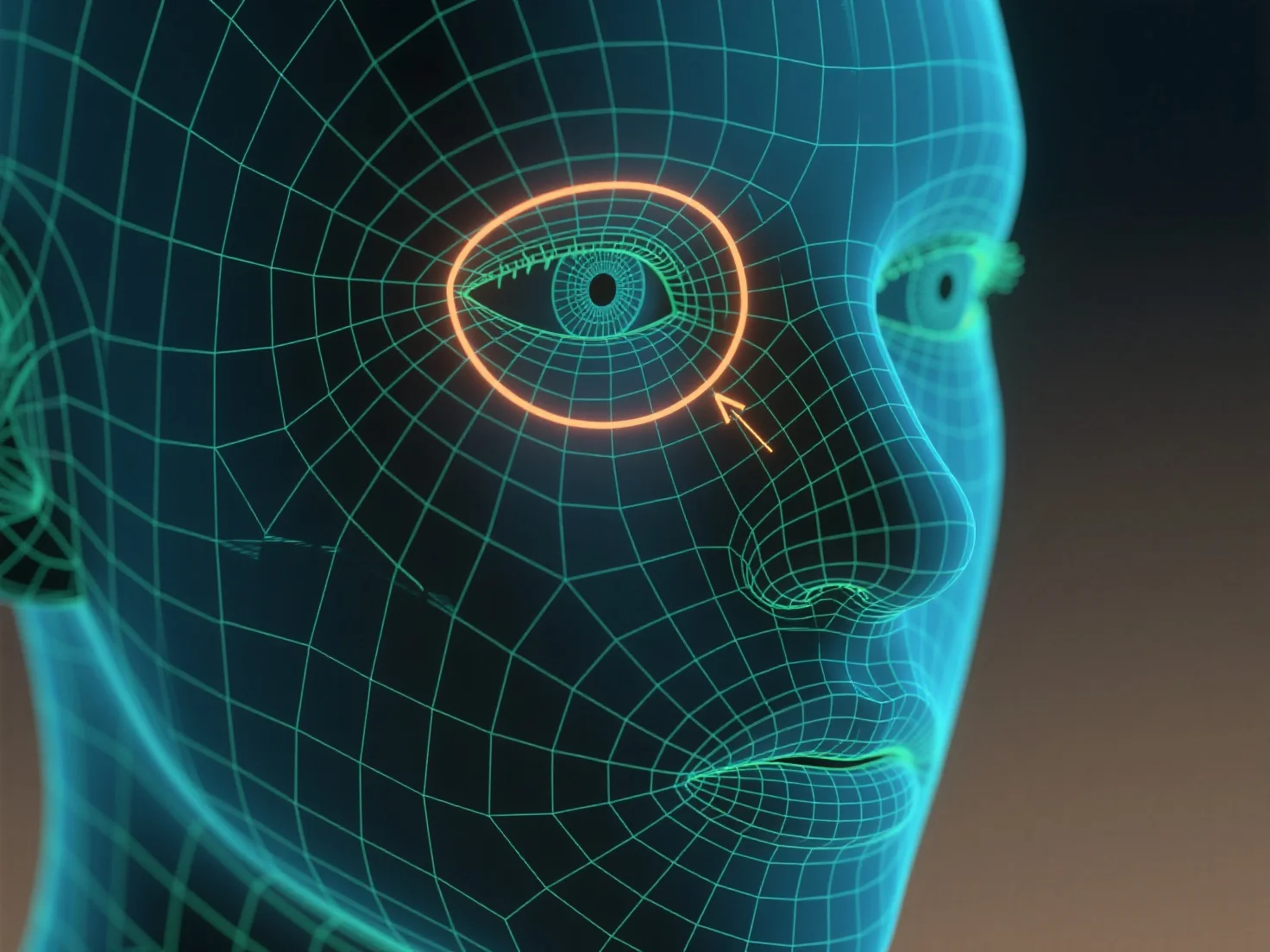
Los bucles de borde se utilizan para delinear contornos y controlar la deformación de la malla al definir las características del personaje, como los ojos y la boca.
Los bucles de bordes, anillos continuos de bordes alrededor de un modelo 3D, siguen las curvas naturales de las características, como la forma circular de los ojos o el contorno curvo de la boca, para dar forma a su geometría. Esta estructura asegura que la malla se deforme suavemente durante los movimientos del personaje.
Para principiantes, comience con bucles de bordes simples alrededor de la cuenca del ojo y la línea del labio, luego ajuste la densidad de los bucles para que coincida con el detalle de la característica, lo que ayuda a construir rasgos faciales claros y animables.