


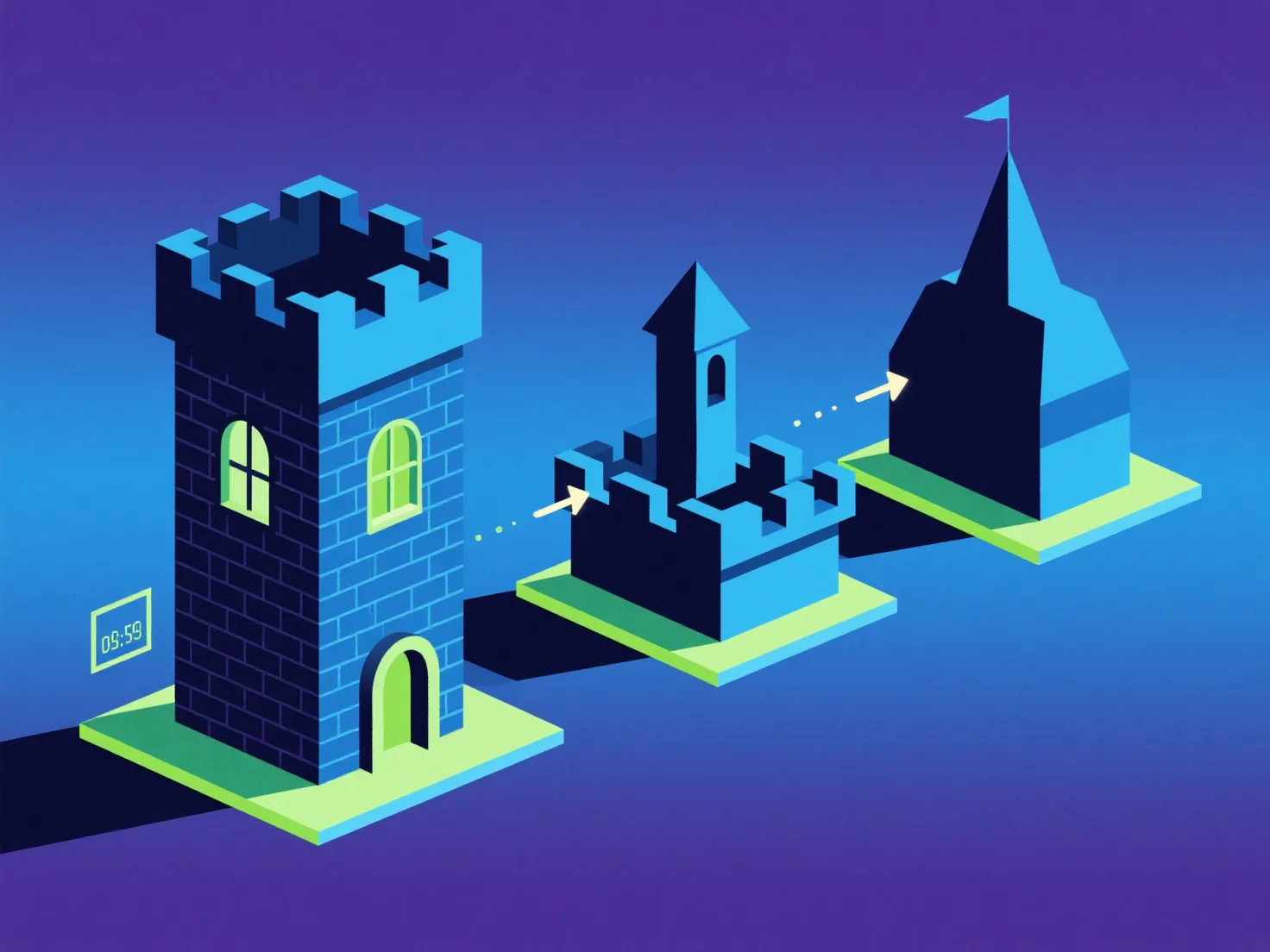
Los LOD (Niveles de Detalle) optimizan los componentes clave en escenas 3D ajustando dinámicamente la complejidad del modelo en función de la distancia del espectador, equilibrando la calidad visual y el rendimiento.
- **Control de complejidad basado en la distancia**: Los componentes más cercanos utilizan modelos de alta resolución y ricos en polígonos para lograr una fidelidad visual, mientras que los distantes cambian a versiones simplificadas y con menos polígonos, lo que reduce la carga de renderizado innecesaria. - **Eficiencia de rendimiento**: Reducir el número de polígonos para objetos lejanos disminuye el uso de la GPU/CPU, lo que es fundamental para las aplicaciones en tiempo real (juegos, RV) que necesitan velocidades de fotogramas fluidas. - **Optimización dirigida**: Priorizar los niveles de detalle (LOD) para componentes grandes y visibles con frecuencia.
Esto garantiza que los componentes clave mejoren el rendimiento al tiempo que conservan los detalles esenciales.