


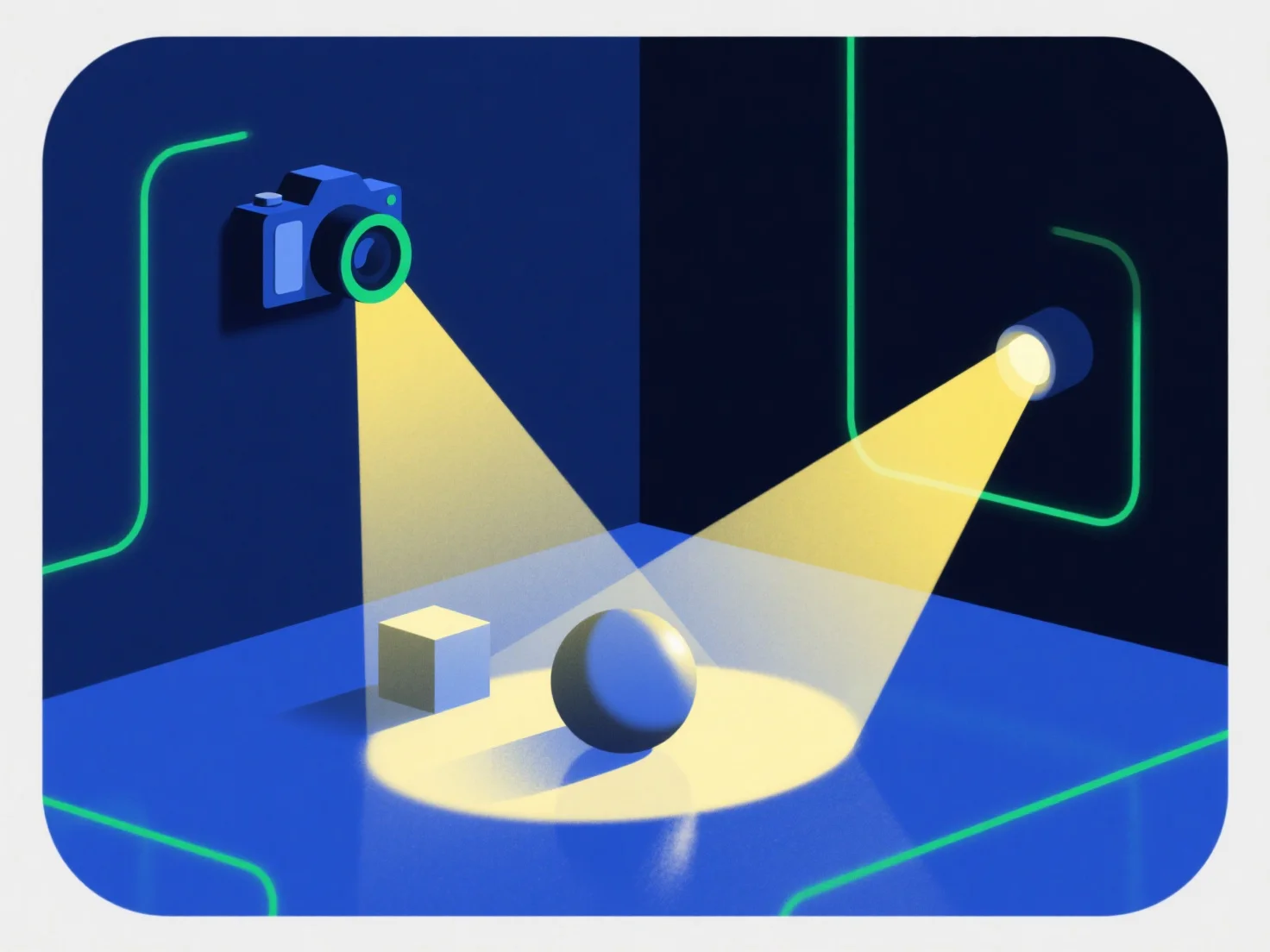
Las luces y las cámaras interactúan con los componentes 3D colaborando para generar imágenes realistas: las luces iluminan los componentes para definir su brillo, color y textura, mientras que las cámaras capturan la escena iluminada desde un punto de vista específico para producir la imagen renderizada final.
Las luces simulan efectos del mundo real como sombras, reflejos y mejora de la textura, haciendo que los componentes 3D parezcan tangibles. Sin una iluminación adecuada, los componentes pueden parecer planos o poco realistas.
Las cámaras controlan la visibilidad ajustando la posición, el ángulo y el campo de visión, determinando qué partes de los componentes 3D se muestran y su perspectiva. Una cámara mal posicionada podría ocultar detalles clave.
Esta sinergia es fundamental para el realismo: la iluminación equilibrada y el encuadre estratégico de la cámara dan vida a los componentes 3D. Para los principiantes, comenzar con luces puntuales básicas y un ángulo de cámara fijo ayuda a observar fácilmente cómo los cambios afectan la apariencia del componente.