


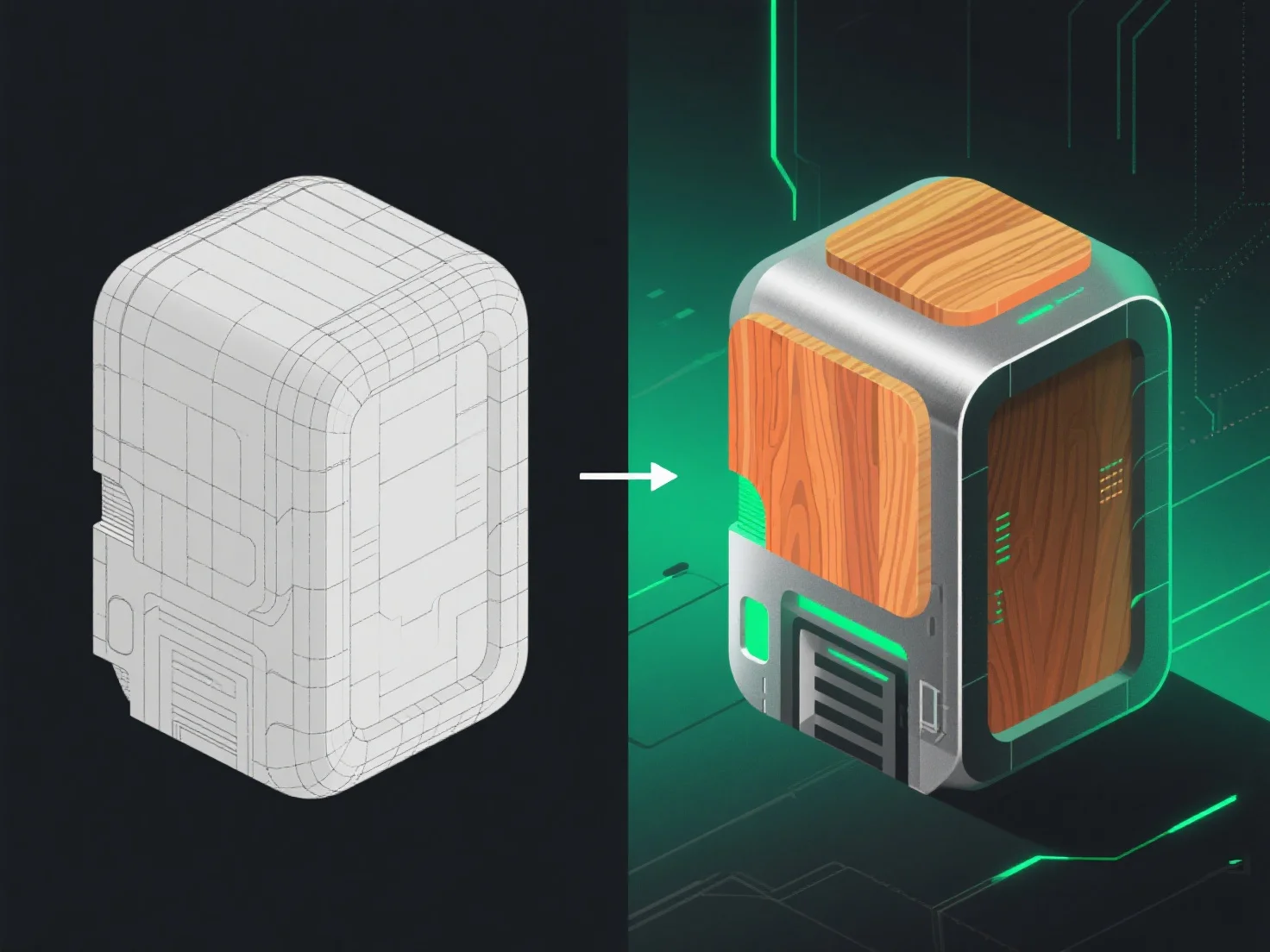
Los modelos 3D pasan de la modelización a la texturización a través del desempaquetado UV, el paso crítico que conecta la geometría con la aplicación de texturas, asegurando que las texturas se alineen correctamente con la superficie del modelo.
Primero, el desempaquetado UV aplana la superficie del modelo 3D en coordenadas 2D, como desplegar un origami. Esto evita la distorsión de la textura, asignando cada punto de la superficie 3D a un área específica en una "hoja de textura" 2D.
A continuación, los artistas crean o importan mapas de textura.
En resumen, el desempaquetado UV une el modelado y la texturización, lo que permite una aplicación precisa de la textura para dar vida a los modelos 3D con superficies realistas o estilizadas.