


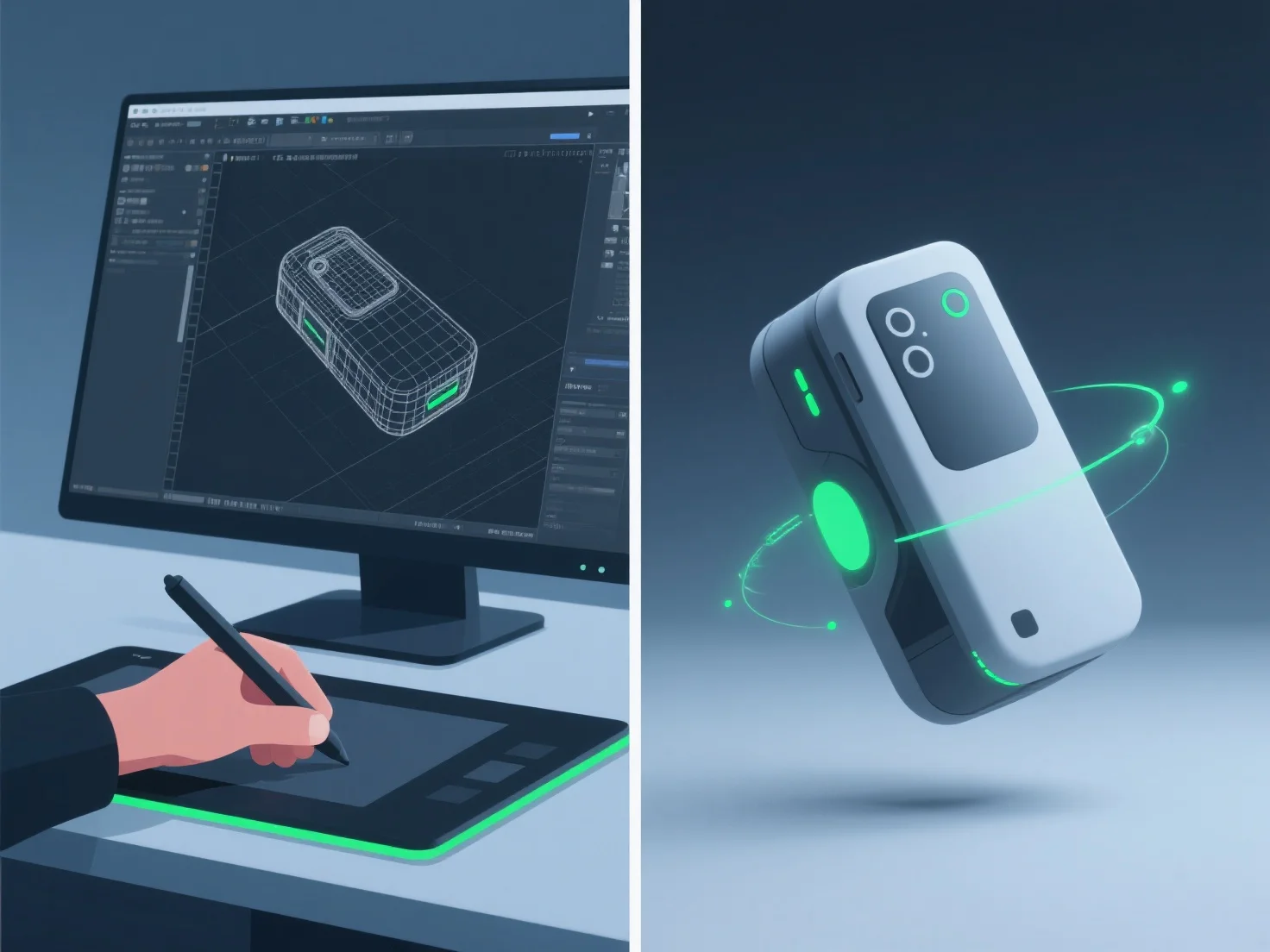
Los modeladores 3D crean animaciones realistas de demostración de productos mediante la integración de modelado 3D detallado, aparejo preciso, animación de fotogramas clave y simulación de materiales/texturas, lo que garantiza una forma precisa del producto, su movimiento y los detalles de la superficie.
- **Modelado 3D**: Construye réplicas digitales detalladas, capturando dimensiones y características exactas para reflejar el producto real. - **Rigging**: Añade estructuras esqueléticas para permitir un movimiento natural, como bisagras de tapa o pulsadores de botones, imitando la mecánica del mundo real. - **Animación de fotogramas clave**: Establece posturas clave para definir secuencias de movimiento, alineando el tiempo con la forma en que funciona el producto en la realidad (por ejemplo, apertura suave de la tapa). - **Simulación de materiales/texturas**: Aplica propiedades de superficie realistas, como reflectividad metálica o acabado mate del plástico, para mejorar la autenticidad visual.
Esta combinación asegura que las animaciones reflejen el uso real del producto, haciendo que las demostraciones sean tanto realistas como atractivas.