


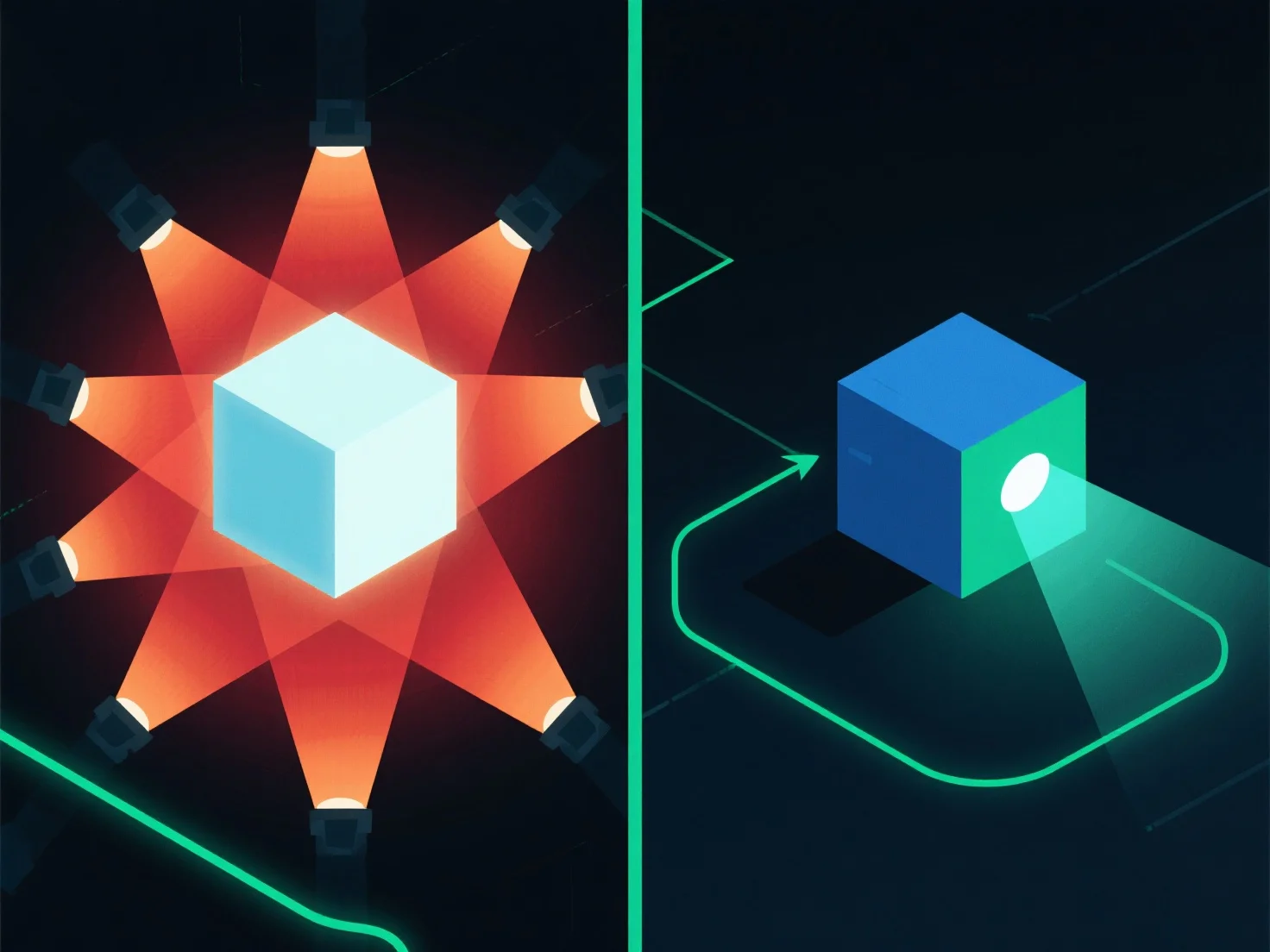
Para optimizar la iluminación y mejorar el rendimiento de la renderización, concéntrate en reducir la complejidad de la fuente de luz y en utilizar técnicas eficientes. Esto reduce la carga computacional al simplificar la forma en que el motor de renderización procesa las interacciones de la luz.
- **Reducir el número de luces**: Auditar la escena para eliminar fuentes de luz redundantes o no esenciales, ya que cada luz adicional aumenta las demandas de procesamiento. - **Simplificar los tipos de luz**: Reemplazar las luces de área que consumen muchos recursos con opciones más simples, como luces puntuales o direccionales, que requieren menos cálculos. - **Usar iluminación pre-renderizada**: Precomputar los efectos de iluminación estáticos.
Al combinar estos pasos, puedes equilibrar la calidad visual con un rendimiento de renderizado más fluido.