


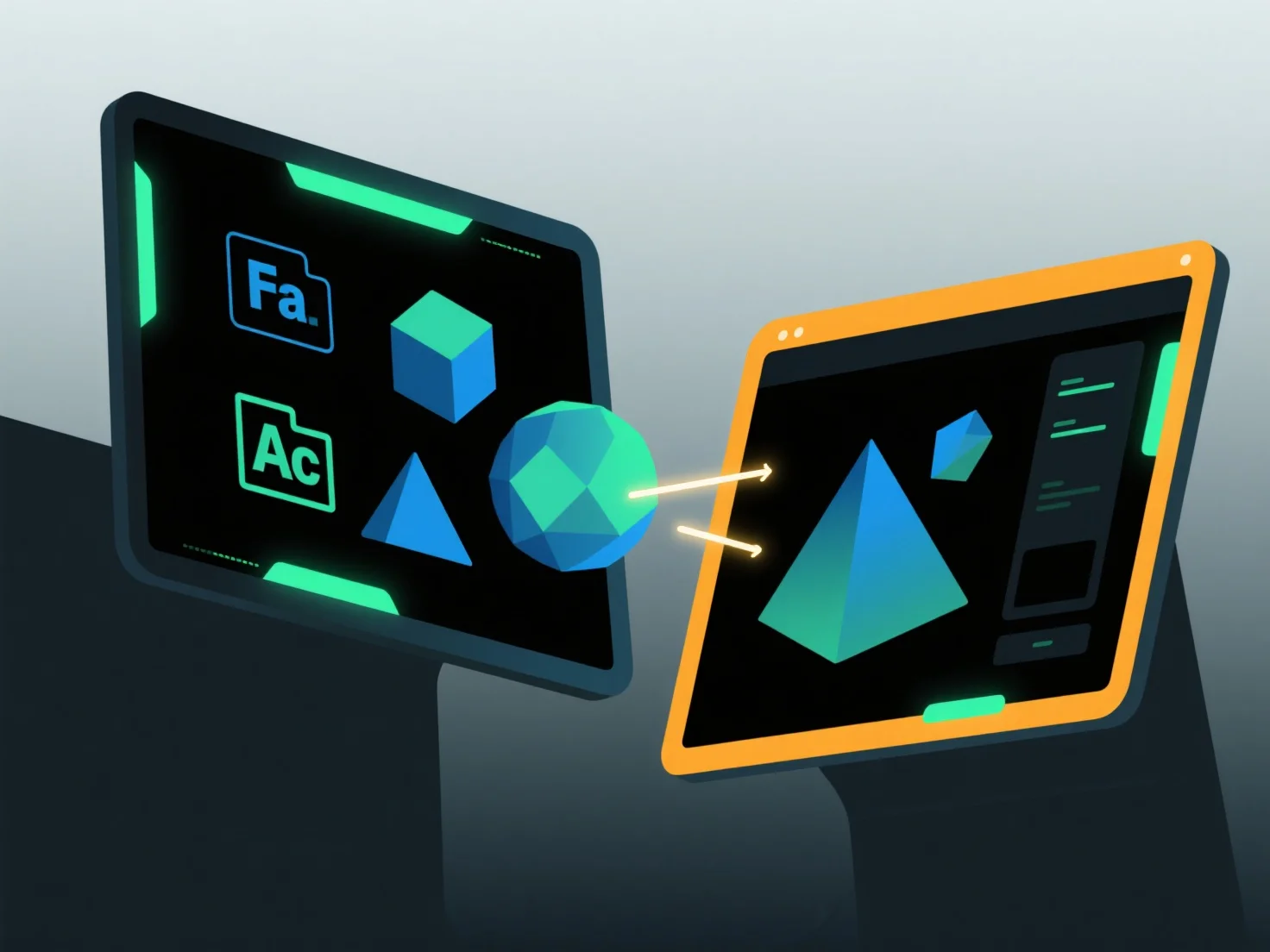
Para importar y exportar modelos entre aplicaciones de software, utilice formatos de intercambio comunes compatibles con ambas herramientas, junto con funciones de importación/exportación integradas y ajustes de compatibilidad.
Primero, seleccione formatos compartidos: Elija tipos ampliamente compatibles como OBJ (preserva la geometría/texturas), FBX (maneja animaciones) o STL (ideal para impresión 3D), ya que estos mantienen los datos clave entre aplicaciones.
A continuación, utilice herramientas de software: acceda a la función de "Importar" o "Exportar" en el menú de la aplicación, seleccione el formato de destino y siga las instrucciones para cargar o guardar archivos.
Finalmente, ajuste la configuración: Asegúrese de que la incrustación de texturas, el escalado de unidades o la alineación de coordenadas coincidan con ambos softwares para evitar la pérdida de datos.
Este método garantiza una transferencia de modelo sin problemas entre diferentes aplicaciones.