


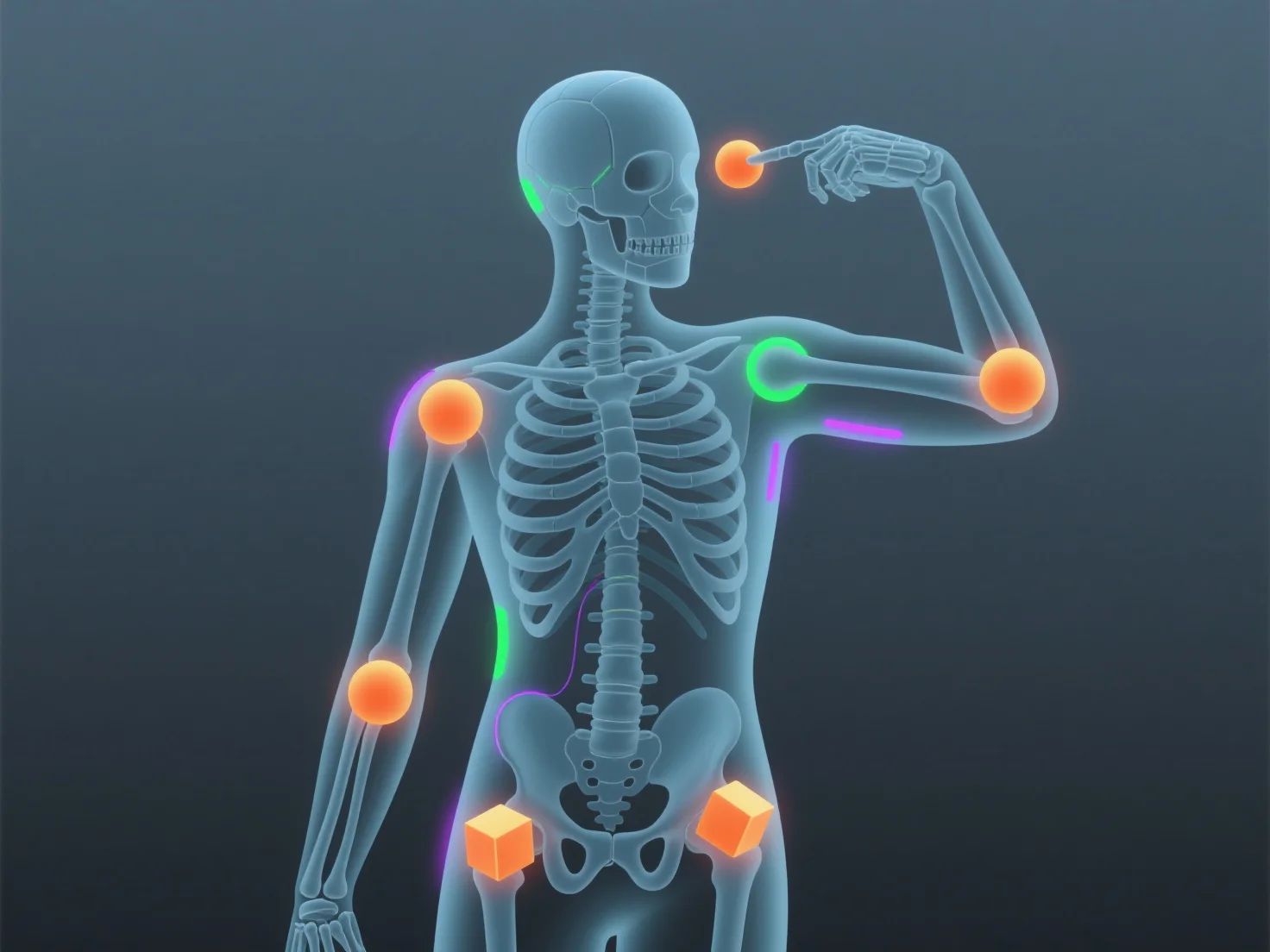
Rigging animiert 3D-Modelle, indem ein digitales Skelett (Armature) mit Knochen und Gelenken erstellt wird, das die Bewegungen des Modells steuert, wenn es auf sein Mesh abgebildet wird.
- **Skelettdesign**: Animatoren erstellen Knochen (z. B. Wirbelsäule, Gliedmaßen) und Gelenke, um die echte Anatomie nachzuahmen, und bilden so die Kernstruktur des Rigs. - **Mesh-Bindung**: Das Skelett ist mit dem Mesh des 3D-Modells verbunden, sodass sich bewegende Knochen (z. B. das Beugen eines Arms) das Mesh auf natürliche Weise verformen. - **Animationskontrolle**: Durch die Anpassung der Knochenpositionen (Keyframes) können Animatoren Bewegungen wie Gehen oder Mimik erzeugen, da das Rig für flüssige, lebensechte Bewegungen sorgt.
Dies verbindet 3D-Modellierung und Animation und macht Modelle reaktionsfähig und einfach zu animieren, selbst für Anfänger, die einfache Rigs verwenden.