


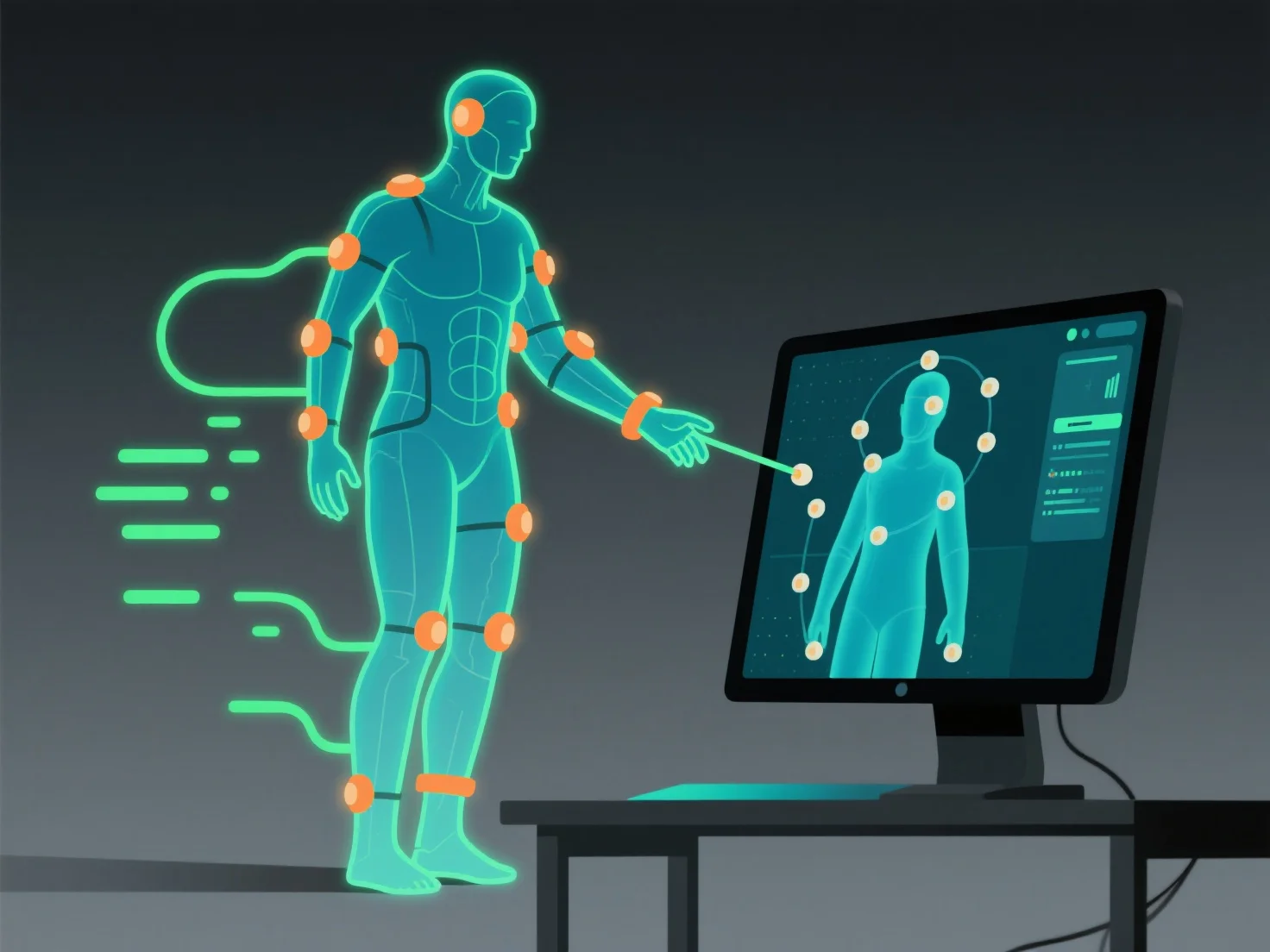
Die Integration von Motion-Capture-Daten mit 3D-Modellierungs- und Animationswerkzeugen beinhaltet das Importieren der Datei, das Ausrichten auf den Rig des 3D-Modells und das Vornehmen von Feinanpassungen, um einen natürlichen Bewegungsübergang zu gewährleisten, sodass das Modell die aufgezeichneten Bewegungen genau nachahmen kann.
- **Importieren Sie die Datendatei**: Verwenden Sie Standardformate wie FBX oder BVH. Die meisten Tools (z. B. Blender, Maya, Unity) unterstützen diese; überprüfen Sie zuerst die Formatkompatibilität, um einen reibungslosen Import zu gewährleisten. - **Ausrichten mit dem Rig des Modells**: Passen Sie die erfassten Gelenkbewegungen an die Skelettstruktur des Modells an und stellen Sie sicher, dass jede aufgezeichnete Bewegung korrekt den Knochen des Rigs zugeordnet wird. - **Feinjustierungen vornehmen**: Beheben Sie kleinere Ungenauigkeiten.
Diese Schritte gewährleisten eine nahtlose Integration, sodass sich das 3D-Modell wie beabsichtigt mit den erfassten Bewegungsdaten bewegt.