


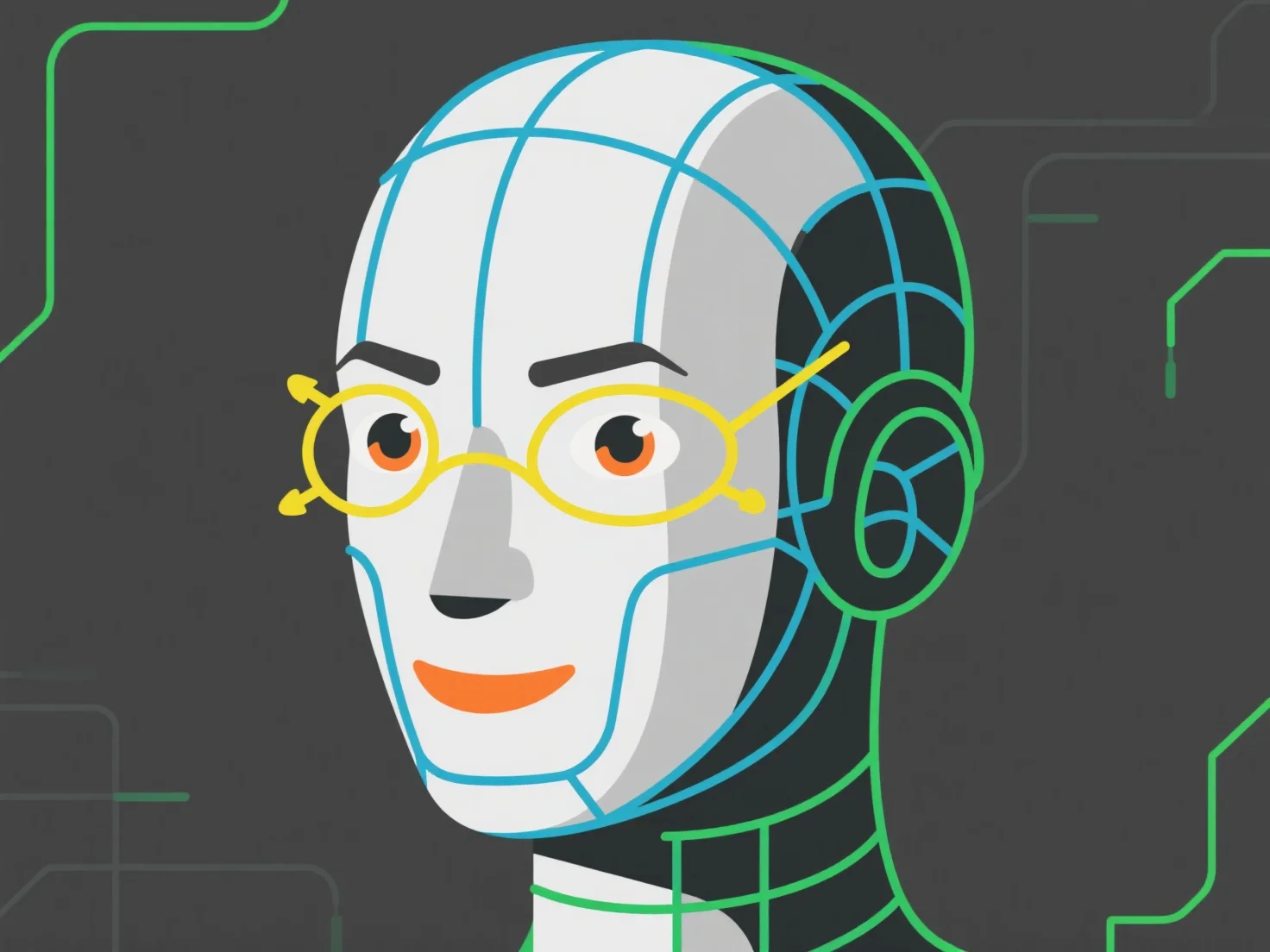
Die Handhabung der Topologie für Gesichtsanimationen in der Charaktermodellierung konzentriert sich auf die Strukturierung von Kantenschleifen, die der natürlichen Bewegung der Gesichtsmuskeln und den wichtigsten Deformationsbereichen (Augen, Mund, Augenbrauen) folgen, um eine glatte Mesh-Deformation während der Ausdrücke zu gewährleisten.
Priorisieren Sie die Polygondichte: Verwenden Sie eine höhere Dichte in Regionen mit hoher Mobilität.
Konzentrieren Sie sich auf die wichtigsten Deformationszonen: Augenrand (unterstützt das Blinzeln), Nasolabialfalten (unterstützt das Lächeln) und Kieferlinie (ermöglicht das Öffnen und Schließen des Mundes).
Bezugnahme auf Anatomiediagramme der Gesichtsmuskeln, um den Kantenfluss mit der darunter liegenden Muskulatur auszurichten, was das Rigging und die Animation intuitiver macht und unnatürliches Dehnen oder Quetschen verhindert. Dieser Ansatz gewährleistet eine realistische Lippensynchronisation, Augenbewegungen und Mimik, während die Leistung optimiert wird.