


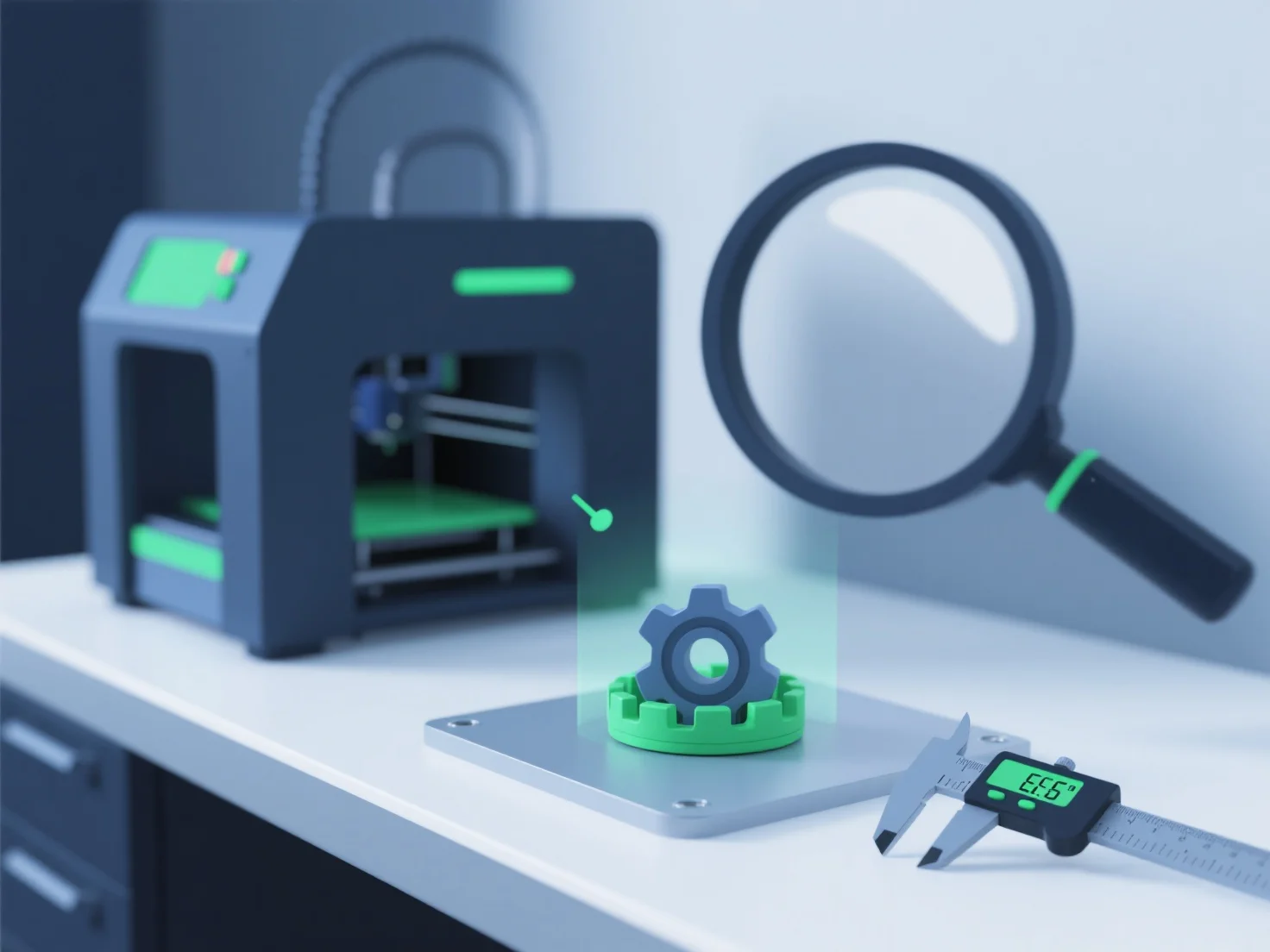
Um sicherzustellen, dass 3D-Modelle die Qualitätsstandards für den 3D-Druck erfüllen, konzentrieren wir uns auf die Validierung der Geometrie, die Optimierung von Dateiformaten und die Durchführung von Prüfungen vor dem Druck. Schlüsselschritte, die Fehler beseitigen und mit den Fähigkeiten des Druckers übereinstimmen.
Zunächst validieren Sie die Geometrie: Verwenden Sie Tools wie MeshLab oder Blender, um nach nicht-manifolden Kanten, Lücken oder überlappenden Flächen zu suchen, die Druckfehler verursachen können.
Zweitens, optimieren Sie die Dateiformate: Wählen Sie druckfreundliche Formate (STL, 3MF) und passen Sie kritische Parameter an. Zum Beispiel, minimale Wandstärke (1,2 mm+ für die meisten Materialien) und Überhangwinkel (halten Sie sie unter 45° ohne Stützen).
Drittens, führen Sie Vorabdruckprüfungen durch: Simulieren Sie den Druck in Slicern (Cura, PrusaSlicer), um Probleme mit der Schichthaftung oder Unterstützungswerkzeugen zu erkennen, und testen Sie kleine Prototypen, um die Qualität vor der vollständigen Produktion zu überprüfen.
Dieser strukturierte Prozess stellt sicher, dass die Modelle strukturell stabil, druckbereit und in Übereinstimmung mit den Material- und Druckerspezifikationen sind.