


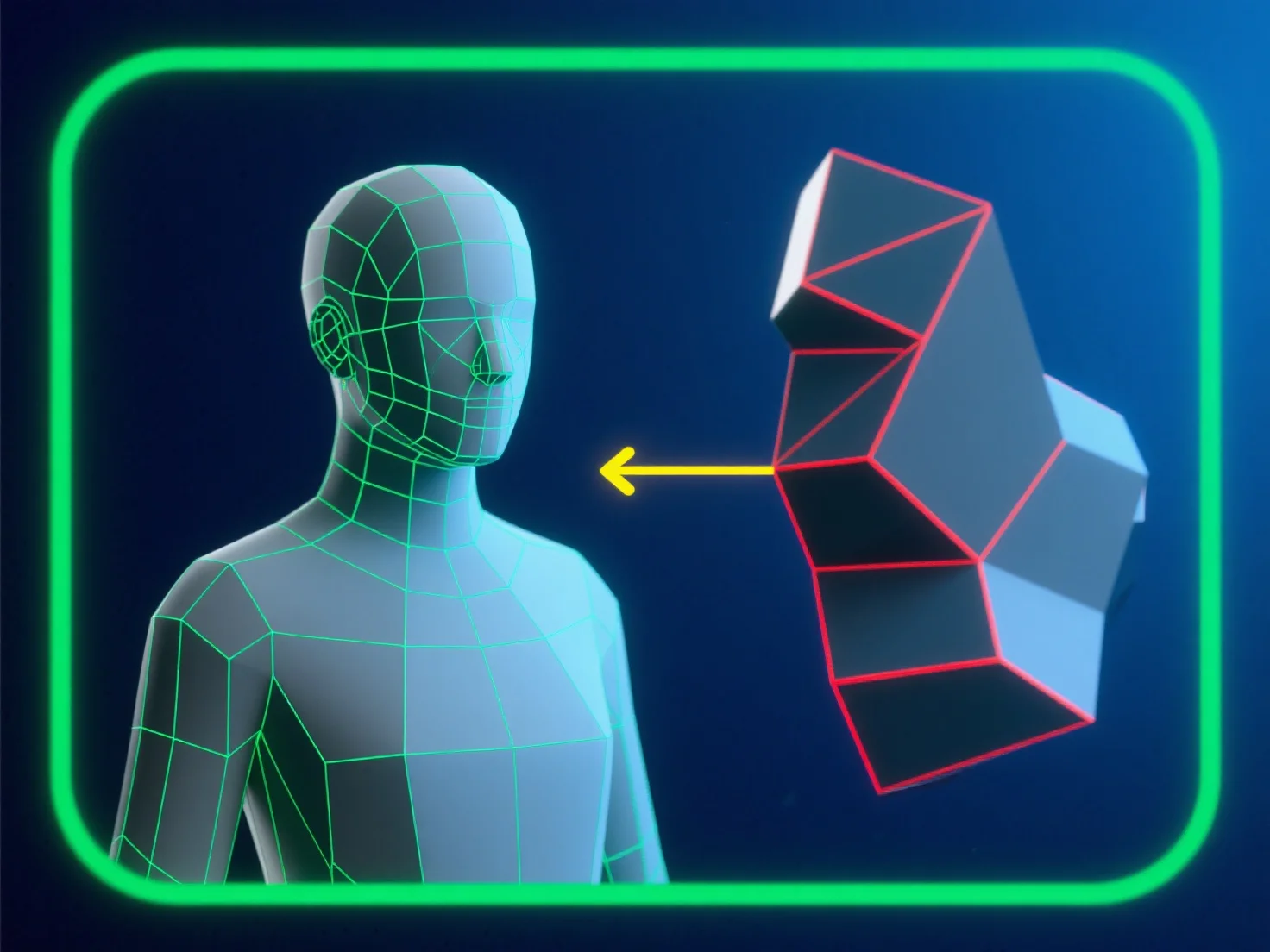
Um Topologiefehler bei der Modellierung für Animationen zu vermeiden, konzentrieren Sie sich auf einen sauberen, quad-dominierten Mesh-Fluss, der mit den Bewegungspfaden des Charakters ausgerichtet ist. Dies stellt sicher, dass sich die Kanten vorhersehbar verformen, wodurch Quetschungen oder Dehnungen reduziert werden.
- **Problematische Polygone vermeiden**: Vermeiden Sie Dreiecke und N-Gons in Bereichen mit hoher Deformation (z. B. Gelenke, Gesichtszüge), da sie eine reibungslose Bewegung stören. - **Kantenschleifen optimieren**: Platzieren Sie gleichmäßig verteilte Kantenschleifen um Biegepunkte (Ellenbogen, Knie), um eine natürliche, verzerrungsfreie Deformation zu unterstützen. - **Testen und validieren**: Verwenden Sie regelmäßig Tools zur Überprüfung der Netzintegrität.
Durch die Kombination dieser Schritte erhalten Sie eine gleichbleibend hohe Netzqualität und gewährleisten eine zuverlässige Leistung während der Animation.