


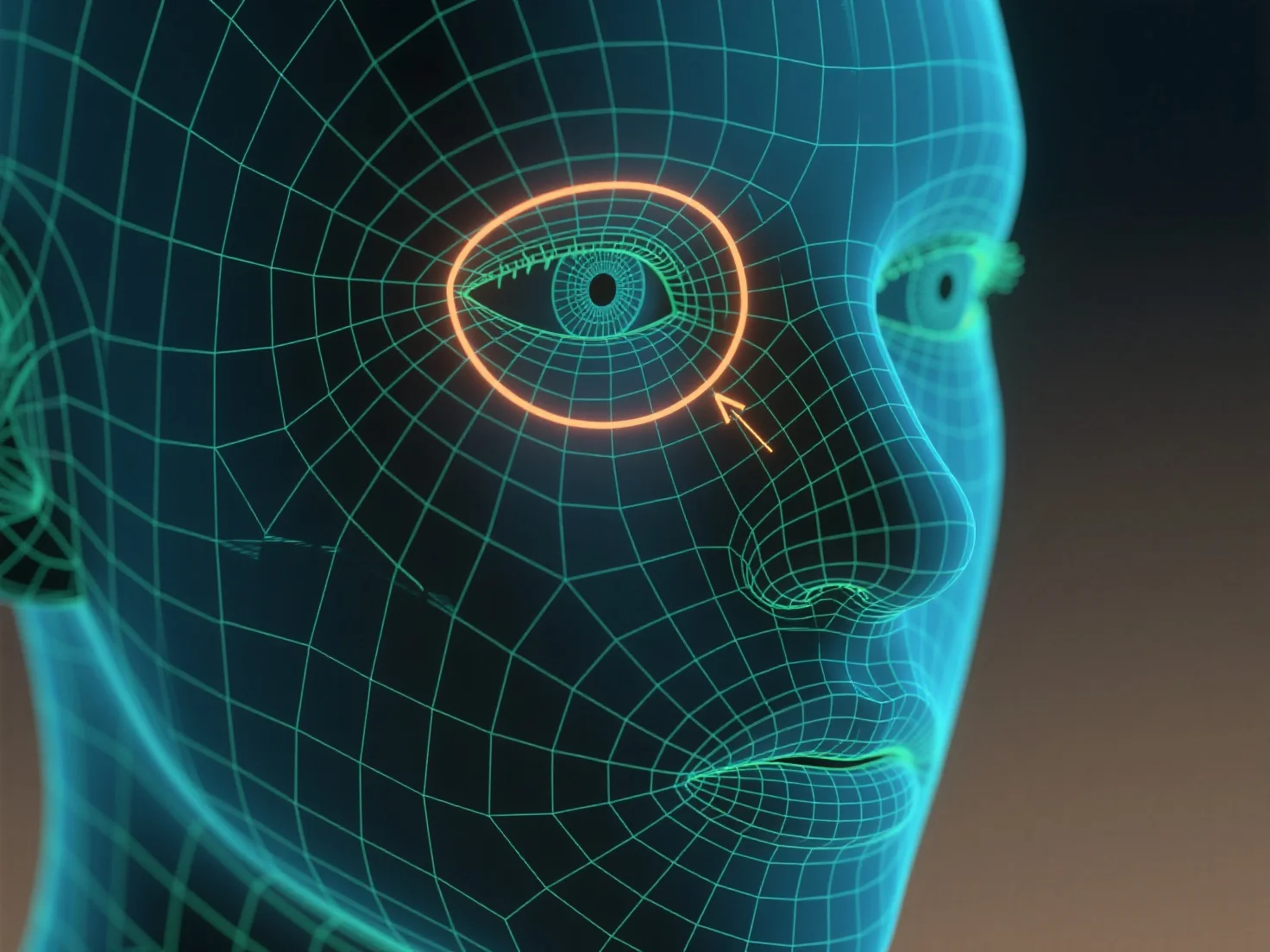
Kantenschleifen werden verwendet, um Konturen zu umreißen und die Verformung von Netzen zu kontrollieren, wenn Charaktermerkmale wie Augen und Mund definiert werden.
Kantenschleifen, kontinuierliche Ringe von Kanten um ein 3D-Modell, folgen den natürlichen Kurven von Merkmalen, wie z. B. der runde Form von Augen oder dem gekrümmten Umriss eines Mundes, um ihre Geometrie zu formen. Diese Struktur sorgt dafür, dass sich das Netz während der Bewegungen des Charakters reibungslos verformt.
Für Anfänger: Beginnen Sie mit einfachen Kantenschleifen um die Augenhöhle und die Lippenlinie, dann passen Sie die Schleifendichte an, um den Details der Gesichtszüge zu entsprechen, und helfen Sie dabei, klare, animierbare Gesichtszüge zu erstellen.