


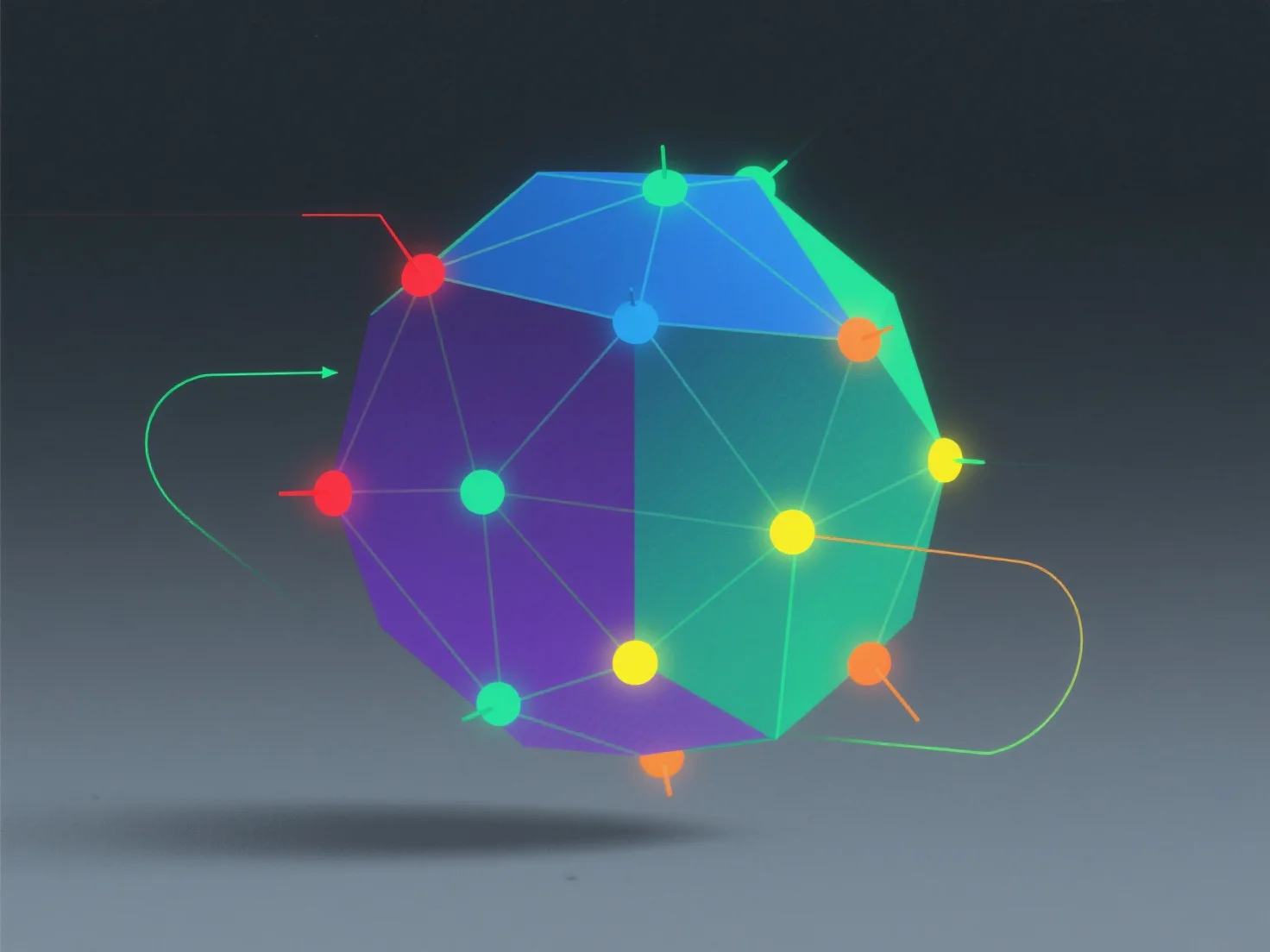
Die Vertex-Farben in 3D-Assets sind Farbwerte, die einzelnen Vertexen zugewiesen werden, die von Renderern über Polygon-Oberflächen interpoliert werden, um glatte Farbübergänge oder lokalisierte Details zu erzeugen.
- **Kernmechanismus**: Jeder Vertex enthält RGB-Farbdaten (und manchmal Alpha-Informationen). Während des Renderings werden diese Werte über die Oberfläche des Polygons gemischt, wodurch Gradienten oder spezifische Farbzonen basierend auf den Vertex-Positionen erzeugt werden. - **Hauptanwendungen**: Häufig verwendet beim Vertex-Malen für Grundfarbtöne, subtile Oberflächenvariationen (z. B. Schmutz, Highlights) oder stilisierte Kunst. Sie reduzieren die Abhängigkeit von hochauflösenden Texturen und machen Assets für Echtzeit-Anwendungen leichter handhabbar. - **Rendering-Auswirkungen**: Die Dichte der Vertexe beeinflusst die Farbglätte. Nähere Vertexe erzeugen feinere Gradienten, während spärliche Vertexe zu blockigen Farbübergängen führen können.
Vertex-Farben bieten eine effiziente, flexible Möglichkeit, Farbdetails hinzuzufügen und dabei die visuelle Qualität und die Leistung der Assets in Einklang zu bringen.