


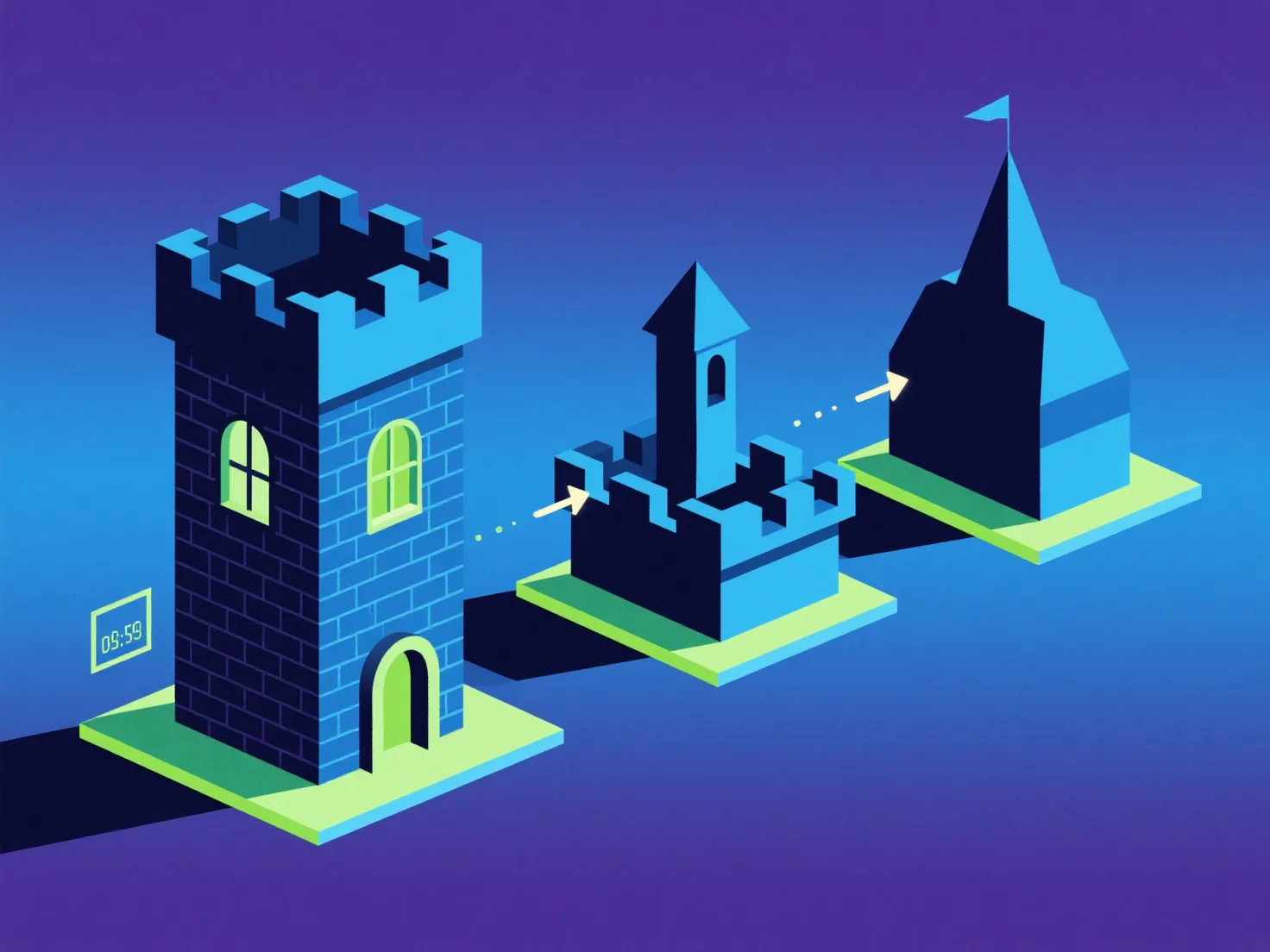
LODs (Level of Detail) optimieren Schlüsselkomponenten in 3D-Szenen, indem sie die Modellkomplexität dynamisch basierend auf der Entfernung zum Betrachter anpassen und so die visuelle Qualität und Leistung in Einklang bringen.
- **Distanzabhängige Komplexitätskontrolle**: Nähere Komponenten verwenden hochdetaillierte, polygonreiche Modelle für visuelle Genauigkeit, während entfernte Komponenten auf vereinfachte, polygonarme Versionen umsteigen, um unnötige Rendering-Belastung zu reduzieren. - **Performance-Effizienz**: Die Reduzierung der Polygonanzahl für entfernte Objekte verringert die GPU/CPU-Auslastung, was für Echtzeit-Anwendungen (Spiele, VR) mit flüssigen Frameraten entscheidend ist. - **Zielgerichtete Optimierung**: Priorisierung von LODs für große/häufig sichtbare Komponenten.
Dies stellt sicher, dass Schlüsselkomponenten die Leistung steigern und gleichzeitig wichtige Details beibehalten.