


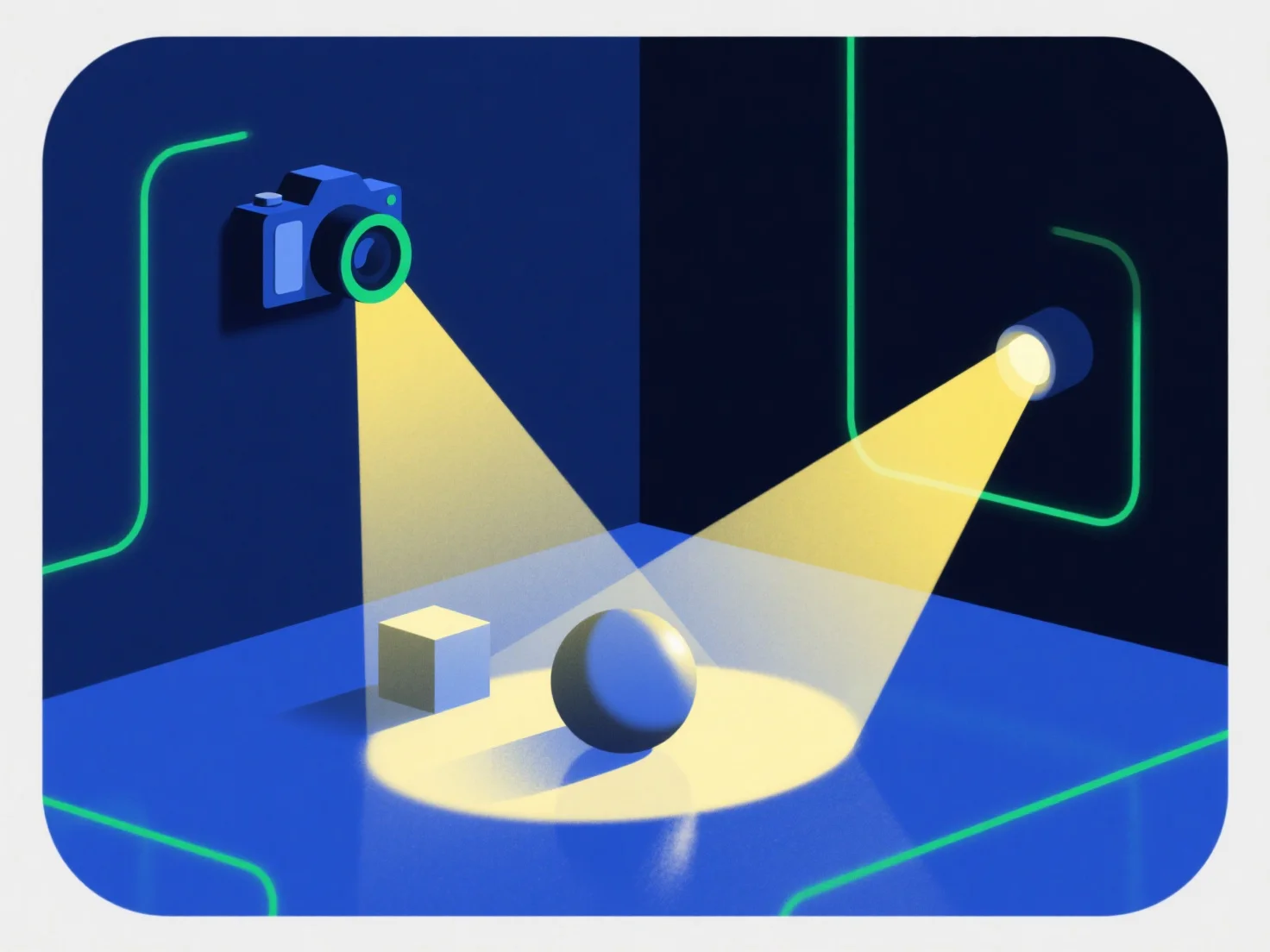
Lichter und Kameras interagieren mit 3D-Komponenten, indem sie zusammenarbeiten, um realistische visuelle Effekte zu erzeugen: Lichter beleuchten Komponenten, um deren Helligkeit, Farbe und Textur zu definieren, während Kameras die beleuchtete Szene aus einem bestimmten Blickwinkel aufnehmen, um das endgültige gerenderte Bild zu erzeugen.
Lichter simulieren reale Effekte wie Schatten, Highlights und Texturverbesserungen, wodurch 3D-Komponenten greifbar erscheinen. Ohne eine angemessene Beleuchtung können Komponenten flach oder unrealistisch aussehen.
Kamera kontrolliert die Sichtbarkeit durch Anpassung der Position, des Winkels und des Sichtfelds und bestimmt, welche Teile der 3D-Komponenten angezeigt werden und ihre Perspektive. Eine schlecht positionierte Kamera könnte wichtige Details verdecken.
Diese Synergie ist für Realismus entscheidend: Ausgewogene Beleuchtung und strategische Kamerarahmen erwecken 3D-Komponenten zum Leben. Für Anfänger hilft es, mit grundlegenden Punktlichtern und einem festen Kamerawinkel zu beginnen, um leicht zu beobachten, wie sich Änderungen auf das Aussehen der Komponente auswirken.