


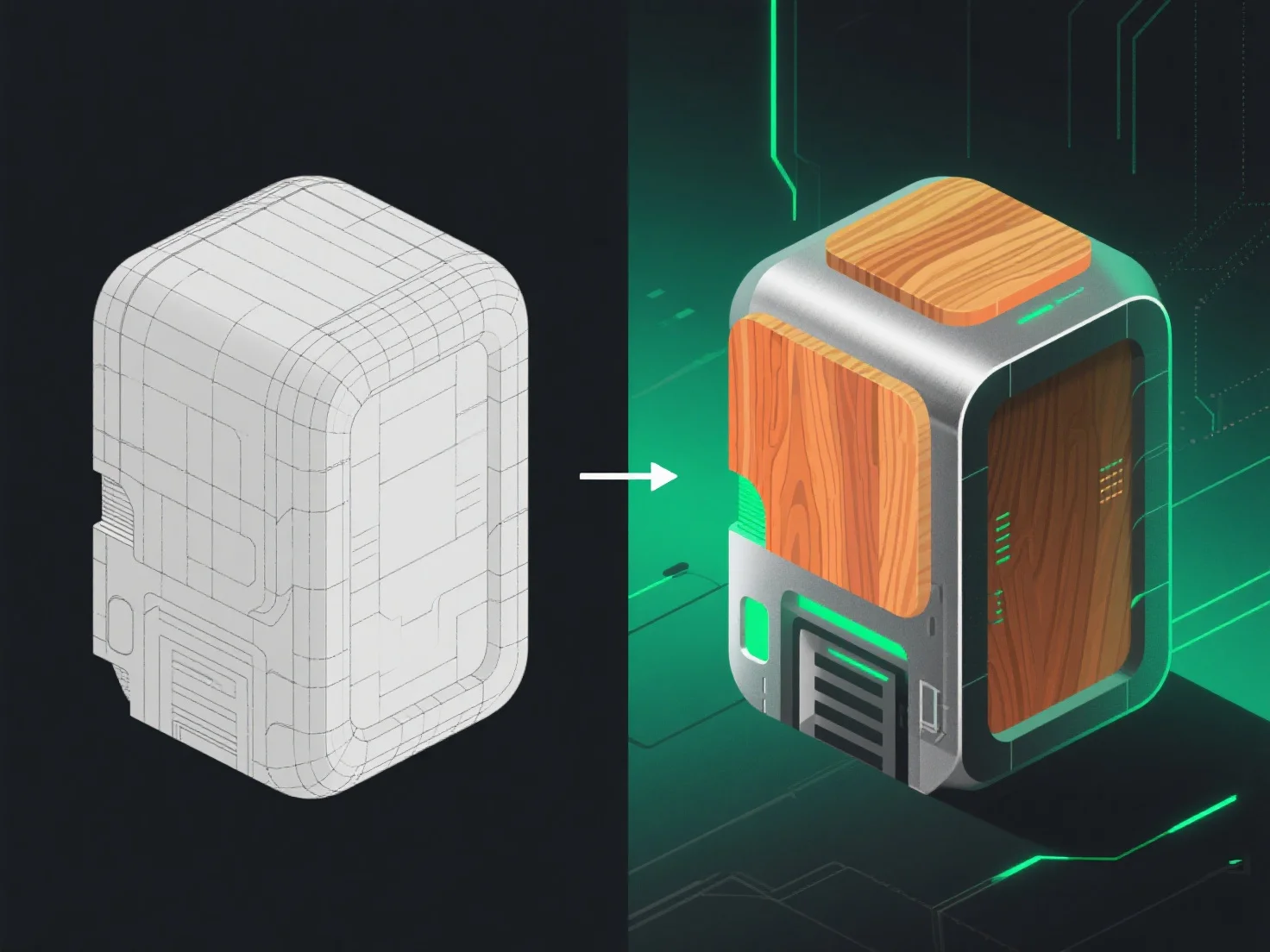
3D-Modelle gehen vom Modellieren zum Texturieren über das UV-Unwrapping über, dem kritischen Schritt, der die Geometrie mit der Texturanwendung verbindet und sicherstellt, dass die Texturen genau mit der Oberfläche des Modells übereinstimmen.
Zunächst glättet das UV-Unwrapping die Oberfläche des 3D-Modells in 2D-Koordinaten, wie beim Ausfalten eines Papiermodells. Dies verhindert Texturverzerrungen, indem jeder 3D-Oberflächenpunkt einem bestimmten Bereich auf einem 2D-"Texturblatt" zugeordnet wird.
Als nächstes erstellen oder importieren Künstler Texturkarten.
Zusammenfassend verbindet das UV-Unwrapping das Modellieren und Texturieren und ermöglicht eine präzise Texturanwendung, um 3D-Modelle mit realistischen oder stilisierten Oberflächen zum Leben zu erwecken.