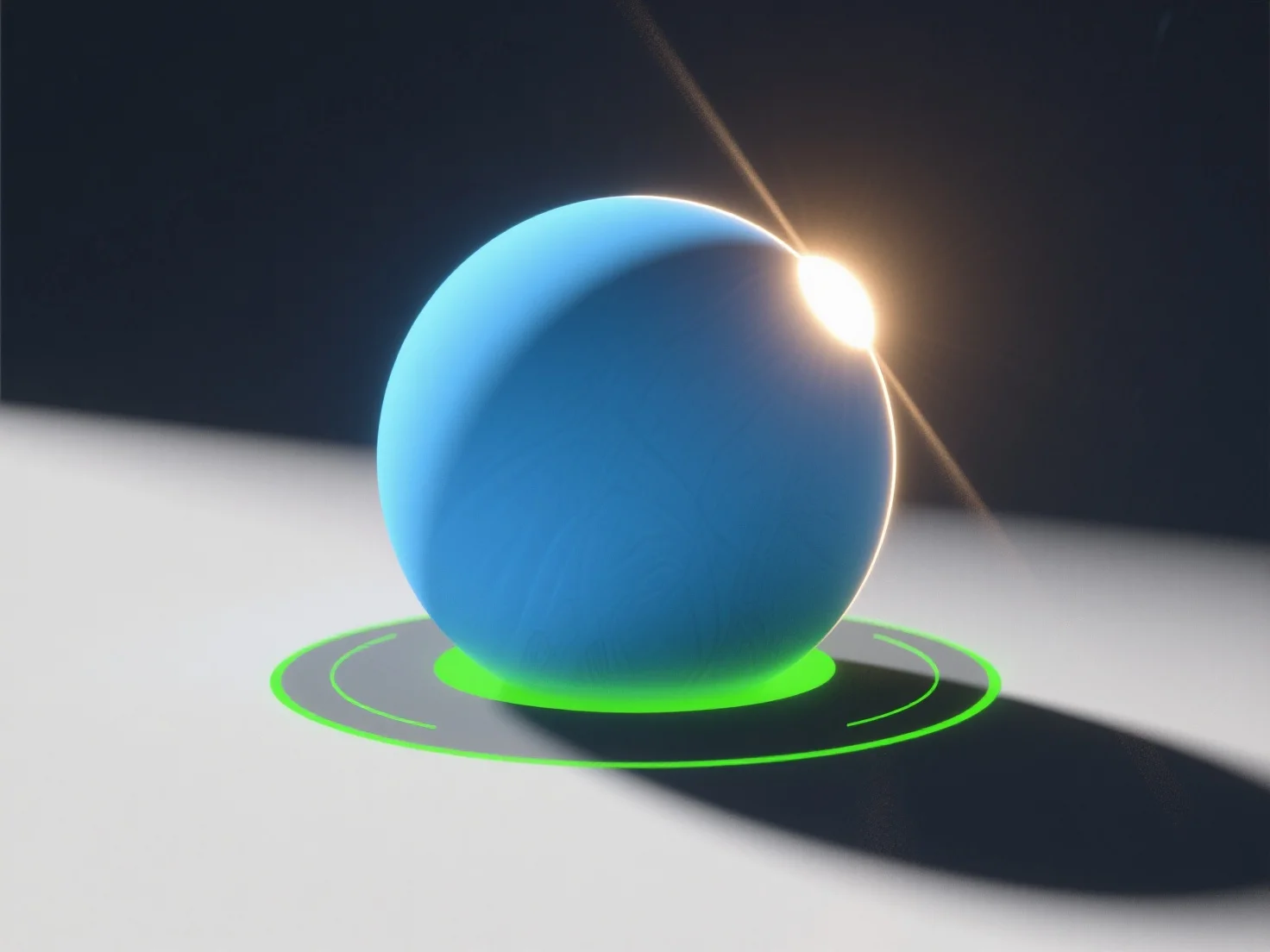
Um natürliche Lichtquellen in einer 3D-Szene zu simulieren, verwenden Sie Richtungslicht für Sonnenlicht, Flächenlicht für diffuses Himmelslicht und passen Sie Parameter wie Intensität, Farbtemperatur und Schattenweichheit an. - **Sonnenlicht-Simulation**: Richtungslicht imitiert parallele Sonnenstrahlen; stellen Sie den Winkel ein (niedrig für Sonnenaufgang/-untergang, hoch für Mittag) und die Farbtemperatur (warmes Gelb/Orange für goldene Stunden, neutrales Weiß für Mittag). - **Himmelslicht/Diffuses Licht**: Flächen- oder Kuppellicht repliziert gestreutes Himmelslicht mit weichen Schatten und kälteren Tönen (z. B. Blau für bewölkte Tage). - **Realismus verbessern**: Integrieren Sie HDRI-Umgebungskarten, um Umgebungslicht aus realen Szenen zu erfassen, und fügen Sie subtile Reflexionen und globale Beleuchtung hinzu. Anfänger können mit diesen Werkzeugen in Software wie Blender beginnen und sich auf das Ausbalancieren von Intensität und Farbe für natürliche Ergebnisse konzentrieren.


Wie können Sie natürliche Lichtquellen in einer 3D-Szene simulieren?
Um natürliches 3D-Licht zu simulieren, verwenden Sie Richtungs-/Flächenlichter, passen Sie die Parameter an und integrieren Sie HDRI-Karten für Realismus.