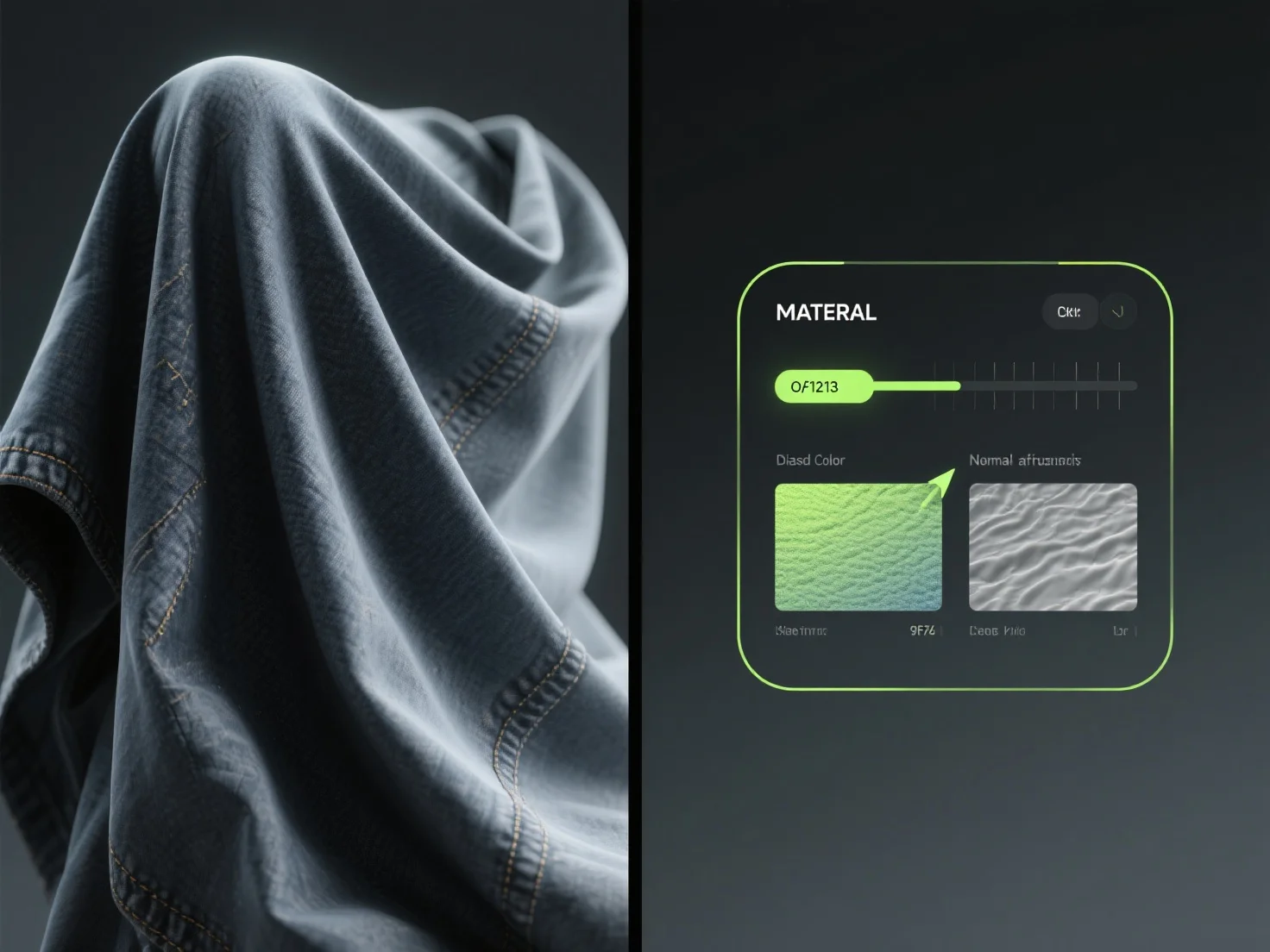
Um realistische Stofftexturen in 3D-Modellen zu erstellen, kombinieren Sie Texturkarten, Materialanpassungen und Simulationswerkzeuge.
Verwenden Sie hochauflösende Texturkarten.
Für bessere Ergebnisse beginnen Sie mit einfachen Stoffen.


Um realistische 3D-Stofftexturen zu erstellen, verwenden Sie Texturkarten, passen Sie Materialien an, wenden Sie Simulationen an und beginnen Sie mit einfachen Stoffen.