Chrome Extension
Turn any web image into a 3D model
Right-click or hover an image on any website and Hi3D starts generating in the side panel. Keep browsing while your model is being built.

Free to install · Generating uses your Hi3D credits



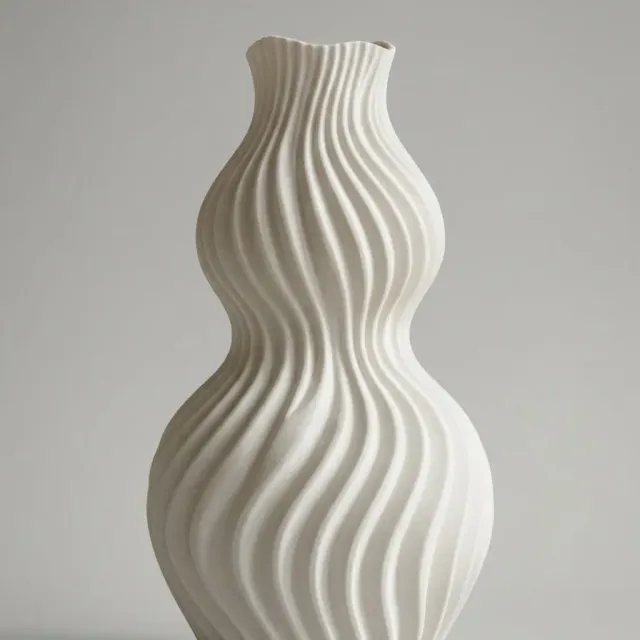
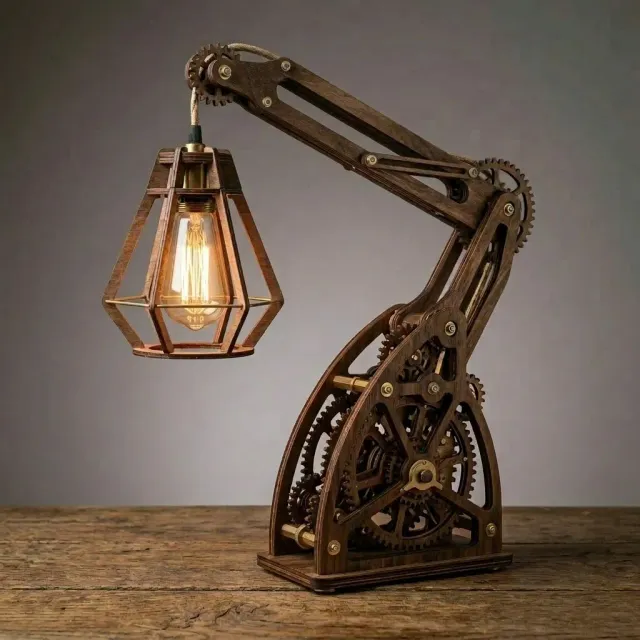









Real web images, real 3D models
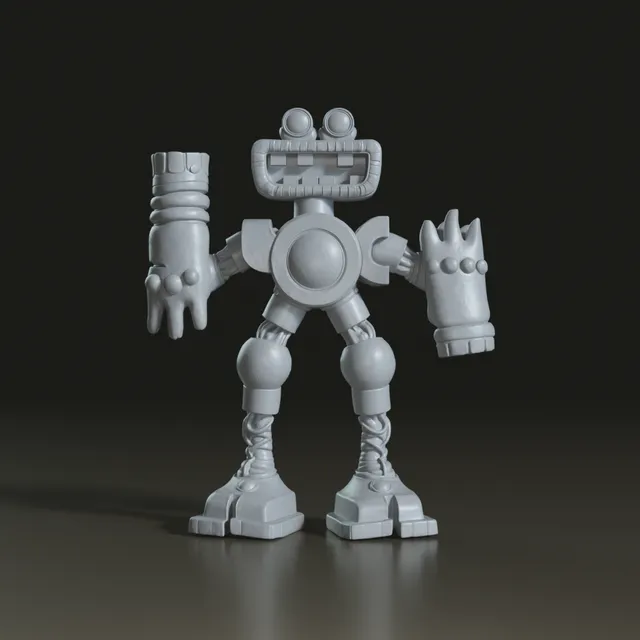
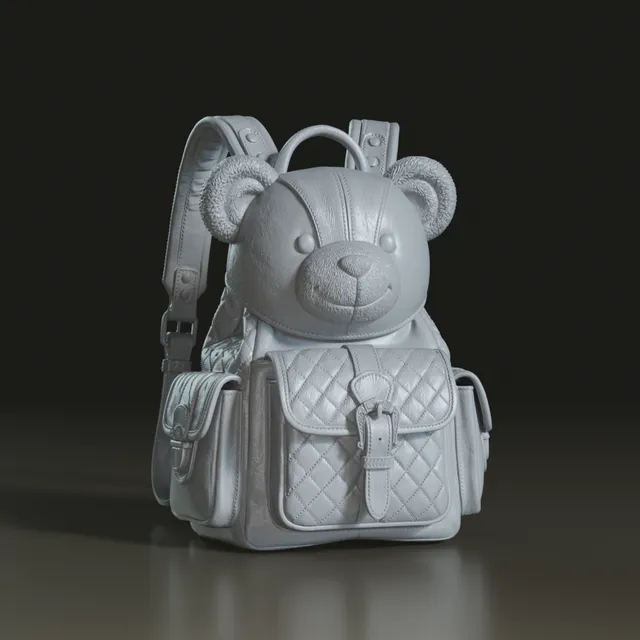
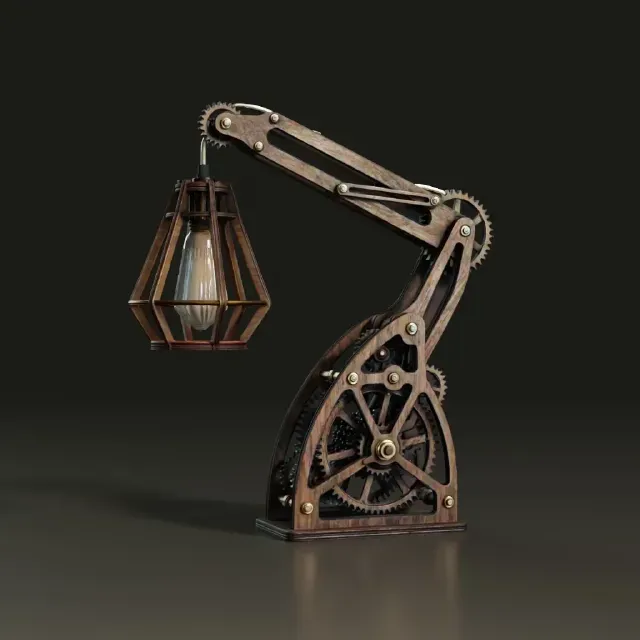
Hi3D generated each of these models from the single image shown next to it.
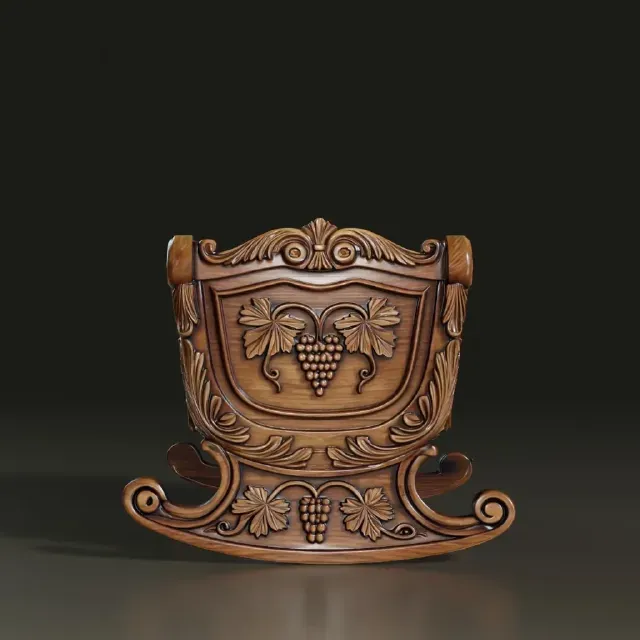
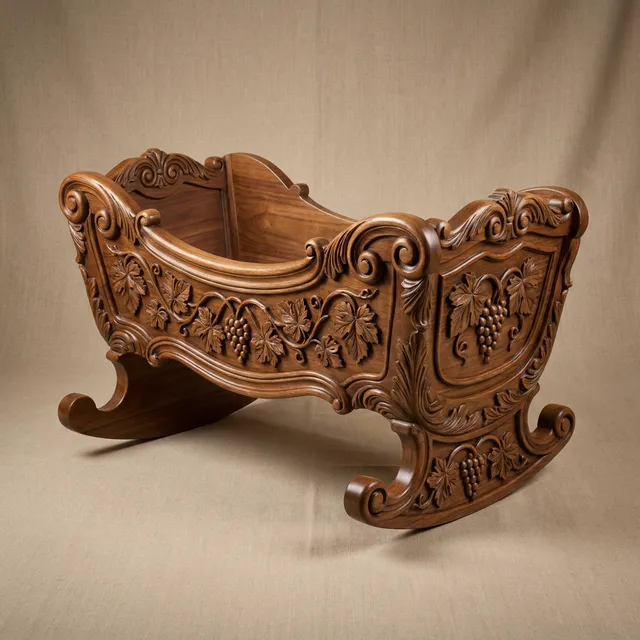 Source image

 Source image
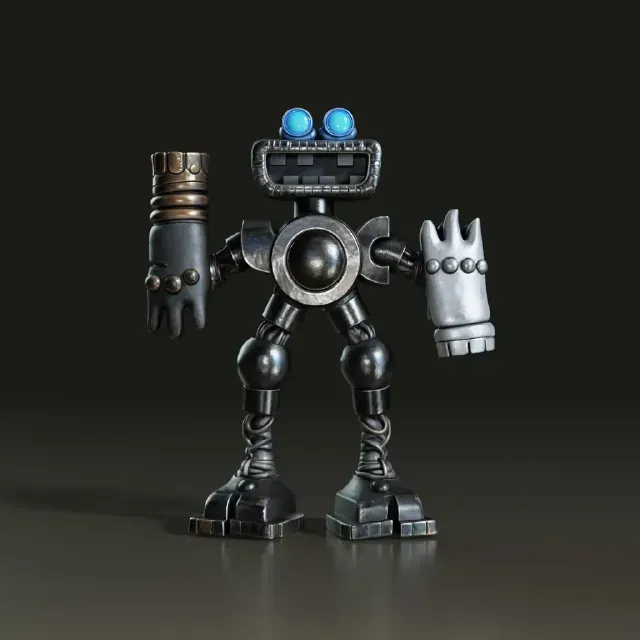
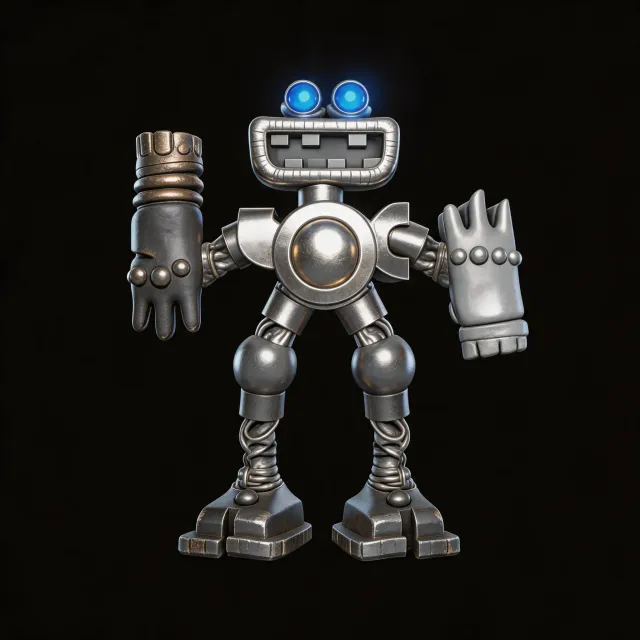 Source image
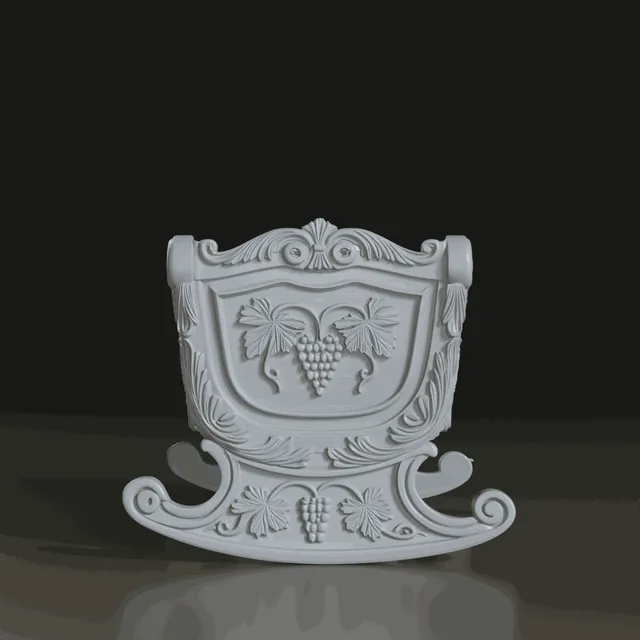
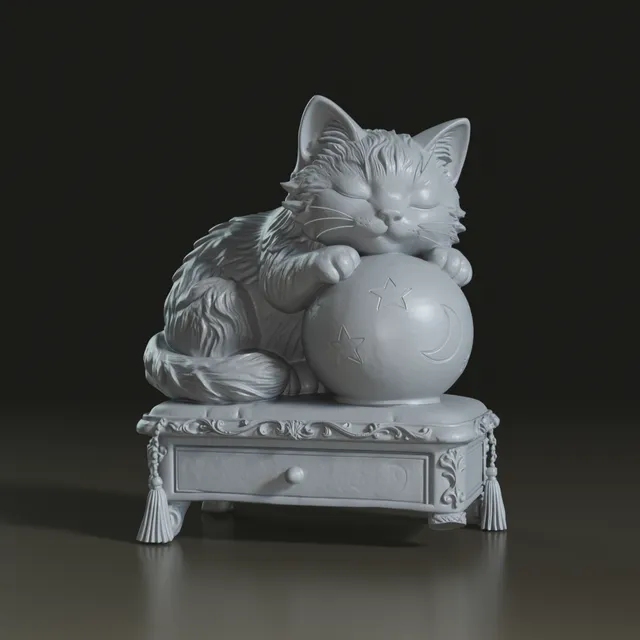
From a web image to a 3D model, in the same tab
No downloading, no re-uploading, no switching tabs.
Hover any image
A Generate 3D button appears on images as you browse. Click it and your model starts building right away.
Or right-click it
Prefer the context menu? Choose Generate 3D with Hi3D on any image. You can turn the hover button off in settings.
Follow along in the side panel
Progress shows in the side panel and on the toolbar icon. When the model is ready you get a notification, and you can open it in your Workspace.
More than one image at a time
Collect, batch and inspect without leaving the browser.
Find every image on a page
Open the side panel and click Find images on this page. Pick the ones you want and generate them all in one go.
Save images for later
Save an image with one click and generate from it whenever you are ready. Saving is free and never uses credits.
Preview 3D files
Drop a GLB, STL, OBJ, FBX, PLY or 3MF file into the side panel to inspect it. Files are opened locally and never uploaded.
Get started in three steps
It takes less than a minute, and you keep your Hi3D account and credits.
Add to Chrome
Open the extension page in the Chrome Web Store, click Add to Chrome, then pin Hi3D to your toolbar.
Sign in to Hi3D
Open the side panel and sign in with your existing Hi3D account. New here? You can create an account for free.
Pick an image
Hover or right-click any image and choose Generate 3D. The model appears in the side panel and in your Workspace.
What the extension can see
It only handles an image when you ask it to.
Only the images you choose
An image is sent to Hi3D only when you click Generate 3D or Save on it, or pick it after using Find images on this page. Nothing else on the page is uploaded.
No browsing history
The extension does not record the pages you visit and does not read page text.
Your existing account
You sign in with the same Hi3D account as on the web. Models are stored in your Workspace, just like the ones you create there.
Frequently asked questions
- Yes. It is built and maintained by the Hi3D team and uses the same account, credits and generation service as the Hi3D website.
Your next 3D model is one click away
Install the extension and turn the next image you see into a 3D model.