


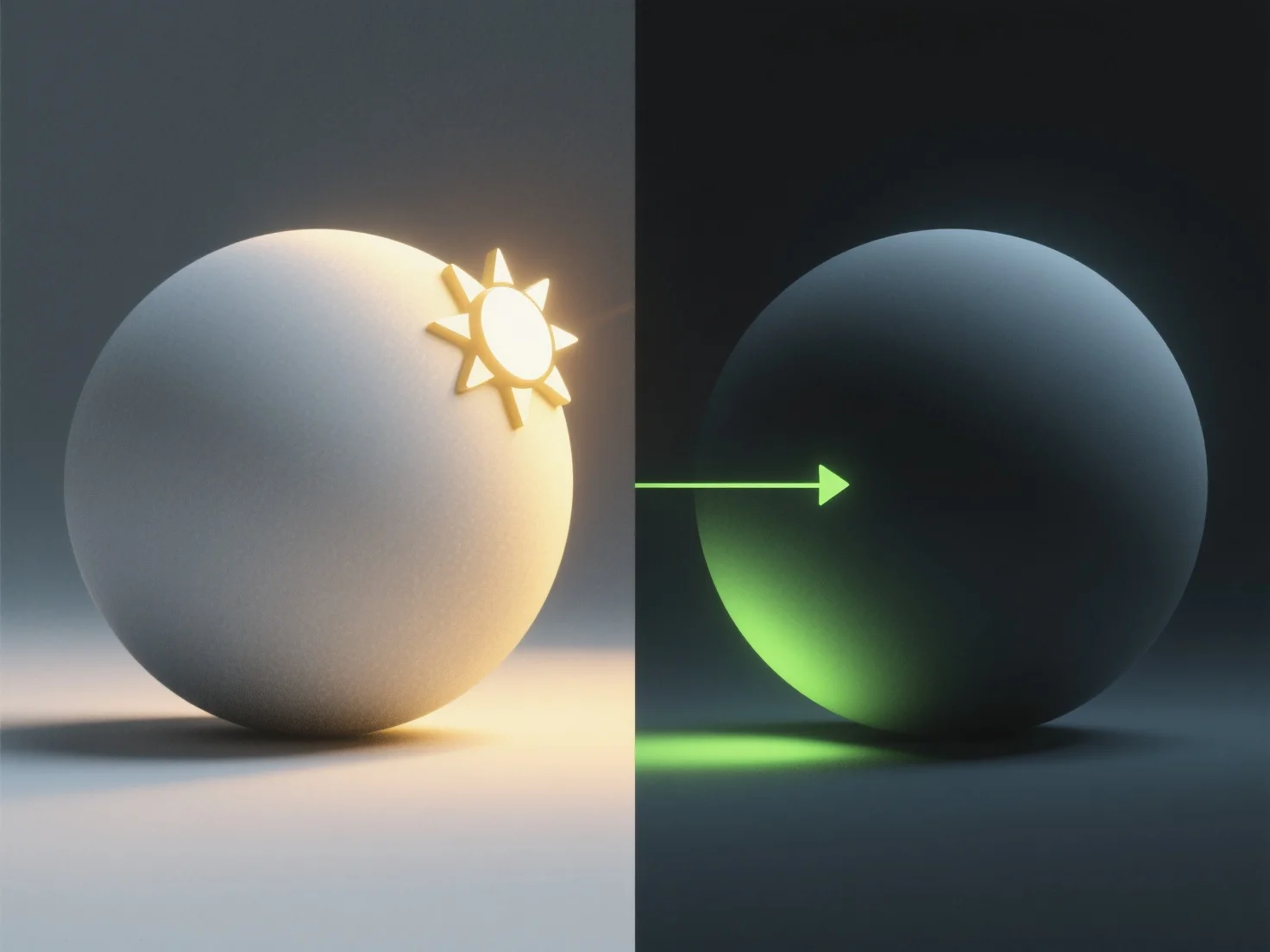
The process of adding lighting and shadows to a 3D model typically involves three key steps: setting up light sources, configuring shadow properties, and rendering the final effect.
First, set up light sources. Common types include directional (sun-like, parallel rays), point (omni-directional, emitting light from a single point), or spotlights (focused, cone-shaped), chosen based on the scene’s needs (e.g., natural outdoor vs. indoor focused lighting).
Next, configure shadow properties. Adjust parameters like shadow softness (blurred edges for realism), resolution (clarity of shadow details), and shadow distance (how far shadows extend from the object) to match the environment, such as in games or animations.
Finally, render the model. This step processes the light and shadow data to generate the final visual, enhancing depth and realism by simulating how light interacts with surfaces.