


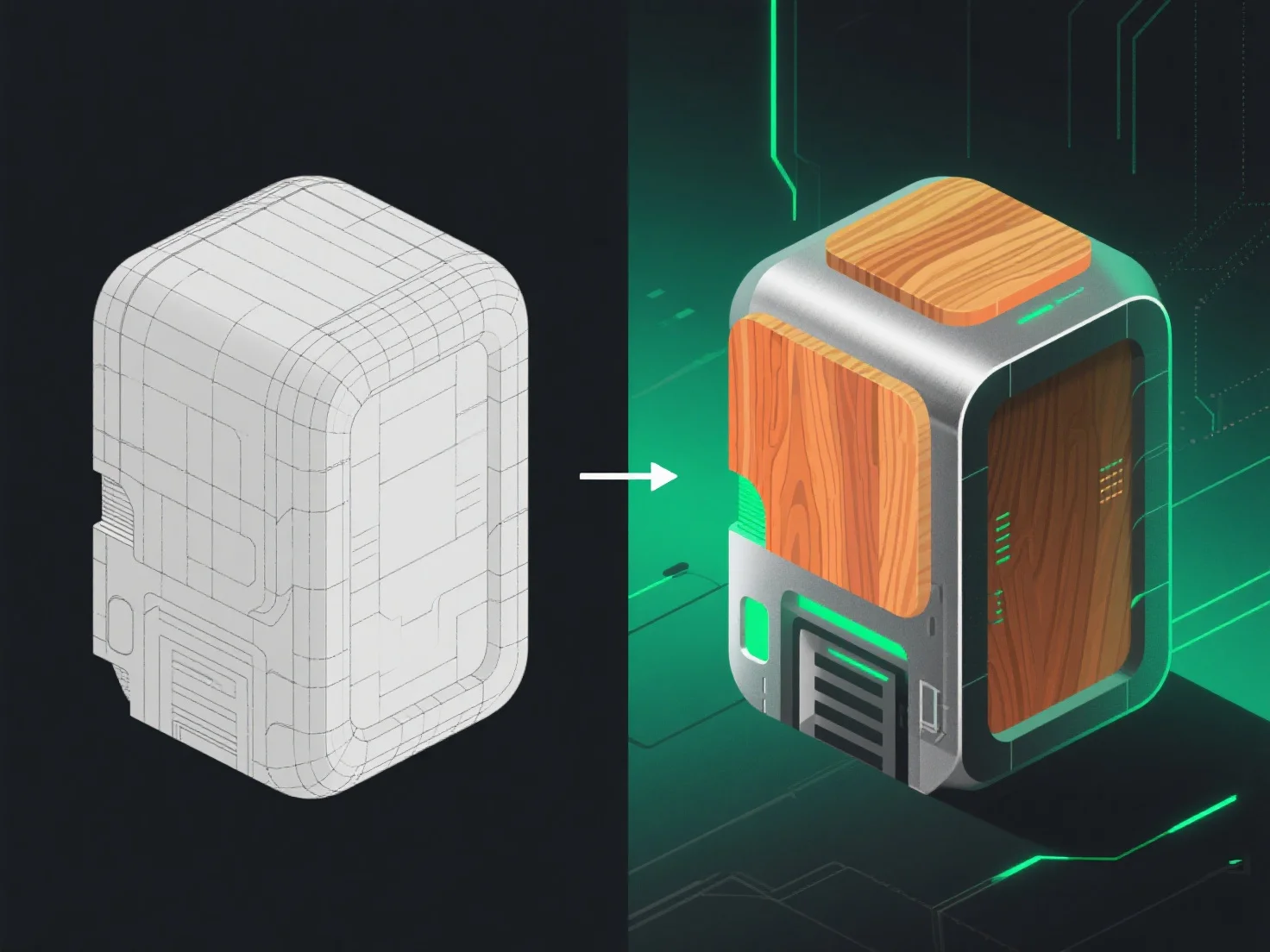
3D models transition from modeling to texturing through UV unwrapping, the critical step that connects geometry to texture application, ensuring textures align accurately with the model’s surface.
First, UV unwrapping flattens the 3D model’s surface into 2D coordinates, like unfolding a papercraft. This prevents texture distortion, mapping each 3D surface point to a specific area on a 2D "texture sheet."
Next, artists create or import texture maps (e.g., albedo for color, normal for depth, roughness for shine). These maps are applied to the unwrapped UVs, with each map layer adding distinct visual or material details.
In summary, UV unwrapping bridges modeling and texturing, enabling precise texture application to bring 3D models to life with realistic or stylized surfaces.