


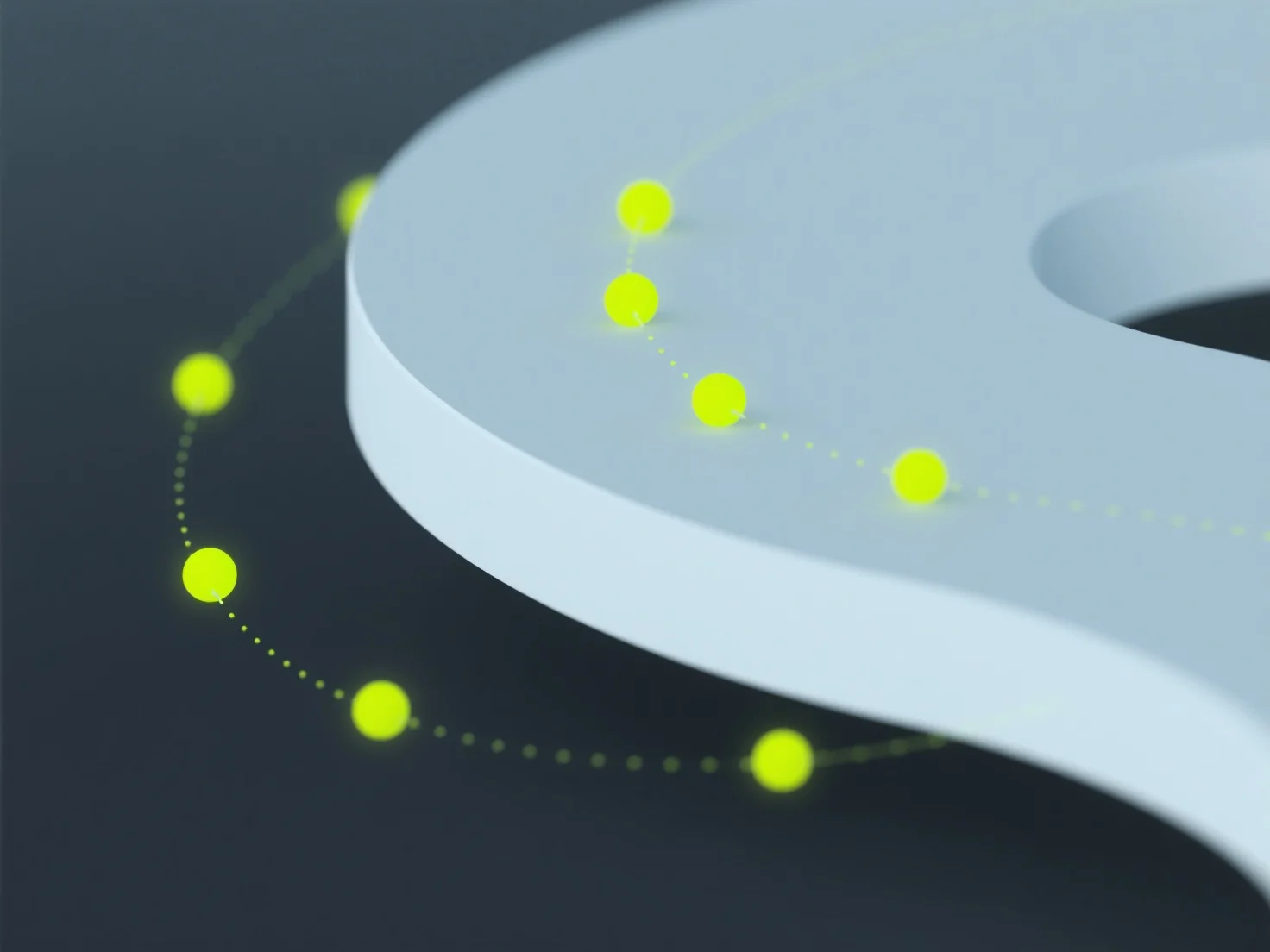
Control points in 3D curves are key reference points that directly influence the curve’s shape, trajectory, and smoothness in 3D space, acting as anchors to guide its form.
- Core role: They determine the curve’s geometry by controlling how it bends, stretches, or curves, with their positions dictating the overall path. - Common curve types: Widely used in parametric curves like Bezier or NURBS, where control points define the curve’s mathematical parameters. - 3D modeling application: Designers adjust control points to precisely shape surfaces (e.g., product exteriors) or character outlines, ensuring desired curvature.
In 3D software like Blender, manipulating control points offers an intuitive way to understand their effect, making them foundational for creating accurate, smooth 3D curves.