


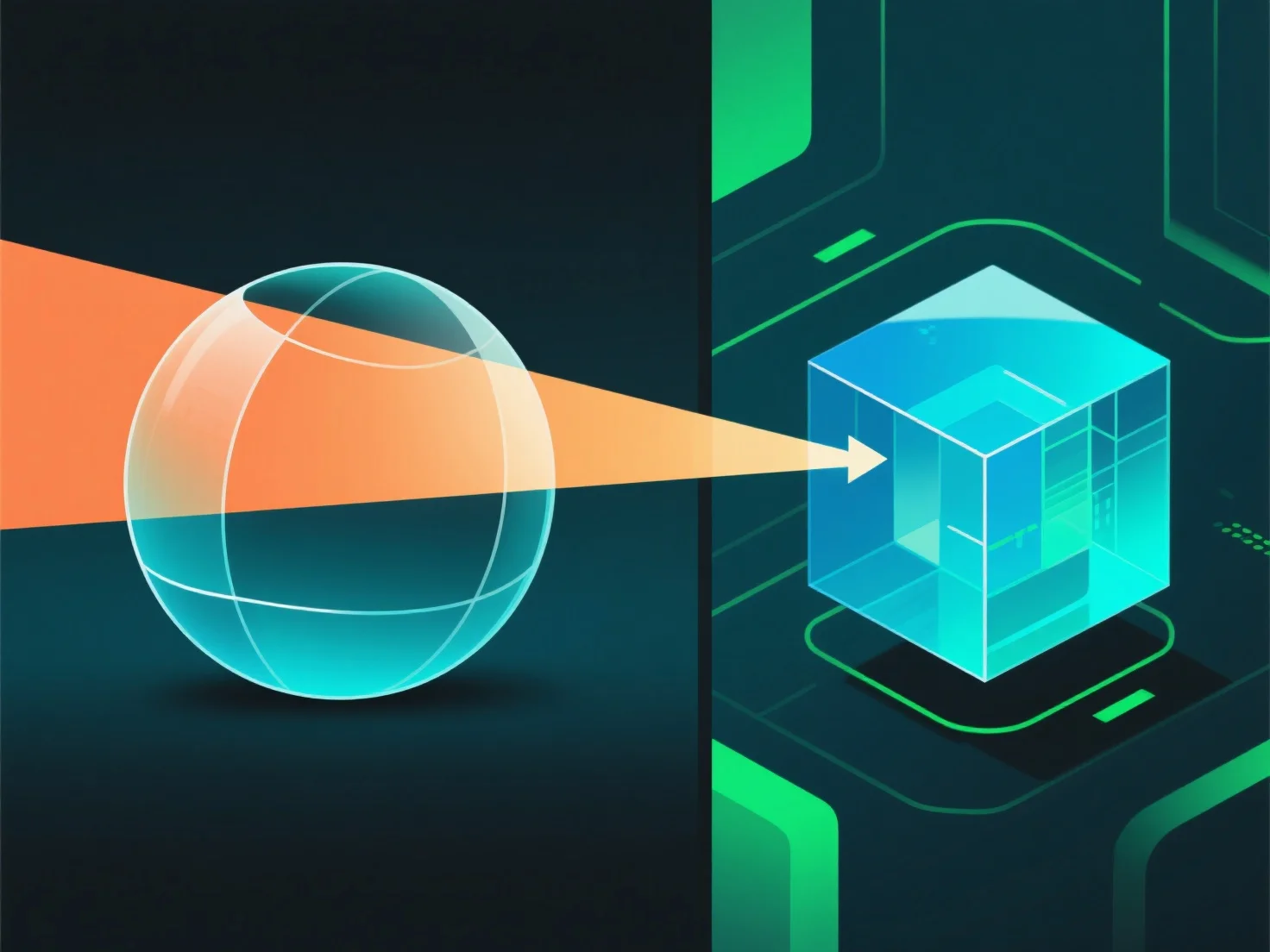
En el renderizado 3D, la transparencia en los materiales funciona simulando la interacción de la luz, incluyendo la transmisión, la absorción y la reflexión, para replicar los efectos visuales del mundo real.
- **Opacidad**: Controla la transmisión de la luz. Una alta opacidad bloquea la mayor parte de la luz (por ejemplo, plástico opaco), mientras que una baja opacidad permite que la luz pase a través (por ejemplo, vidrio transparente). - **Refracción**: Dobla la luz a medida que entra en el material, distorsionando los objetos detrás (por ejemplo, una pajita que parece doblarse en el agua). - **Reflexión superficial**: Parte de la luz rebota en la superficie. Incluso los materiales transparentes tienen reflejos sutiles.
Estos parámetros se combinan para imitar cómo se comporta la luz, creando efectos transparentes convincentes.