


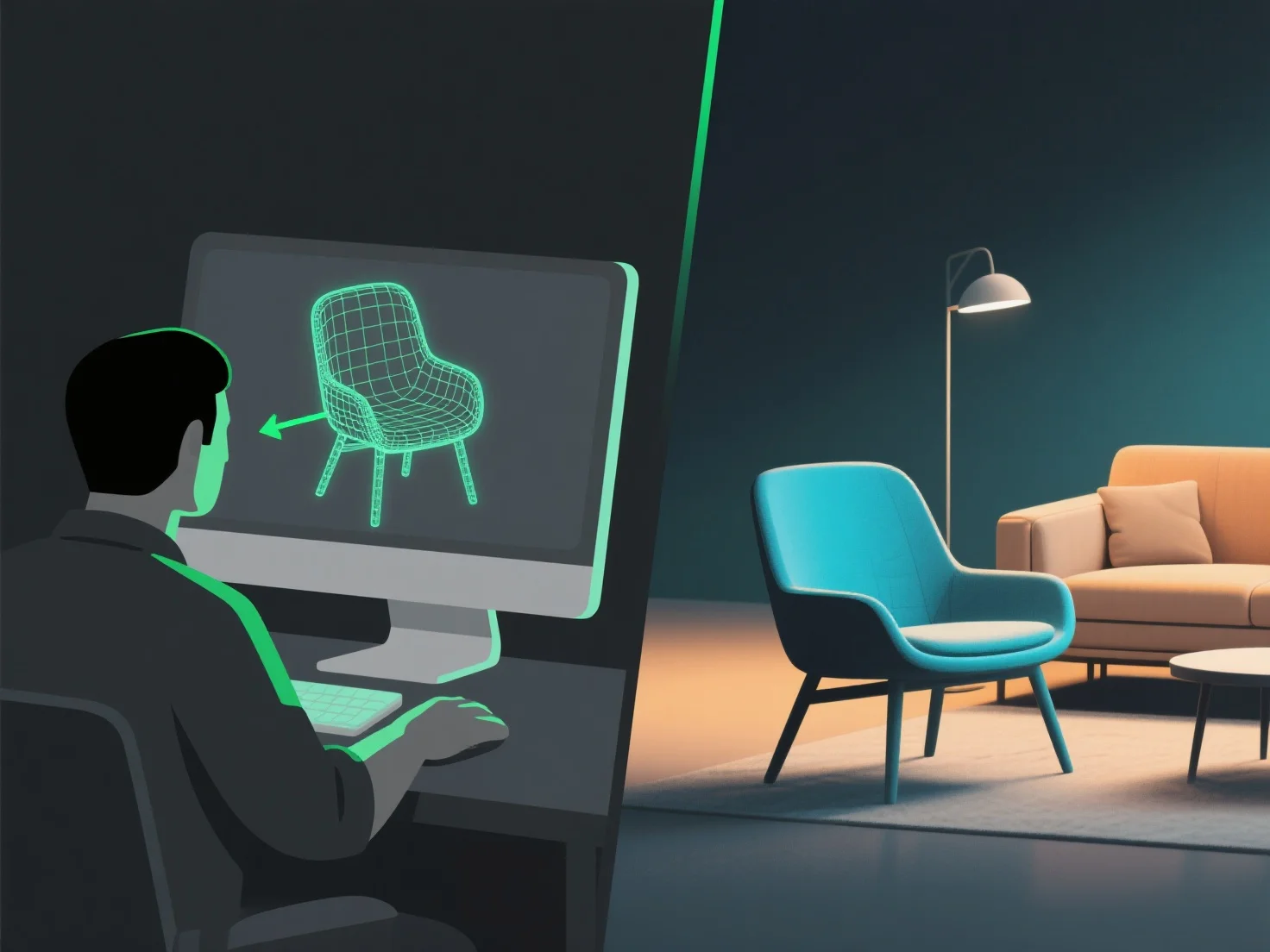
Um modelador 3D cria modelos 3D para aplicações de realidade aumentada, equilibrando restrições técnicas com desempenho em tempo real, garantindo uma integração perfeita com o mundo real através de etapas fundamentais de otimização e teste.
1. **Defina as restrições da plataforma AR**: Analise o poder de processamento do dispositivo, as especificações de exibição e as necessidades de renderização em tempo real para alinhar o modelo com a demanda da AR por uma interação suave. 2. **Otimize os detalhes do modelo**: Reduza a contagem de polígonos para diminuir a carga, use texturas leves e simplifique a geometria para evitar atrasos durante a renderização. 3. **Exporte em formatos compatíveis com AR**: Escolha formatos como GLB ou USDZ, amplamente suportados por ferramentas como ARKit e ARCore para uma fácil integração. 4. **Teste em ambientes AR**: Valide o modelo usando ferramentas de desenvolvimento AR para verificar a estabilidade do rastreamento, a adaptação da iluminação e a forma como ele se sobrepõe aos espaços reais.
Ao seguir estes passos, o modelador garante que o recurso 3D é visualmente eficaz e tecnicamente viável para aplicações de RA.