


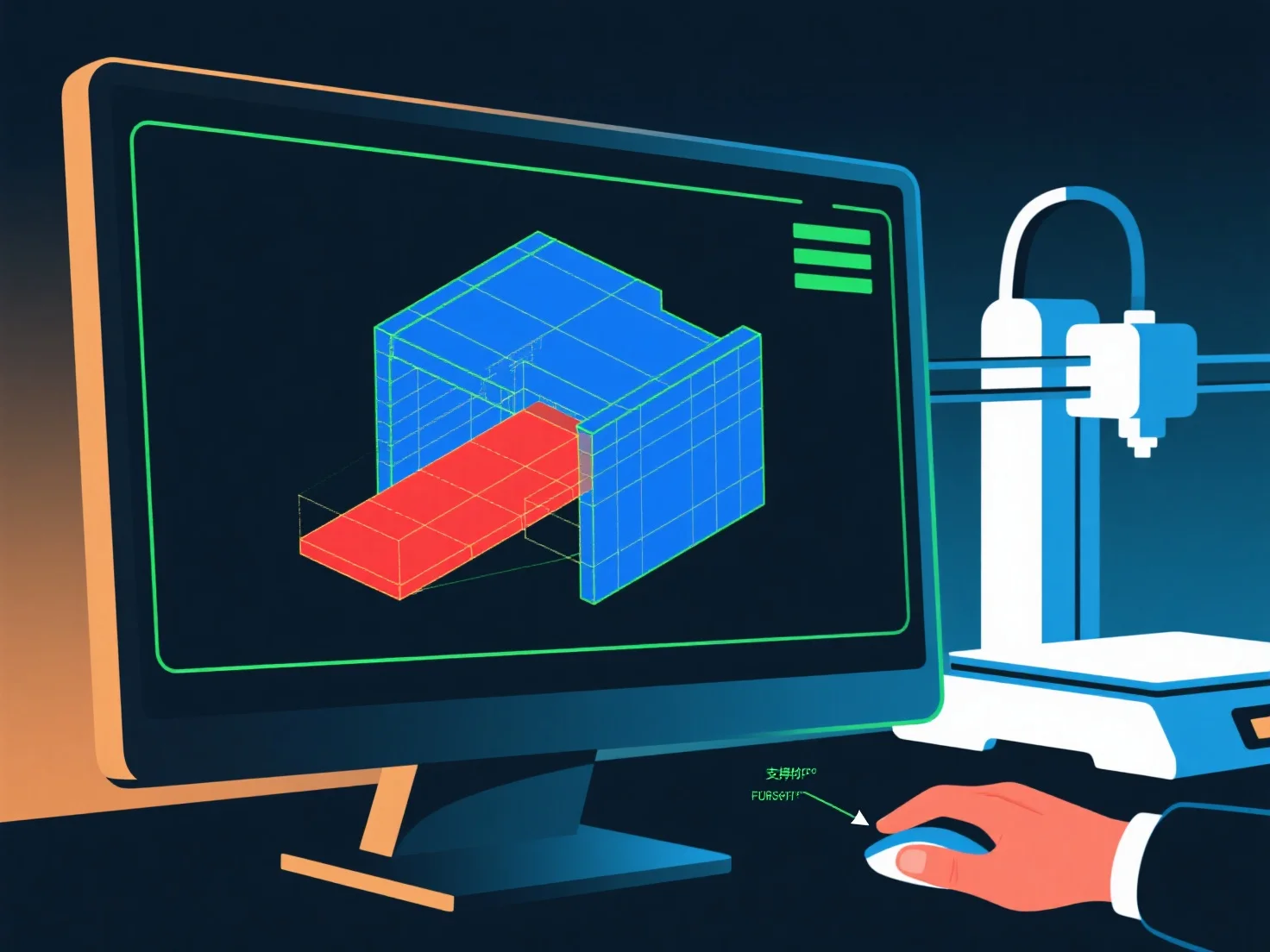
Um modelador 3D garante a prontidão para impressão 3D, verificando a integridade geométrica, a estabilidade estrutural e a imprimibilidade, com verificações fundamentais para evitar falhas comuns.
Primeiro, confirme se o modelo é estanque: Corrija lacunas, buracos ou arestas não-manifestas (arestas que ligam a <2 ou >2 faces), pois estas causam erros de corte.
Em segundo lugar, mantenha a espessura adequada das paredes: Certifique-se de que as paredes são suficientemente espessas (1-3 mm, dependendo do material) para evitar quebras; elimine as secções demasiado finas que são propensas a colapsar.
Em terceiro lugar, gerir os saliências: Mantenha ângulos ≤45° sempre que possível; para saliências mais íngremes, adicione suportes através de software de modelagem ou redesenhe para reduzir as áreas não suportadas.
Finalmente, teste com ferramentas de slicer: pré-visualize camadas, verifique se há erros e ajuste as configurações.